NIGHT SERVICE/UNATTENDED OPERATION
To Change the Night Answer Point
l
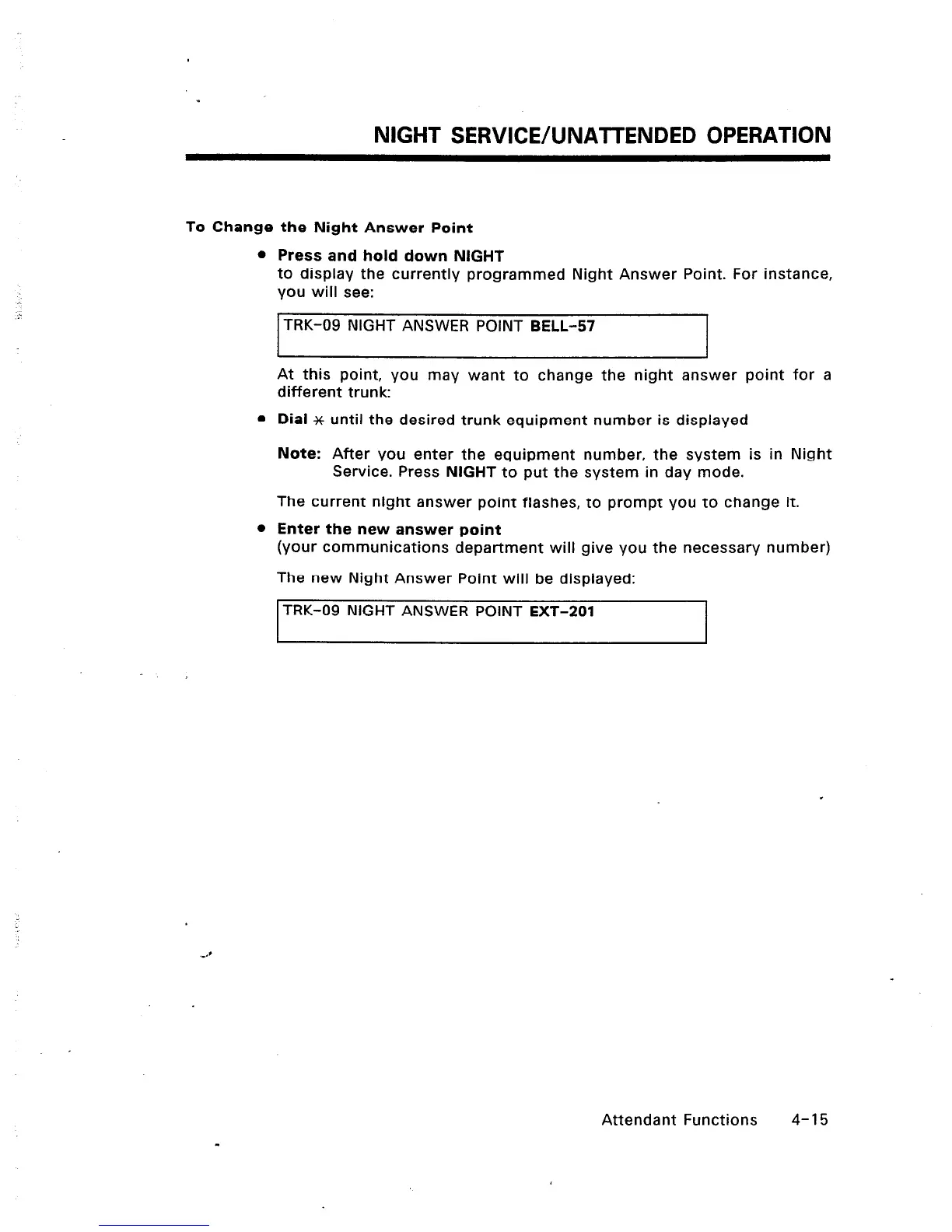
Press and hold down NIGHT
to display the currently programmed Night Answer Point. For instance,
you will see:
TRK-09 NIGHT ANSWER POINT BELL-57
At this point, you may want to change the night answer point for a
different trunk:
l
Dial x until the desired trunk equipment number is displayed
Note: After you enter the equipment number, the system is in Night
Service. Press NIGHT to put the system in day mode.
The current night answer point flashes, to prompt you to change it.
l
Enter the new answer point
(your communications department will give you the necessary number)
The new Night Answer Point will be displayed:
ITRK-09 NIGHT ANSWER POINT EXT-201
I
Attendant Functions 4-15













 To Next Page