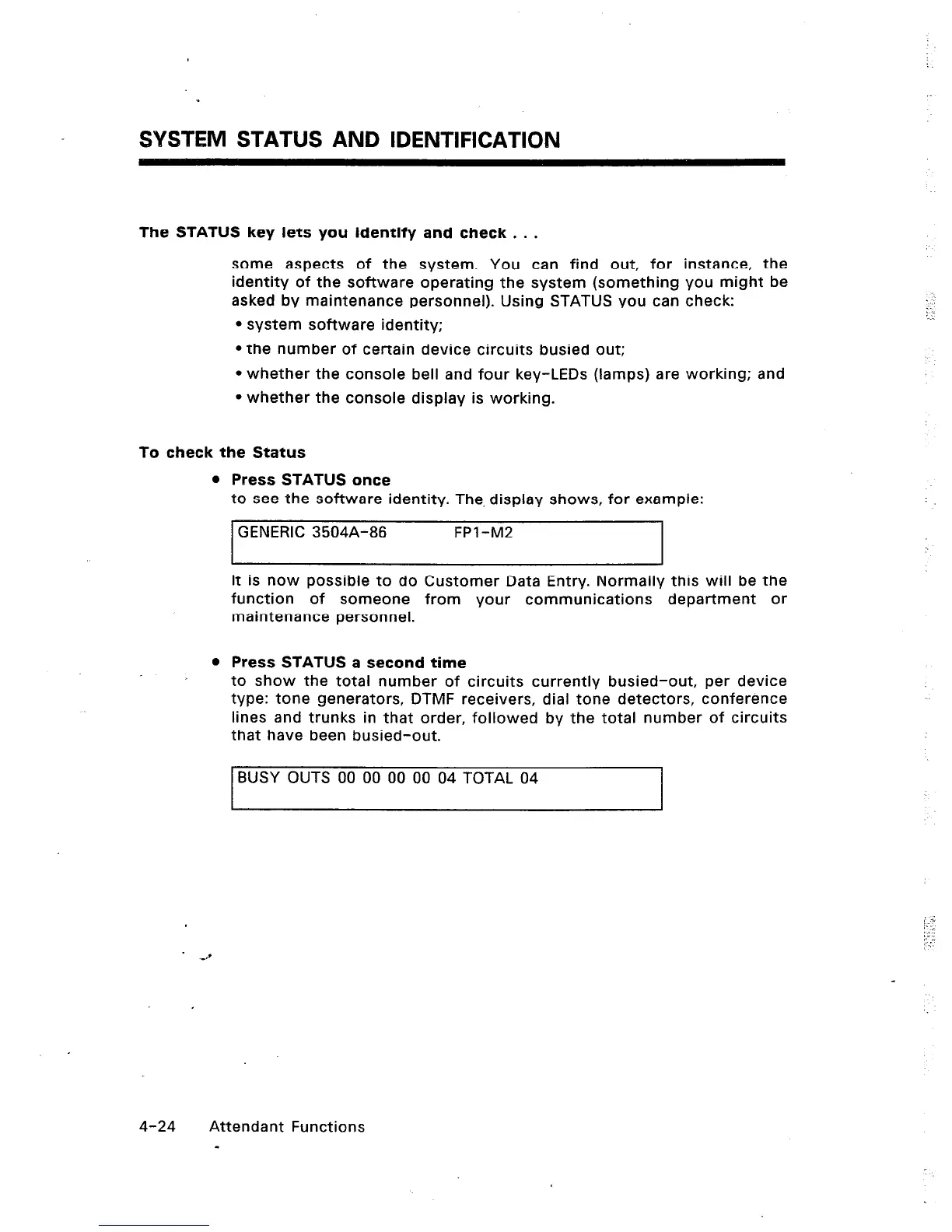
SYSTEM STATUS AND IDENTIFICATION
The STATUS key lets you identify and check . . .
some aspects of the system. You can find out, for instance, the
identity of the software operating the system (something you might be
asked by maintenance personnel). Using STATUS you can check:
l
system software identity;
l
the number of certain device circuits busied out;
l
whether the console bell and four key-LEDs (lamps) are working; and
l
whether the console display is working.
To check the Status
l
Press STATUS once
to see the software identity. The. display shows, for example:
GENERIC 3504A-86 FPI -M2
It is now possible to do Customer Data Entry. Normally this will be the
function of someone from your communications department or
maintenance personnel.
l
Press STATUS a second time
to show the total number of circuits currently busied-out, per device
type: tone generators, DTMF receivers, dial tone detectors, conference
lines and trunks in that order, followed by the total number of circuits
that have been busied-out.
BUSY OUTS 00 00 00 00 04 TOTAL 04
4-24 Attendant Functions
-













 To Next Page