/AD/ADJUSTMENTS
-, ..- ;,
: ;-
..“..
:
To Turn
The Console Bell will ring continuously.
0 Press Volume A or Volume V
0
OR
l
Press Contrast A or Contrast V
until desired level is reached.
l
Release STATUS
Off (Mute) the Console Bell
l
Press BELL
12:02 2-FEB
MUTE
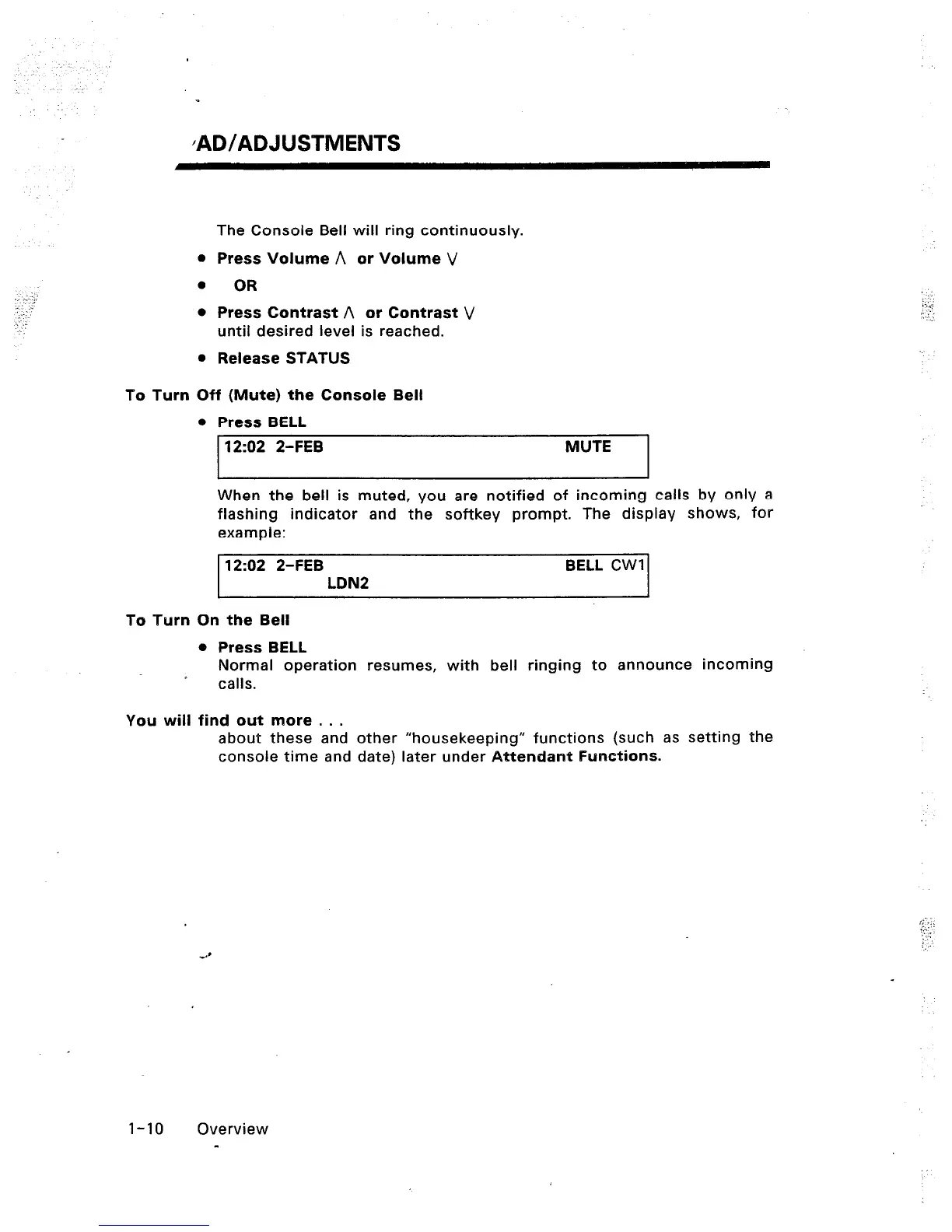
When the bell is muted, you are notified of incoming calls by only a
flashing indicator and the softkey prompt. The display shows, for
example:
12:02 2-FEB BELL CWI
LDN2
To Turn On the Bell
You will
0 Press BELL
Normal operation resumes, with bell ringing to announce incoming
calls.
find out more . . .
about these and other “housekeeping” functions (such as setting the
console time and date) later under Attendant Functions.
I-10 Overview
-













 To Next Page