OUTSIDE CALLS
So far . . .
we’ve dealt with answering calls and extending them to extensions.
You can also use the console to make outside calls as described here.
To Call an Outside Number
l
Dial the Trunk Group Access Code
(usually 9 - fill in the code used in your organization below)
The system connects you to an available trunk. You may hear dial
tone.
l
Dial the outside telephone number
(including area code, if needed)
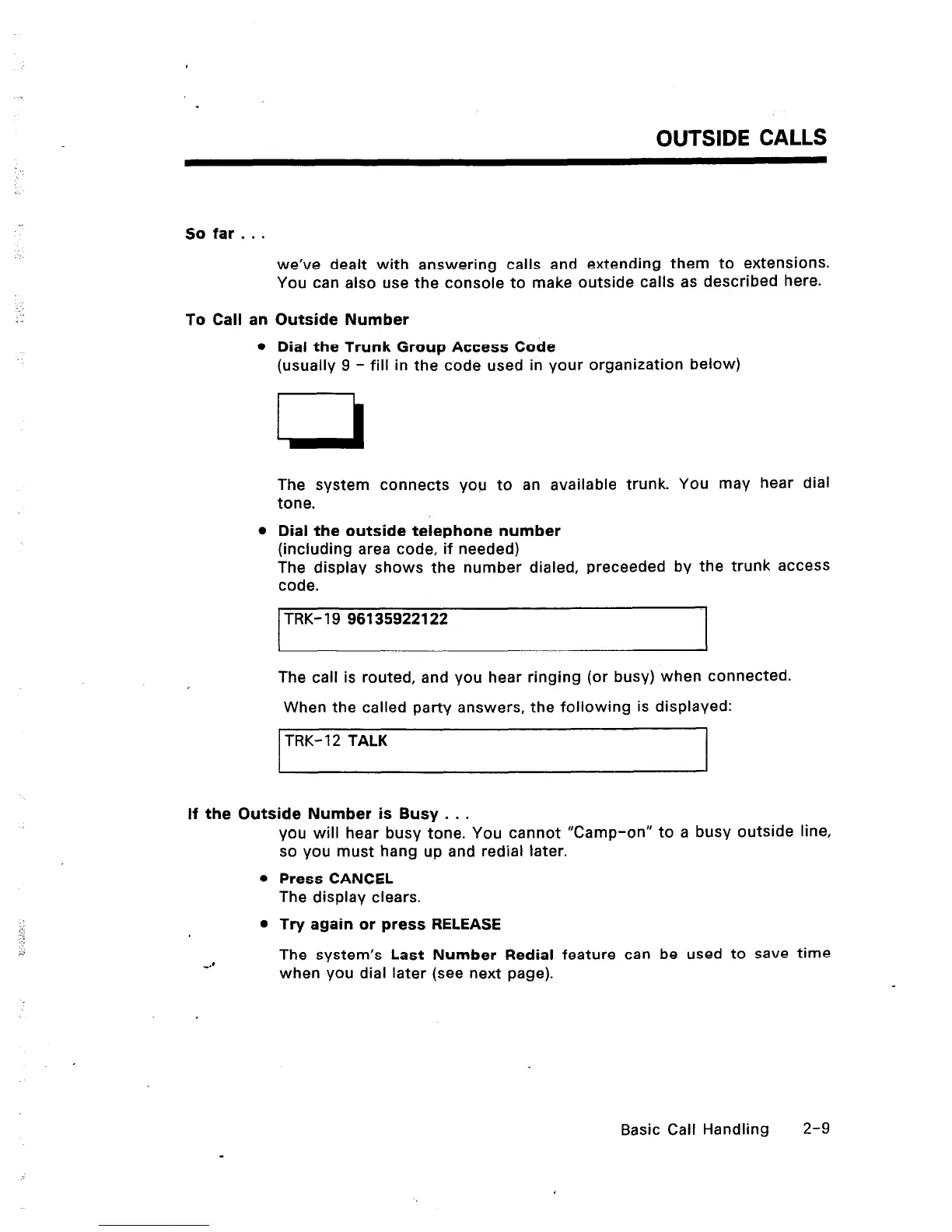
The display shows the number dialed, preceeded by the trunk access
code.
I
TRK-19 96135922122
I
The call is routed, and you hear ringing (or busy) when connected.
When the called party answers, the following is displayed:
TRK- 12 TALK
If the Outside Number is Busy . . .
you will hear busy tone. You cannot “Camp-on” to a busy outside line,
so you must hang up and redial later.
0 Press CANCEL
The display clears.
l
Try again or press RELEASE
4’
The system’s Last Number Redial feature can be used to save time
when you dial later (see next page).
Basic Call Handling 2-9













 To Next Page