EXTENDING CALLS
Once you have answered a call . . .
you will usually connect the caller to -an extension. This is known as
“extending” the call.
To Connect a Call to a Free Extension
l
Dial the extension number
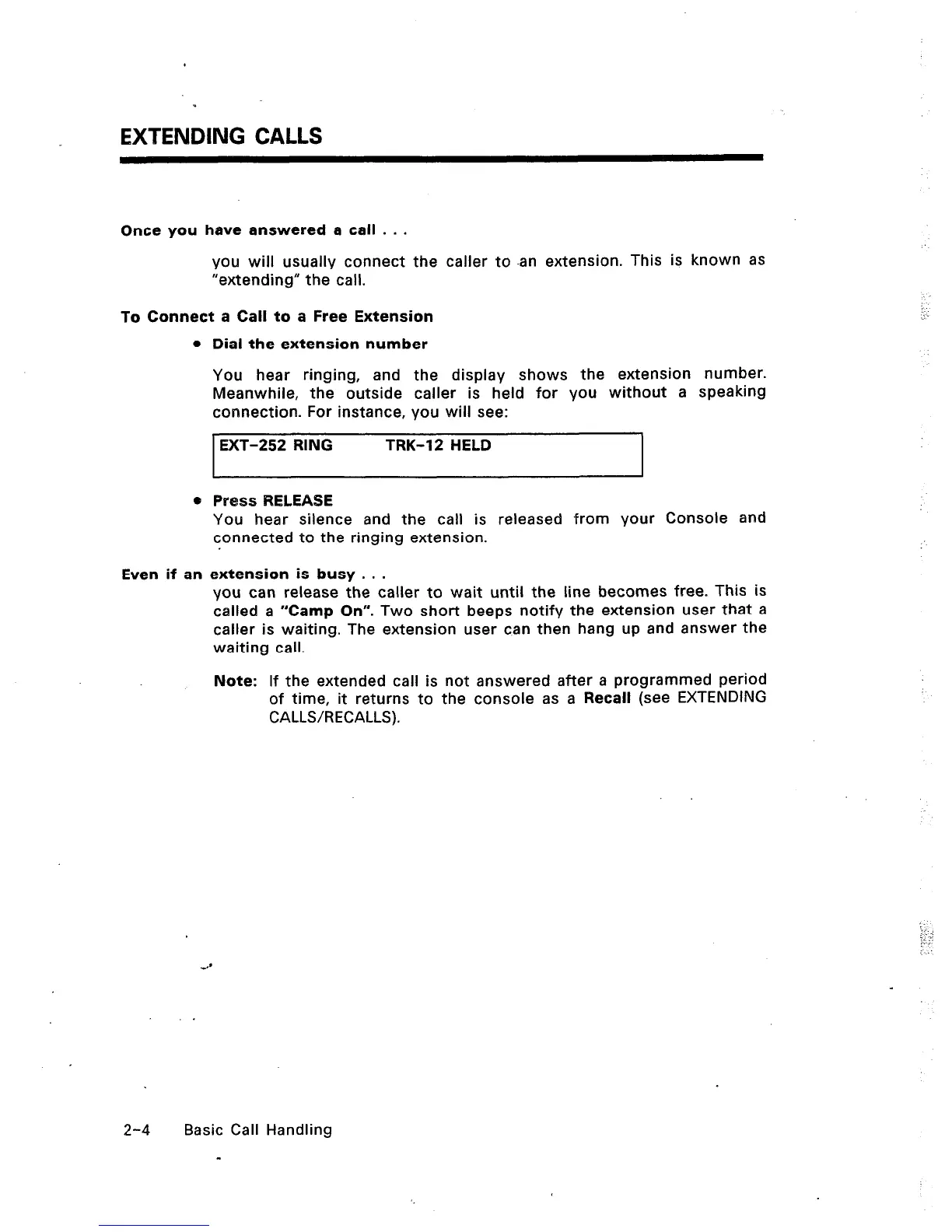
You hear ringing, and the display shows the extension number.
Meanwhile, the outside caller is held for you without a speaking
connection. For instance, you will see:
EXT-252 RING
TRK-12 HELD
I
e Press RELEASE
You hear silence and the call is released from your Console and
connected to the ringing extension.
Even if an extension is busy . . .
you can release the caller to wait until the line becomes free. This is
called a “Camp On”. Two short beeps notify the extension user that a
caller is waiting. The extension user can then hang up and answer the
waiting call.
Note: If the extended call is not answered after a programmed period
of time, it returns to the console as a Recall (see EXTENDING
CALLS/RECALLS).
2-4 Basic Call Handling
-













 To Next Page