ABBREVlATED DlALlNG
l
Dial the entry number to be viewed
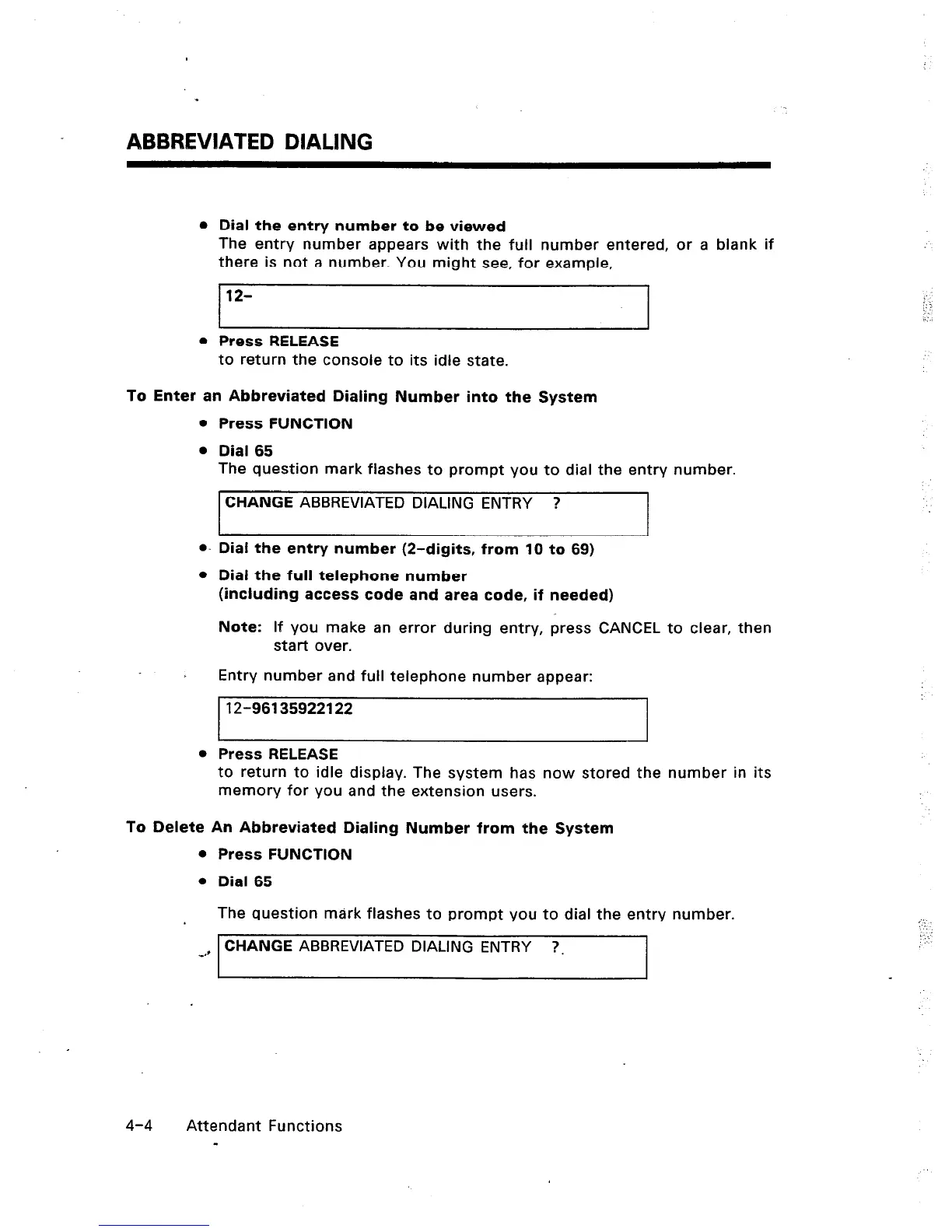
The entry number appears with the full number entered, or a blank if
there is not a number. You might see, for example,
12-
0 Press RELEASE
to return the console to its idle state.
To Enter an Abbreviated Dialing Number into the System
a.
l
l
Press RELEASE
Press FUNCTION
Dial 65
The question mark flashes to prompt you to dial the entry number.
CHANGE ABBREVIATED DIALING ENTRY ?
Dial the entry number (2-digits, from 10 to 69)
Dial the full telephone number
(including access code and area code, if needed)
Note: If you make an error during entry, press CANCEL to clear, then
start over.
Entry number and full telephone number appear:
12-96135922122
to return to idle display. The system has now stored the number in its
memory for you and the extension users.
To Delete An Abbreviated Dialing Number from the System
Press FUNCTION
Dial 65
The question mark flashes to prompt you to dial the entry number.
CHANGE ABBREVIATED DIALING ENTRY ?.
. .
: :.
4-4 Attendant Functions
-













 To Next Page