To Speak to Both Parties (Conference)
EXTENDING CALLS/BOTH
You may want to speak to both parties at the same time.
Once you have a connection to one, and the other on temporary hold,
l
Press BOTH
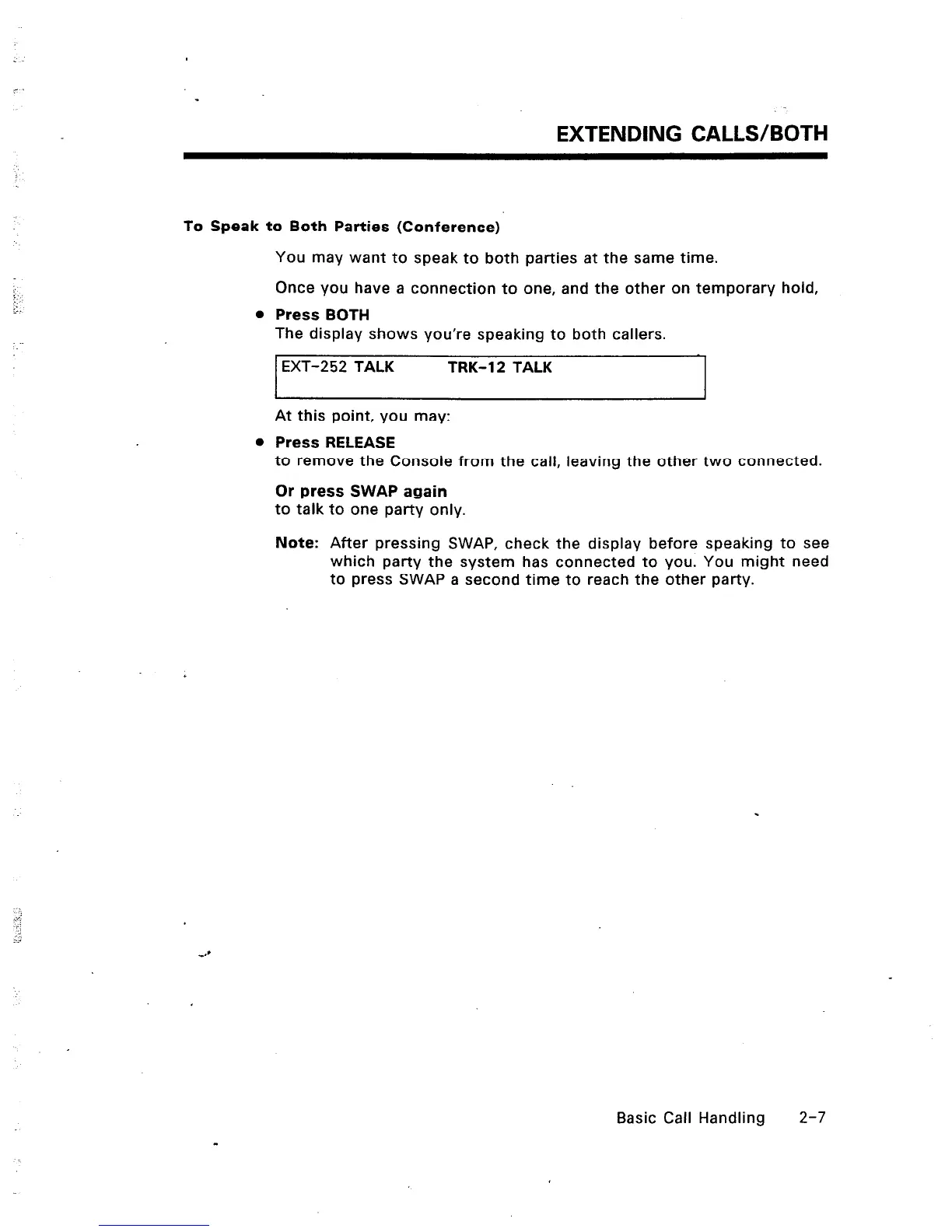
The display shows you’re speaking to both callers.
EXT-252 TALK TRK-12 TALK
I
At this point, you may:
l
Press RELEASE
I
to remove the Console from the call, leaving the other two connected.
Or press SWAP again
to talk to one party only.
Note: After pressing SWAP, check the display before speaking to see
which party the system has connected to you. You might need
to press SWAP a second time to reach the other party.
Basic Call Handling
2-7













 To Next Page