OVERFLOW
Sometimes you have so many incoming calls . . .
that you are overwhelmed trying to deal with them properly. Or you
may need to be away from the console for a short time. Overflow lets
you deal with both these situations by temporarily diverting all calls
from the console to a programmed alternate answering point.
To Activate Overflow
l
Press OVERFLOW
The system is in overflow mode, and extension users are now able to
dial the TAFAS code to answer the calls that are ringing the console.
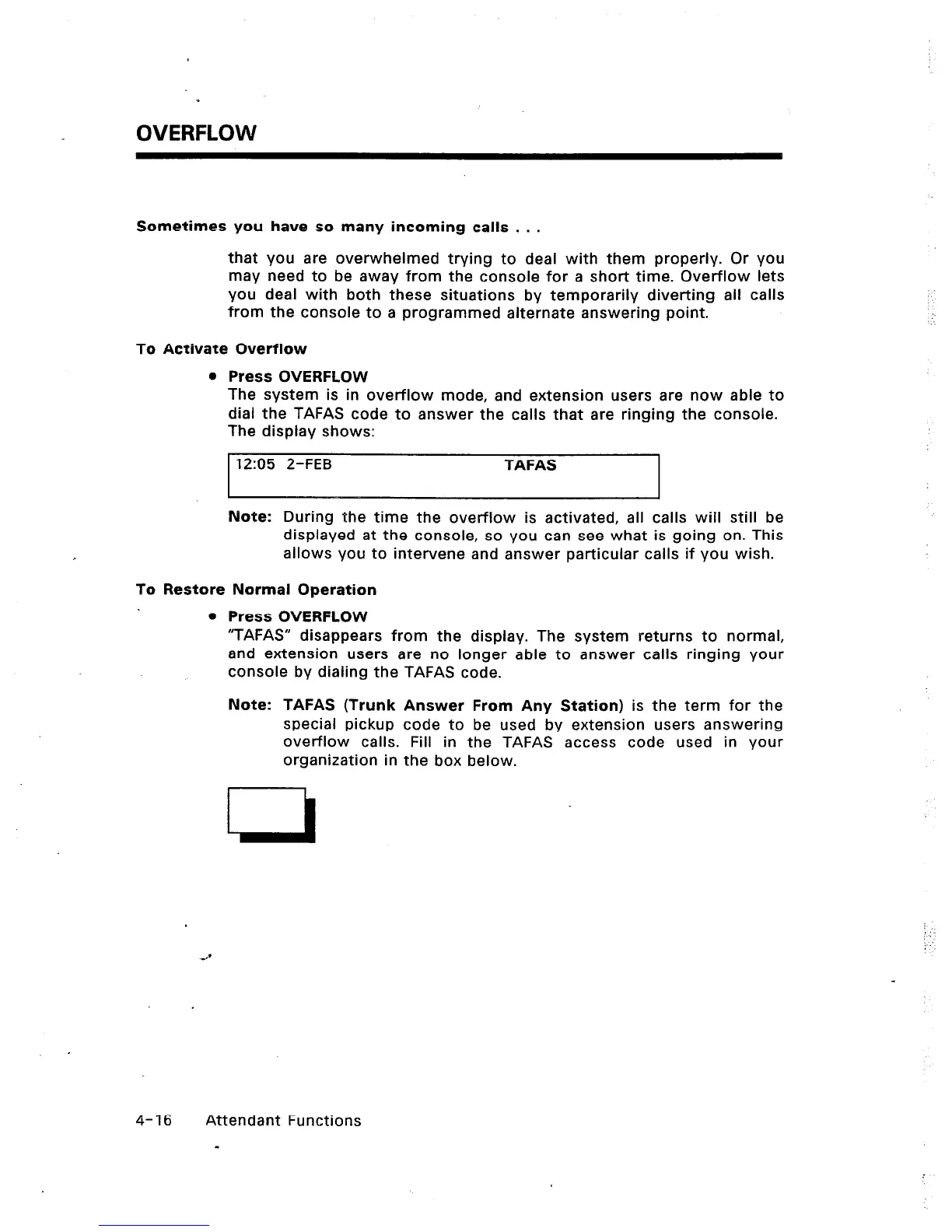
The display shows:
12:05 2-FEB TAFAS
.‘.
Note: During the time the overflow is activated, all calls will still be
displayed at the console, so you can see what is going on. This
allows you to intervene and answer particular calls if you wish.
To Restore Normal Operation
l
Press OVERFLOW
“TAFAS” disappears from the display. The system returns to normal,
and extension users are no longer able to answer calls ringing your
console by dialing the TAFAS code.
Note: TAFAS (Trunk Answer From Any Station) is the term for the
special pickup code to be used by extension users answering
overflow calls. Fill in the TAFAS access code used in your
organization in the box below.
.:
4-16 Attendant Functions













 To Next Page