MESSAGE WAITING
You will sometimes have to take a message . . .
for an extension user, then set up a message waiting indication on
their telephone set. A SUPERSET 4TM
user is notified by a small “MSG”
on the SUPERSET 4 display; on standard telephone sets, the indicator
is either a periodic ring or a flashing lamp.
To Set A Message Waiting Indicator While Connected to the Extension
Remain connected to the busy/unanswered extension
Press MESSAGE
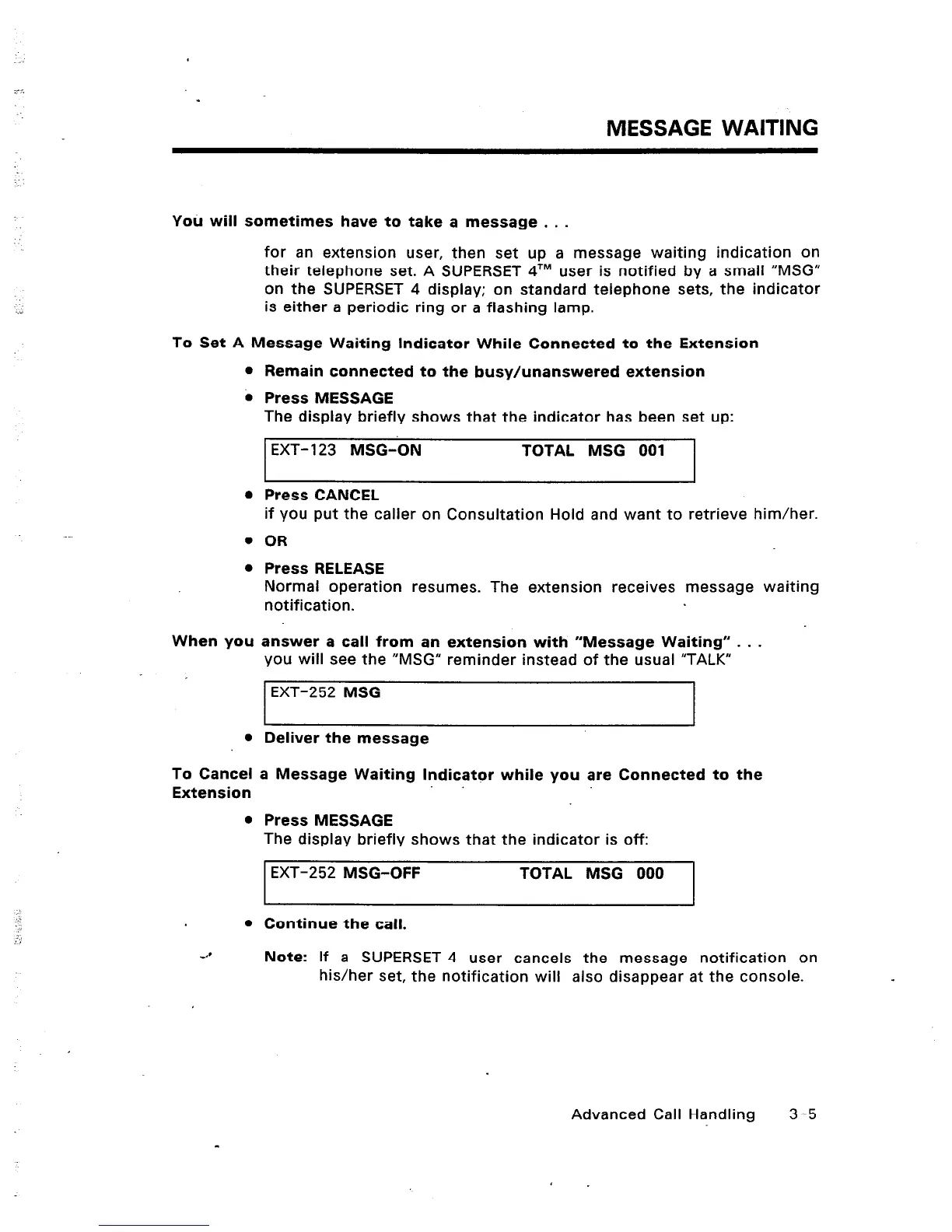
The display briefly shows that the indicator has been set up:
EXT- 123 MSG-ON TOTAL MSG 001
l
Press CANCEL
When you
l
Deliver the message
To Cancel
Extension
l
if you put the caller on Consultation Hold and want to retrieve him/her.
OR
Press RELEASE
Normal operation resumes. The extension receives message
notification.
answer a call from an extension with “Message Waiting” . . .
you will see the “MSG” reminder instead of the usual “TALK”
EXT-252 MSG
a Message Waiting Indicator while you are Connected to the
Press MESSAGE
The display briefly shows that the indicator is off:
EXT-252 MSG-OFF TOTAL MSG 000
waiting
I
Continue the call.
I
Note: If a SUPERSET 4 user cancels the message notification on
his/her set, the notification will also disappear at the console.
Advanced Call Handling 3-5













 To Next Page