MESSAGE WAITING
You can also review, set up or cancel . . .
any or all message indications while your console is idle.
To Review the Extensions with a Message Waiting
While the console is idle,
l
Press and hold down MESSAGE
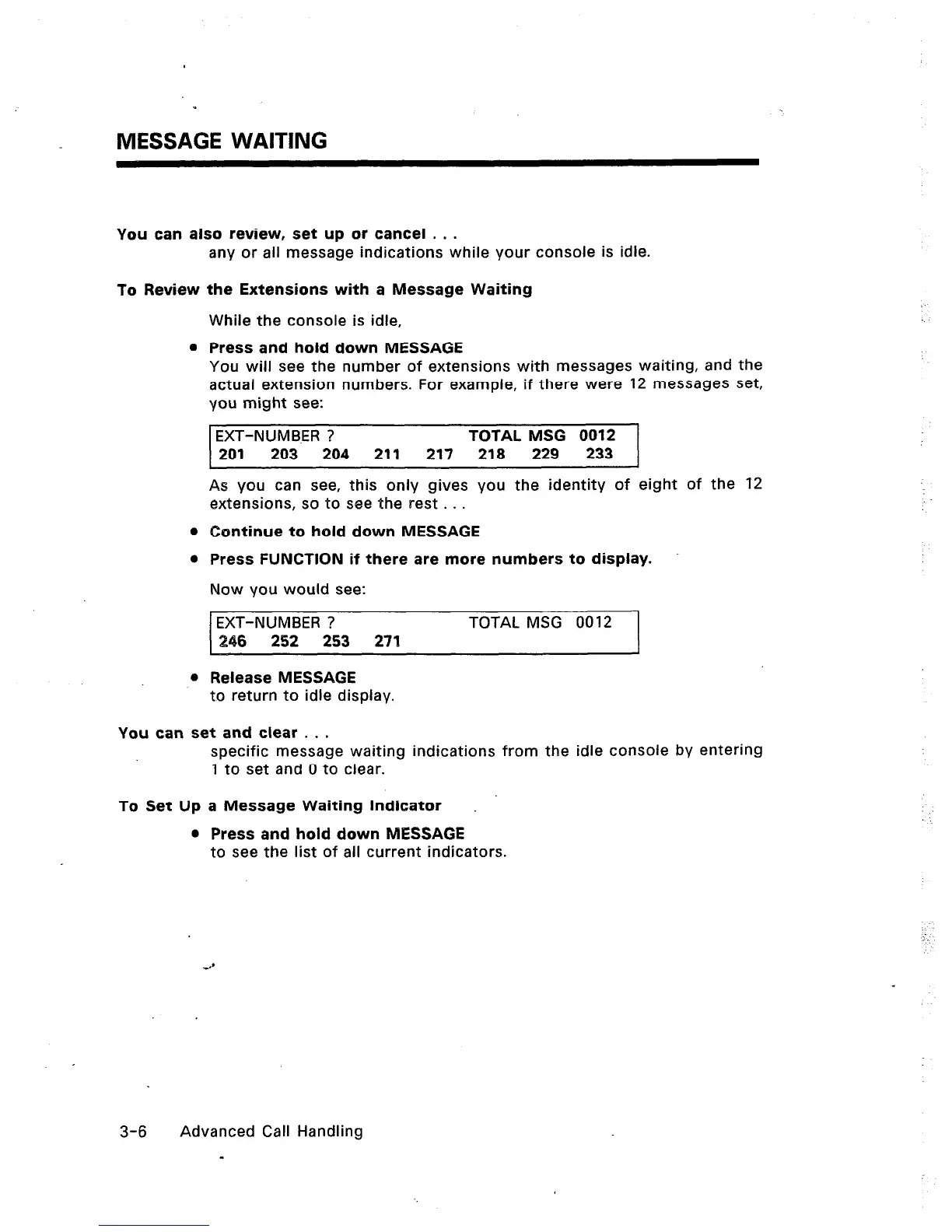
You will see the number of extensions with messages waiting, and the
actual extension numbers. For example, if there were 12 messages set,
you might see:
EXT-NUMB.ER ? TOTAL MSG 0012
201 203 204
211 217 218
229 233
As you can see, this only gives you the identity of eight of the 12
extensions, so to see the rest . . .
0 Continue to hold down MESSAGE
0 Press FUNCTION if there are more numbers to display.
Now you would see:
EXT-NUMBER ? TOTAL MSG 0012
246 252 253 271
l
Release MESSAGE
to return to idle display.
You can set and clear . . .
specific message waiting indications from the idle console by entering
1 to set and 0 to clear.
To Set Up a Message Waiting Indicator
l
Press and hold down MESSAGE
to see the list of all current indicators.
3-6 Advanced Call Handling
-













 To Next Page