MESSAGE WAITING
. .
,. :
:‘ :
.;:
0
l
To Cancel
0
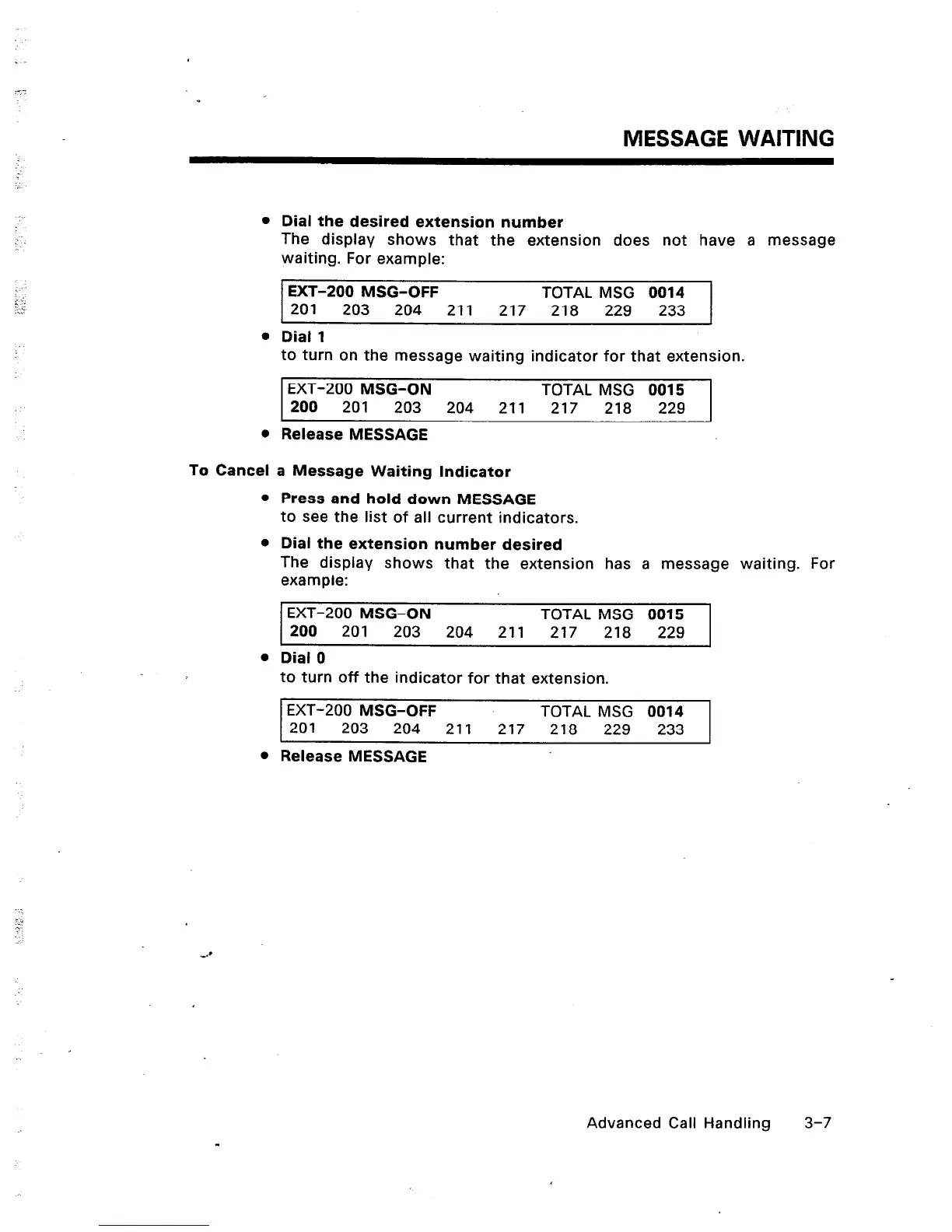
Dial the desired extension number
The display shows that the extension does not have a message
waiting. For example:
EXT-200 MSG-OFF TOTAL MSG 0014
201
203 204 211 217 218 229 233
Dial 1
to turn on the message waiting indicator for that extension.
EXT-200 MSG-ON TOTAL MSG 0015
200 201 203 204 211 217
218 229
Release MESSAGE
a Message Waiting Indicator
Press and hold down MESSAGE
to see the list of all current indicators.
Dial the extension number desired
The display shows that the extension has a message waiting. For
example:
EXT-200 MSG-ON TOTAL MSG 0015
200 201 203 204
211 217 218 229
Dial 0
to turn off the indicator for that extension.
EXT-200 MSG-OFF TOTAL MSG 0014
201 203 204 211 217 218 229 233
Release MESSAGE
Advanced Call Handling 3-7













 To Next Page