SETTING TIME AND DATE
Setting the Date
To Set the Date
a
Press FUNCTION
a
Dial 80
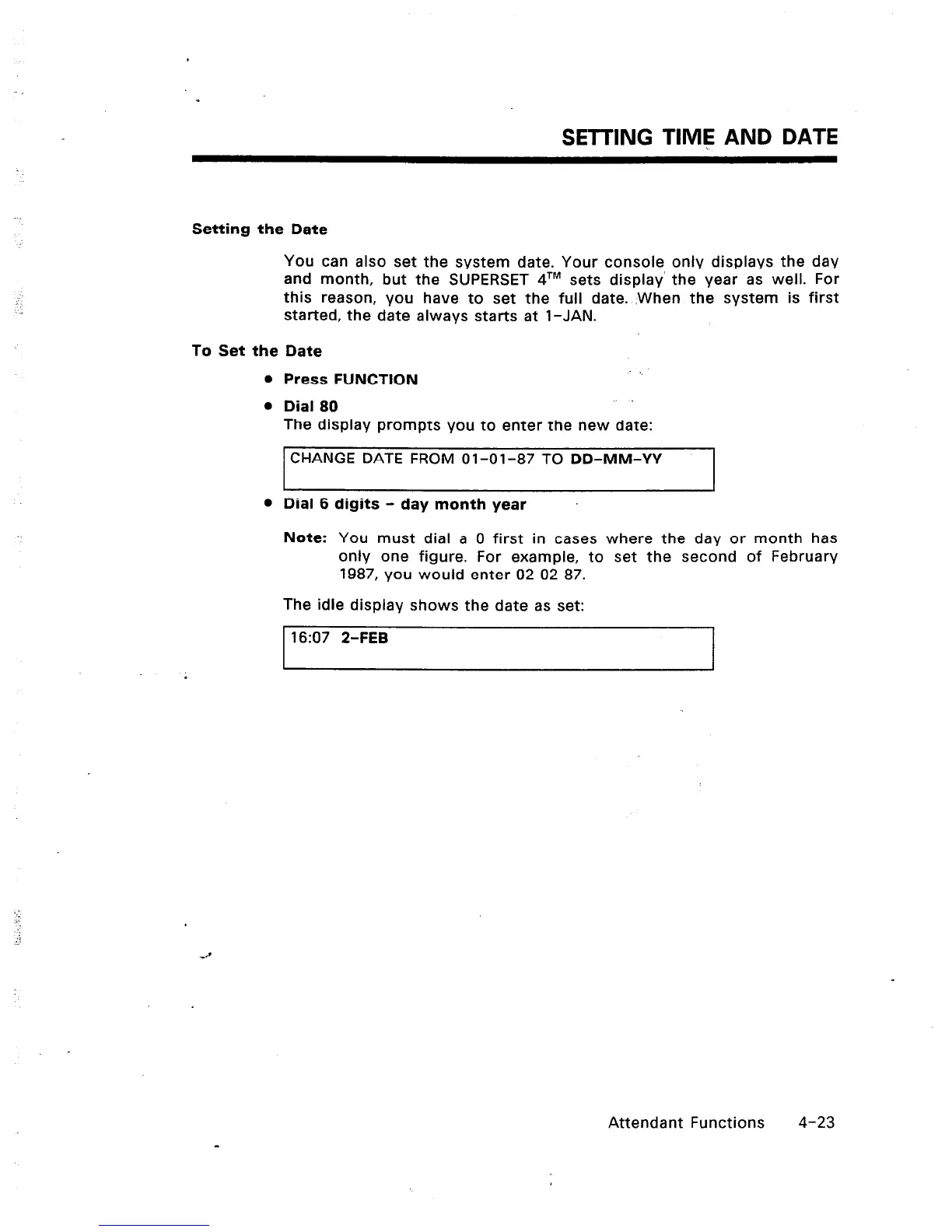
The display prompts you to enter the new date:
CHANGE DATE FROM 01-01-87 TO DD-MM-YY
l
Dial 6 digits - day month year
Note: You must dial a 0 first in cases where the day or month has
only one figure. For example, to set the second of February
1987, you would enter 02 02 87.
The idle display shows the date as set:
t 16:07 Z-FEB
I
You can also set the system date. Your console only displays the day
and month, but the SUPERSET qTM sets display‘ the year as well. For
this reason, you have to set the full date. When the system is first
started, the date always starts at l-JAN.
Attendant Functions
4-23













 To Next Page