SETTING t~IIME AND DATE
You can set the system’s clock . . .
from the console. The time appears in the console display (and on all
SUPERSET qTM sets in the system) in either 12- or 24-hour format.
3’
The time display shows that the equipment is working and starts at
0O:OO when the system is first turned on. For example, if the system
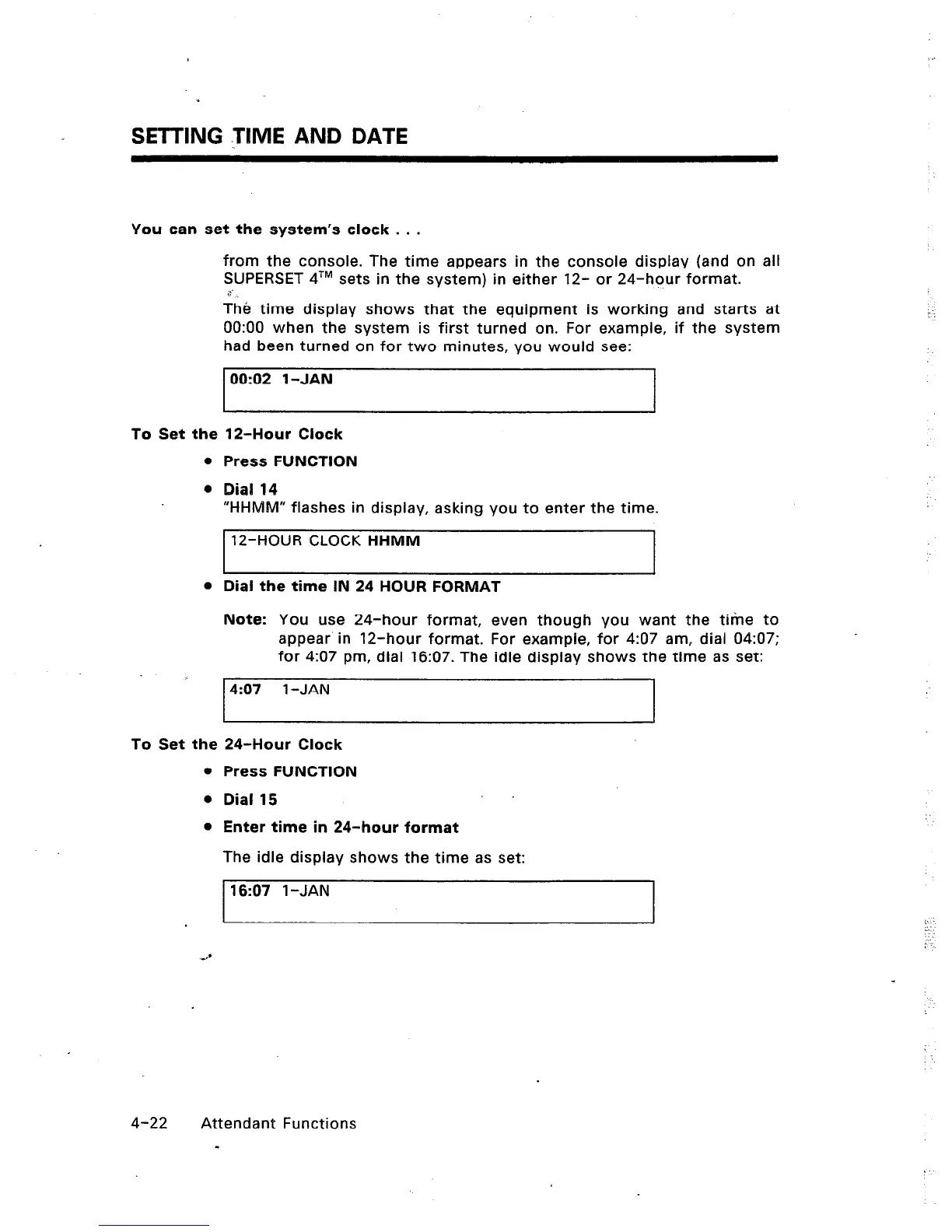
had been turned on for two minutes, you would see:
00:02 1 -JAN
To Set the 12-Hour Clock
Press FUNCTION
Dial 14
“HHMW flashes in display, asking you to enter the time.
12-HOUR CLOCK HHMM
Dial the time IN 24 HOUR FORMAT
Note: You use 24-hour format, even though you want the time to
appear in 12-hour format. For example, for 4307 am, dial 04:07;
for 4:07 pm, dial 16:07. The idle display shows the time as set:
4:07 l-JAN
To Set the 24-Hour Clock
l
Press FUNCTION
l
Dial 15
l
Enter time in 24-hour format
The idle display shows the time as set:
16:07 1 -JAN
4-22 Attendant Functions
-













 To Next Page