ABBREVIATED DIALING
To save time . . .
,
when dialing long or frequently used numbers, both you and extension
users can use the Abbreviated Dialing feature. The system is
programmed to substitute the full number stored in its memory for the
short number you enter.
You can enter and change the numbers programmed in the
Abbreviated Dialing memory.
Let’s look at a typical Abbreviated Dialing number so that you will
know what you are entering. The Abbreviated Dialing number, “5512”
for example, contains two parts. The first two digits (55) represent the
access code that tells the system you want to use the abbreviated
dialing feature. The other two digits tell the system which number
from its list you want it to dial. The list can have 60 entries, numbered
from 10 to 69.
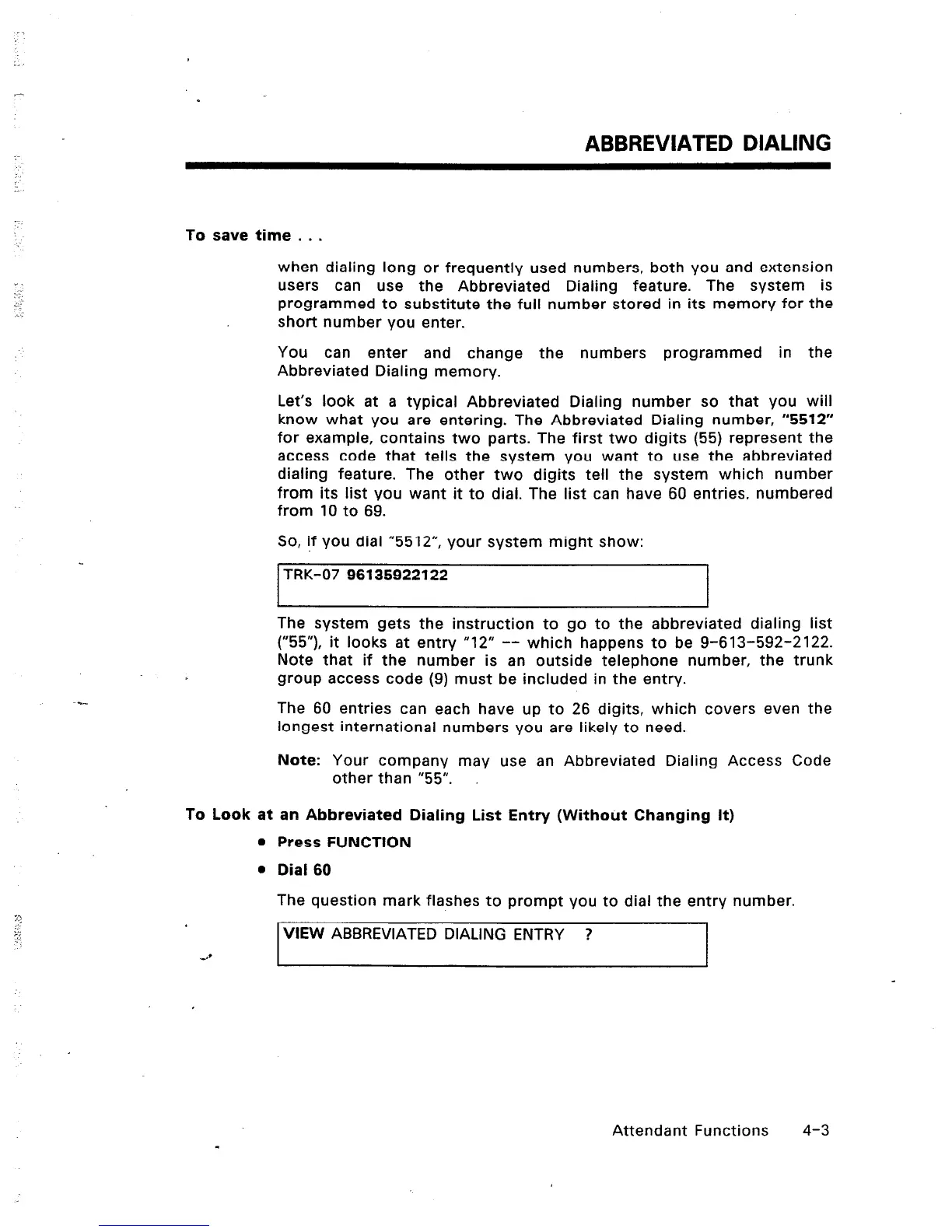
So, if you dial “5512”, your system might show:
TRK-07 96135922122
I I
The system gets the instruction to go to the abbreviated dialing list
(“55”), it looks at entry “12” -- which happens to be g-613-592-2122.
Note that if the number is an outside telephone number, the trunk
group access code (9) must be included in the entry.
The 60 entries can each have up to 26 digits, which covers even the
longest international numbers you are likely to need.
Note: Your company may use an Abbreviated Dialing Access Code
other than “55”.
To Look at an Abbreviated Dialing List Entry (Without Changing It)
l
Press FUNCTION
l
Dial 60
The question mark flashes to prompt you to dial the entry number.
VIEW ABBREVIATED DIALING ENTRY ?
Attendant Functions
4-3













 To Next Page