BELL OFF
The Console Bell . . .
that announces incoming calls can be turned off, if desired. You will
still be advised of incoming calls by the flashing softkey prompts and
the word “BELL” in the display.
To Turn Off (Mute) the Console Bell
l
Press BELL
MUTE
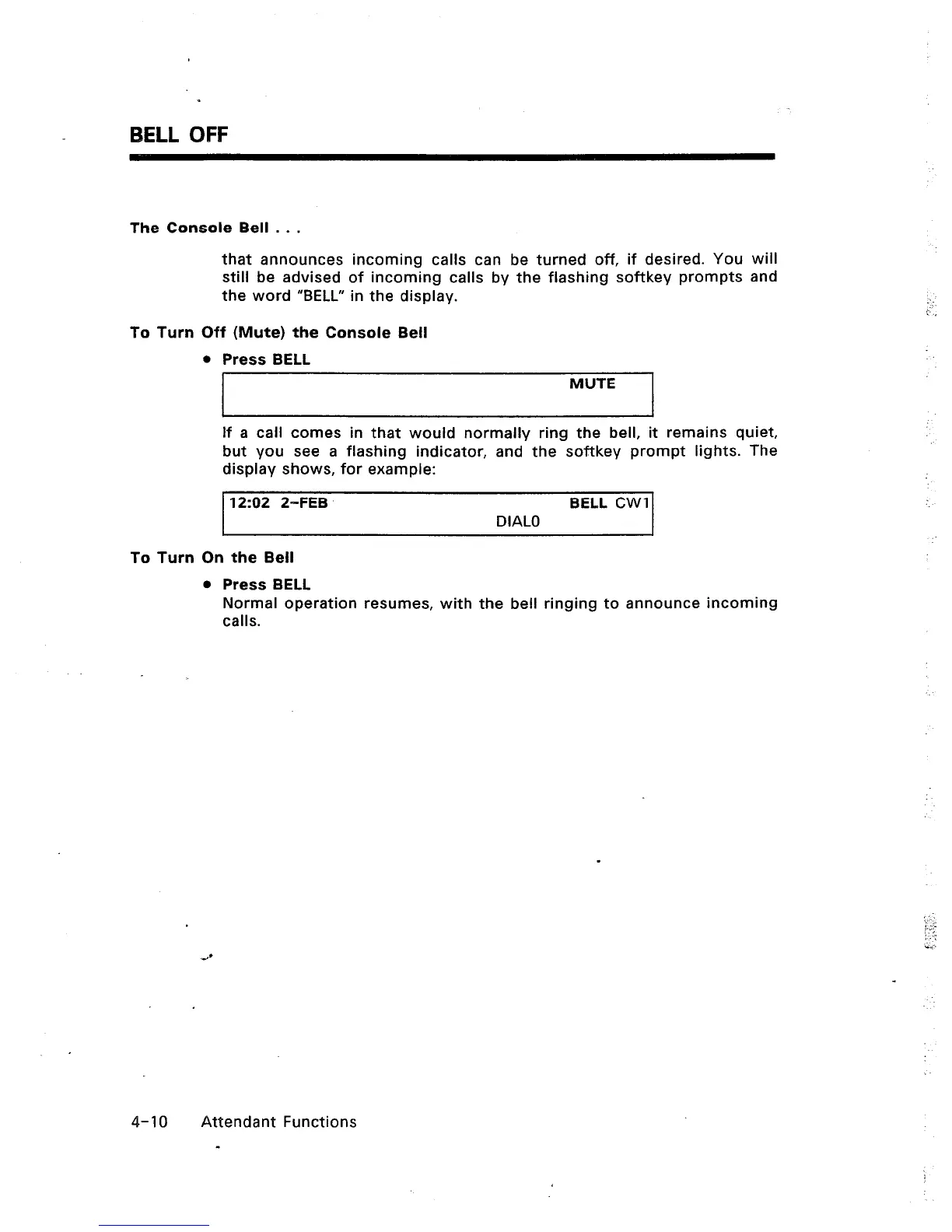
If a call comes in that would normally ring the bell, it remains quiet,
but you see a flashing indicator, and the softkey prompt lights. The
display shows, for example:
‘I 202 2-FEB BELL CWI
DIAL0
To Turn On the Bell
l
Press BELL
Normal operation resumes, with the bell ringing to announce incoming
calls.
4-10 Attendant Functions
-













 To Next Page