ANSWERING INCOMING CALLS
When a call comes in . . .
to the Console, you are alerted to it by either the ringing bell or
flashing display. The number of calls waiting to be answered is shown
in the upper right corner of the display, and the softkey prompts
indicate the kinds of call.
Your display may show, for example:
12:02 2-FEB
BELL CW3
LDNl
LDN2
DIAL0
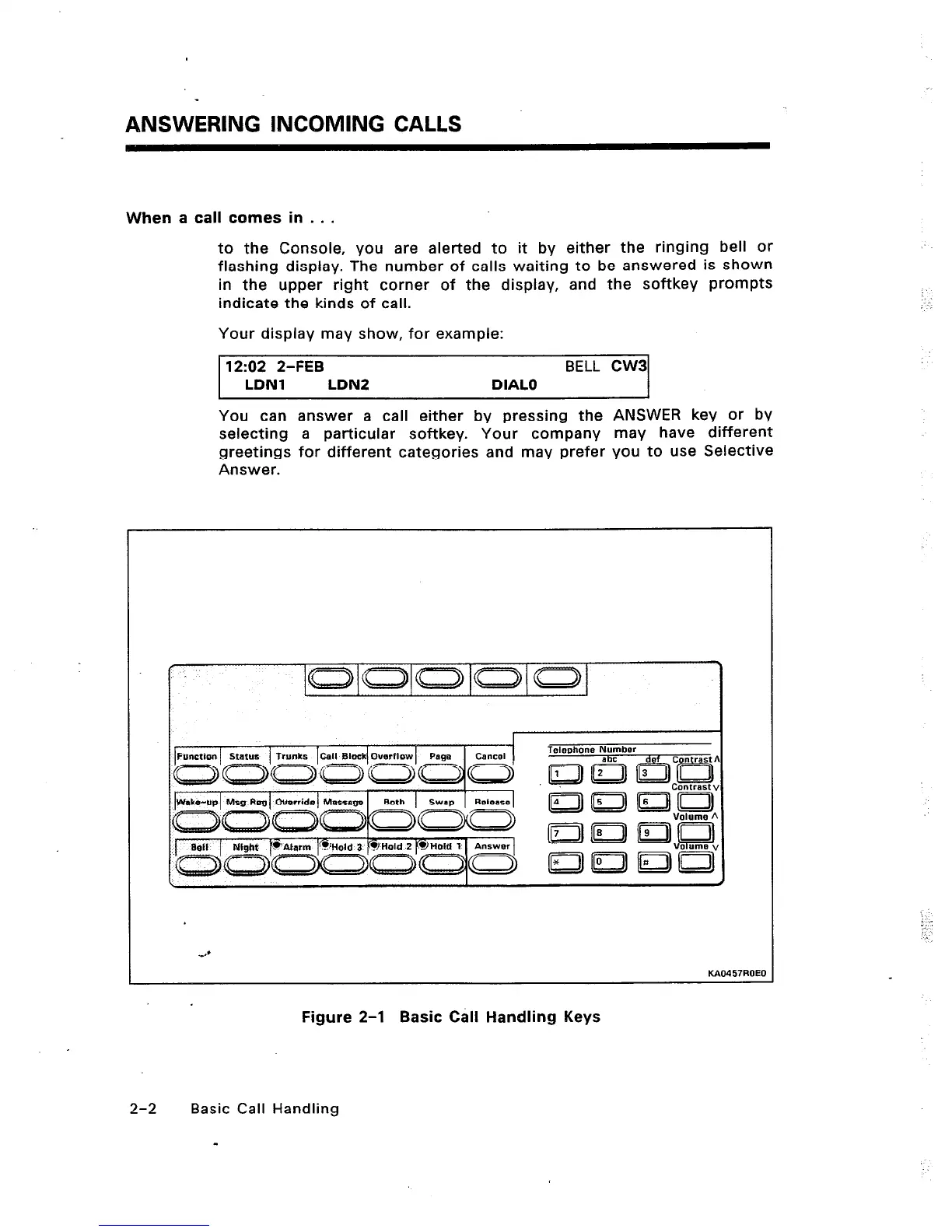
You can answer a call either by pressing the ANSWER key or by
selecting a particular softkey. Your company may have different
greetings for different categories and may prefer you to use Selective
Answer.
Wake-up Mag Reg Override Message
Both SWWl Release
4’
KAo457ROF”
Figure 2-l Basic Call Handling Keys
2-2 Basic Call Handling
-












 To Next Page