SYSTEM STATUS AND IDENTIFICATION
l
Press STATUS again
to cause the console bell to ring and the lamps (LEDs) to light. The
display will show:
BELL VOLUME & LCD CONTRAST CONTROL
You can now adjust ringer volume and display contrast by pressing
Volume A or V or Contrast A or V until you reach the desired setting.
l
Press STATUS again
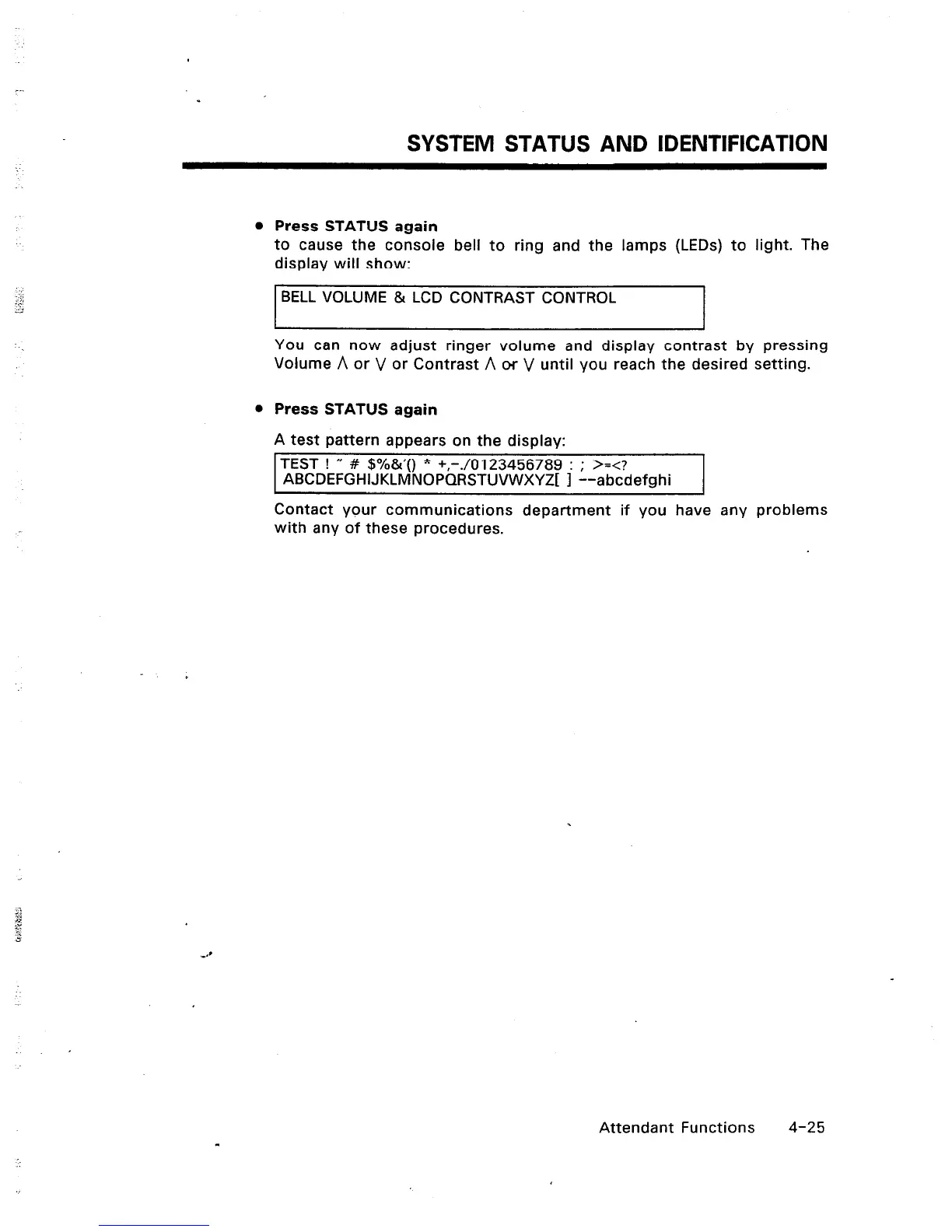
A test pattern appears on the display:
TEST ! I( # $%&‘() * +,-./0123456789 : ; >=<?
ABCDEFGHlJKLMNOPQRSTUVWXYZj
1
--abcdefnhi
Contact your communications department if you have any problems
with any of these procedures.
Attendant Functions
4-25













 To Next Page