Installation and Set Up
60 5016072 A
5. Click Alignment.
6. Follow the detailed on-screen instructions in the alignment
wizard to complete the calibration. This process takes
approximately 15 minutes to complete.
Make sure that you have the two alignment tools (Figure 2-50)
and other included parts available before you start the
alignment process.
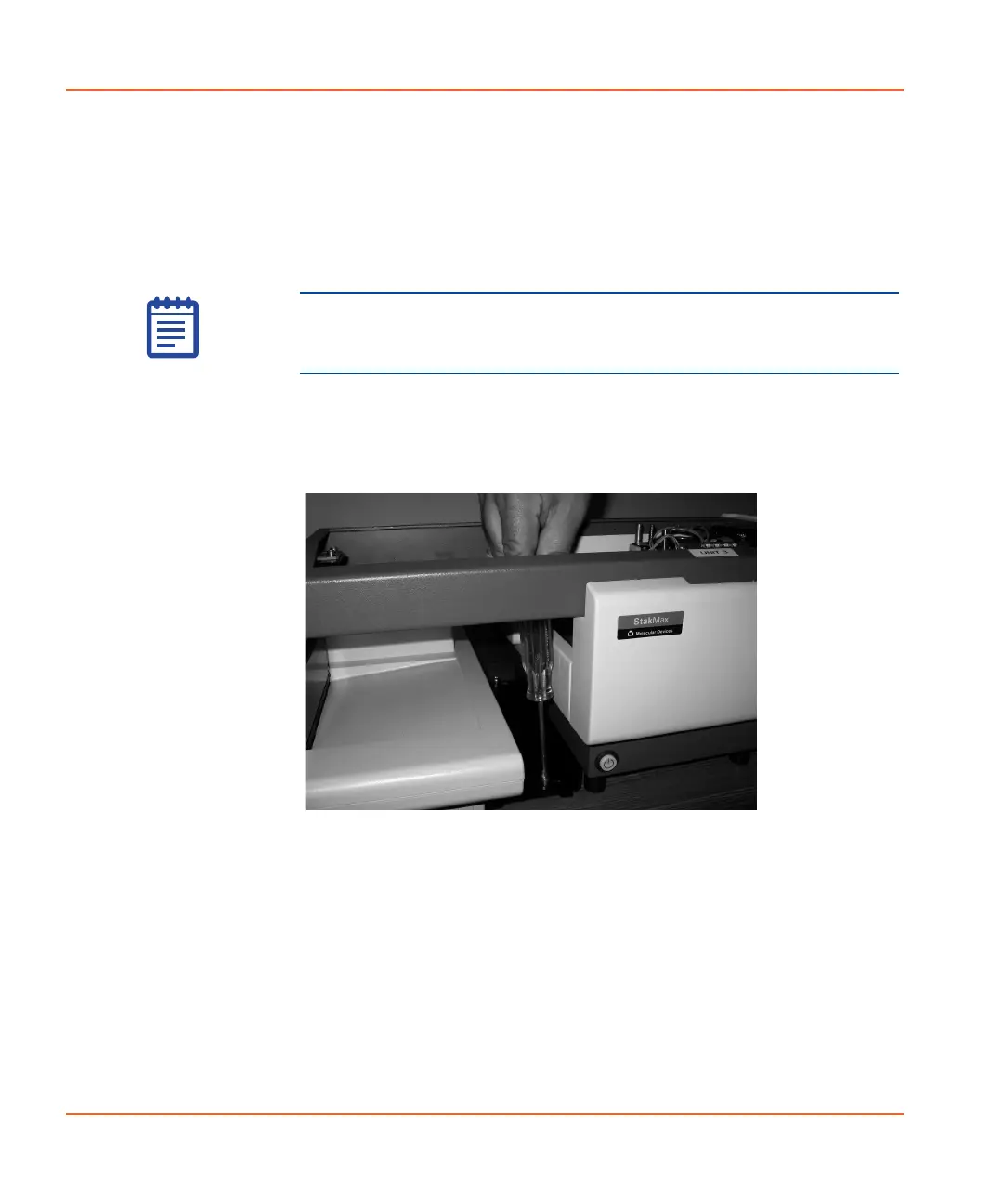
7. After you finish tightening the baseplate screws, replace the
cover and tighten the thumbscrew. See Figure 2-52 and
Figure 2-53.
Figure 2-52 Securing the baseplate.
Note: Do not use the purple plate adapter when performing the
alignment. Use the purple adapter only when reading a plate in
the top read mode.
StakMax-UG-5016072A.book Page 60 Friday, October 21, 2011 3:51 PM














 To Next Page