StakMax Microplate Handling System User Guide
5016072 A 75
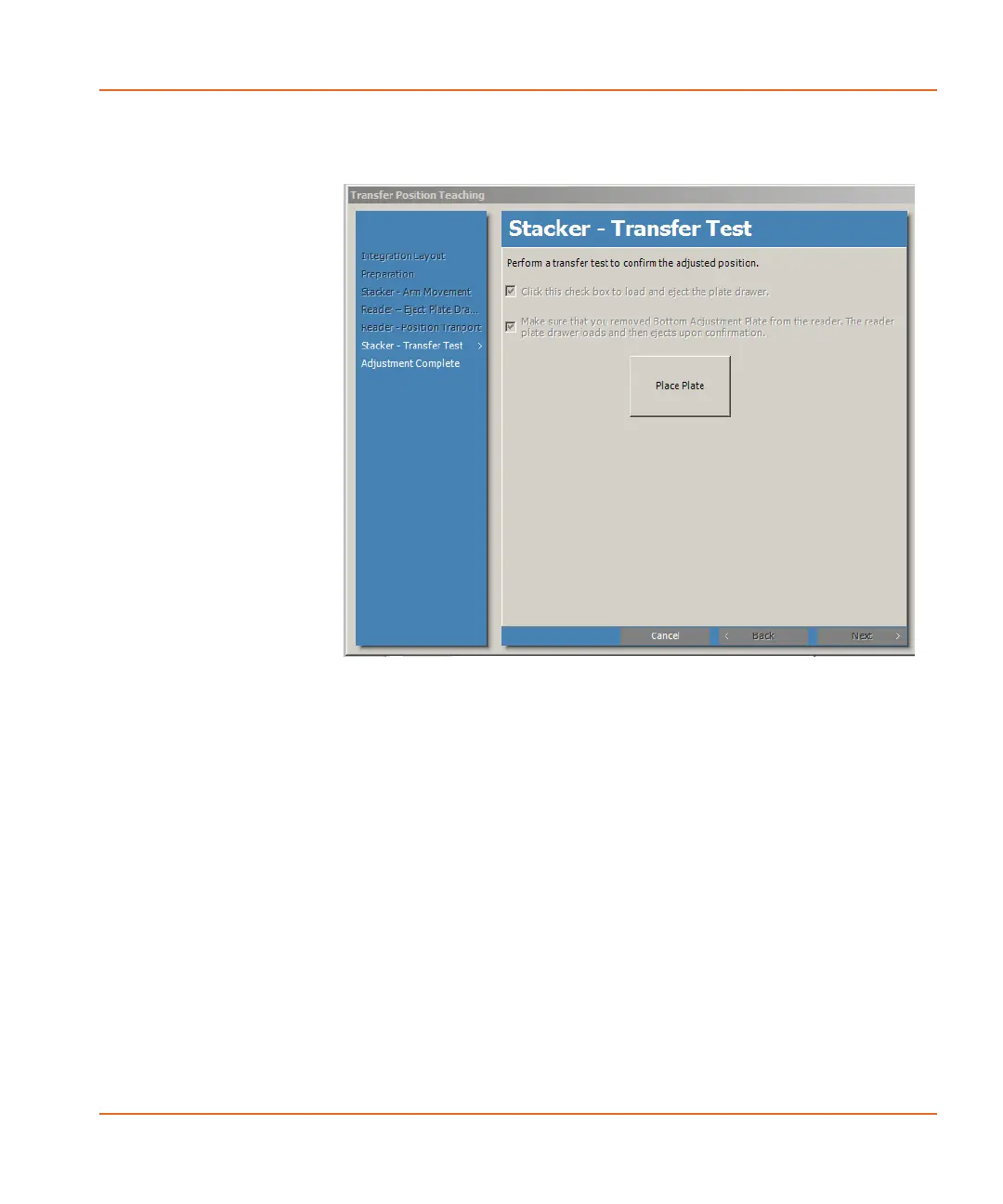
The Stacker-Transfer Test window appears. See Figure 2-66.
Figure 2-66 Stacker - Transfer Test window.
17. Select the check box to load and eject the plate drawer on the
opposite side from the stacker arm to make it easy to remove
the plate.
18. Remove the Bottom Adjustment Plate from the reader and
select the confirmation check box to load the plate drawer and
eject it under the stacker arm and the Top Adjustment Plate.
19. Click Place Plate.
20. Click OK in the confirmation message that appears.
The stacker places the Top Adjustment Plate in the reader plate
drawer.
StakMax-UG-5016072A.book Page 75 Friday, October 21, 2011 3:51 PM














 To Next Page