StakMax Microplate Handling System User Guide
5016072 A 77
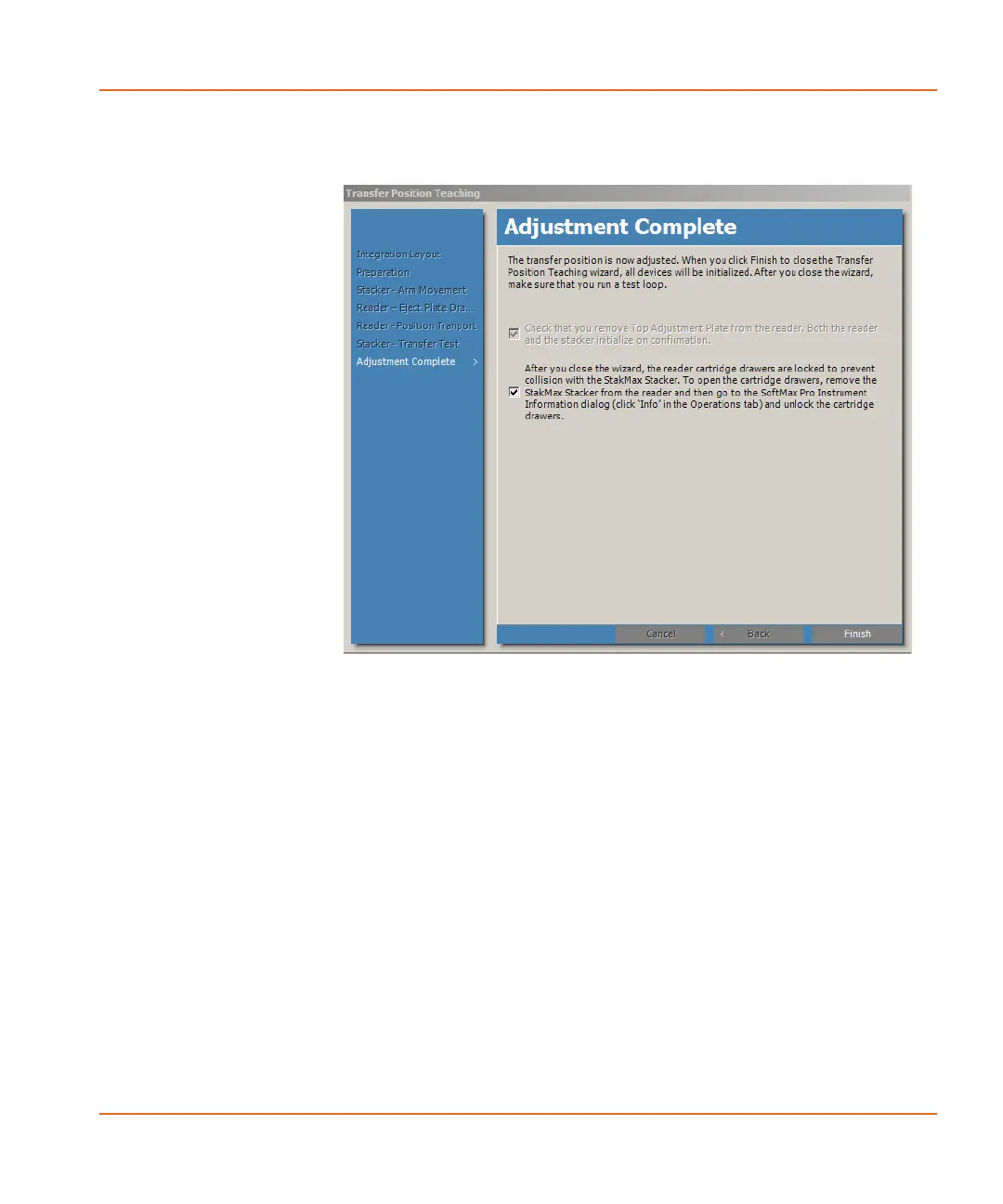
The Adjustment Complete window appears. See Figure 2-68.
Figure 2-68 Adjustment Complete window.
22. Remove the Top Adjustment Plate from the plate drawer and
select the check box to indicate that you removed the Top
Adjustment Plate from the reader.
23. Select the check box to confirm the final steps and then click
Finish.
24. Replace the stacker arm cover and tighten the thumbscrew
removed in step 1.
25. Continue the alignment with Performing a Gripper Functional
Check on page 78.
StakMax-UG-5016072A.book Page 77 Friday, October 21, 2011 3:51 PM














 To Next Page