Getting Started 1 - 15
9. Select the device and tap Connect to complete the pairing. The device appears in the Connected list, and the
CS3070 issues a two-tone beep and the Bluetooth button blinks slowly to indicate that the scanner paired with
the host.
Figure 1-22
Discovered Devices List
Windows Mobile Device (Motorola ES400) SPP Pairing Example
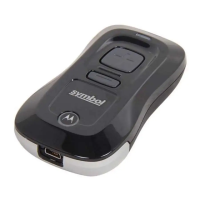
For CS3070 scanners, to pair to a Motorola ES400 Windows Mobile 6.5 device via SPP:
1. Press the scan button (+) to wake the scanner.
2. Scan Bluetooth Serial Port Profile (SPP) on page 3-13. The Bluetooth button starts blinking quickly to indicate
that the scanner is discoverable by the ES400.
NOTE Bluetooth pairing suspends temporarily while charging via a USB cable. Disconnecting the cable
automatically re-establishes the Bluetooth pairing.


 To Next Page
 Loading...