SLIP provides standard SLIP service for both dial-in and dial-out.
Destination IP address: This is the IP address of the remote dial-in/ dial-out server.
Source IP address: The Source IP address is IP address assigned to this serial port.
IP netmask: The IP netmask defines the netmask, also known as the subnet mask, for the SLIP connection
TCP/IP compression (default=No): The setting of this field depends on whether the remote user’s
application requests compression.
Inactivity time (default=0 ms): This field specifies the idle time setting for auto-disconnection. A setting of 0
ms will cause the port to remain connected even if idle.
Disconnect by (default=None): If this field is set as DCD-off, the connection will be disconnected when the
DCD signal is off. If this field is set as DSR-off, the connection will be disconnected when the DSR signal is off.
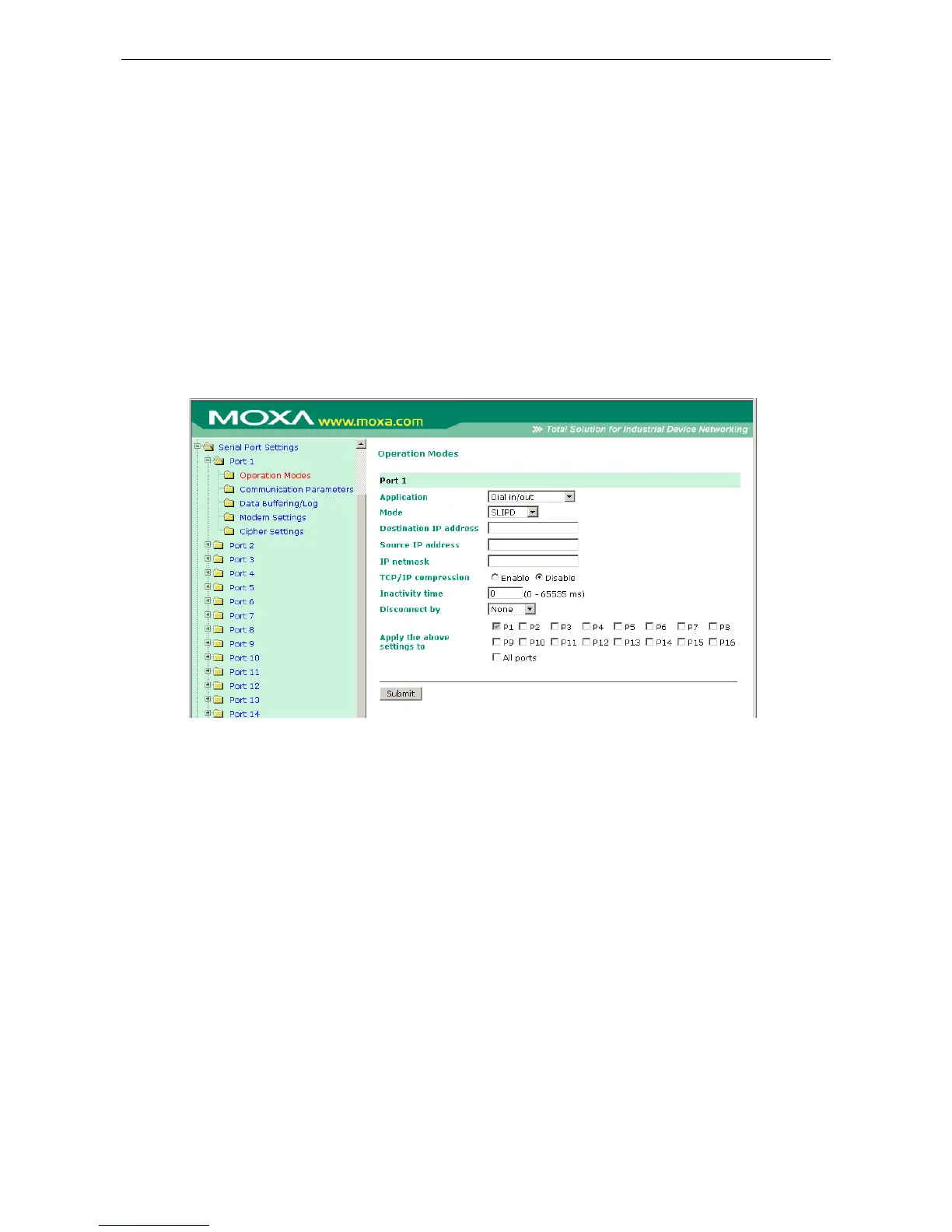
SLIPD Mode
SLIPD (SLIP on demand) is used for dial-in services, since it provides SLIP services only when receiving a
request from a remote PC.
Destination IP address: This is the IP address of the remote dial-in/ dial-out server.
Source IP address: The Source IP address is IP address assigned to this serial port.
IP netmask: The IP netmask defines the netmask, also known as the subnet mask, for the SLIP connection
TCP/IP compression (default=No): The setting of this field depends on whether the remote user’s
application requests compression.
Inactivity time (default=0 ms): This field specifies the idle time setting for auto-disconnection. A setting of 0
ms will cause the port to remain connected even if idle.
Disconnect by (default=None): If this field is set as DCD-off, the connection will be disconnected when the
DCD signal is off. If this field is set as DSR-off, the connection will be disconnected when the DSR signal is off.



 To Next Page
 Loading...







