If STP is enabled, it will detect duplicate paths and prevent, or block, one of them from forwarding traffic. In the
following example, STP determined that traffic from LAN segment 2 to LAN segment 1 should flow through
Bridges C and A because this path has a greater bandwidth and is therefore more efficient.
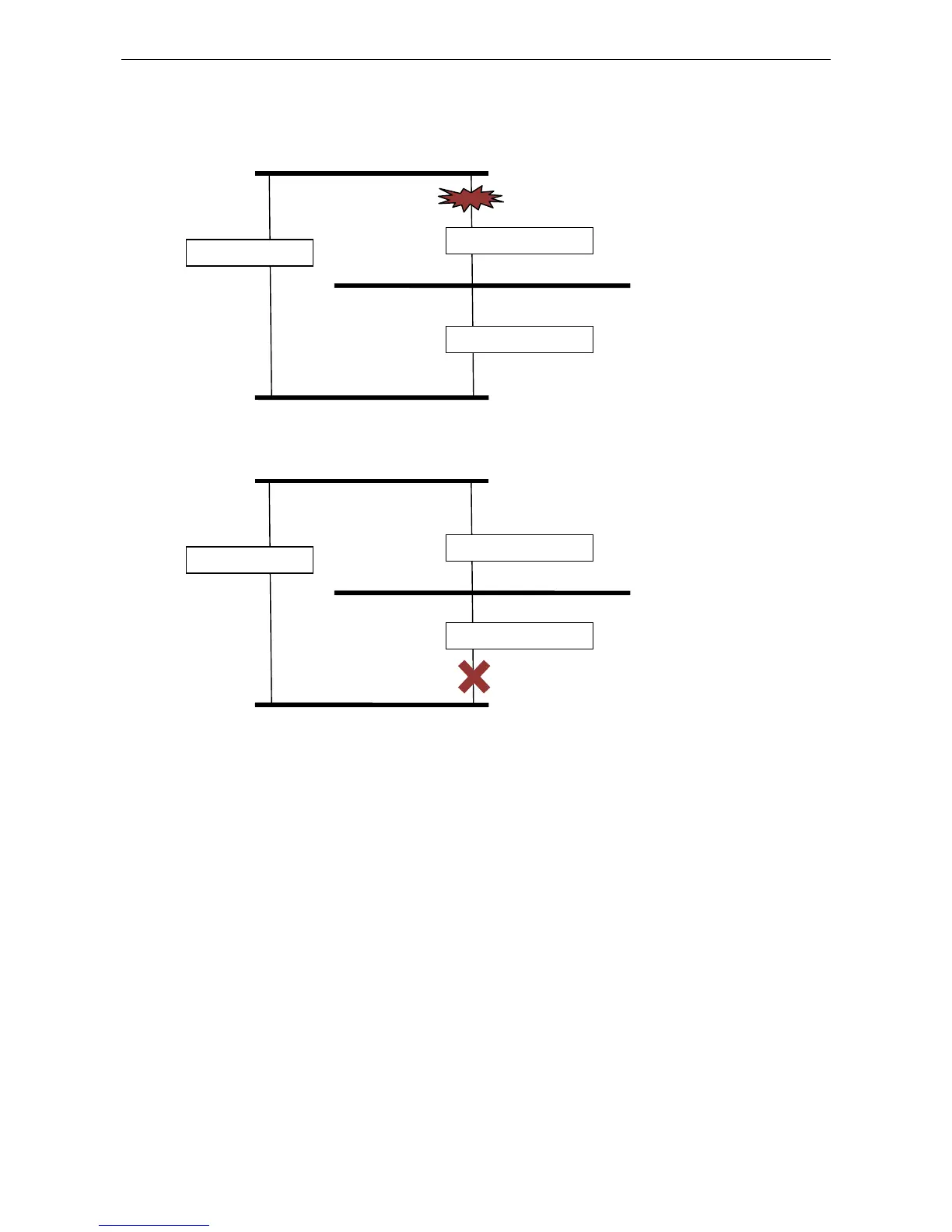
What happens if a link failure is detected? As shown in next figure, the STP process reconfigures the network
so that traffic from LAN segment 2 flows through Bridge B.
STP will determine which path between each bridged segment is most efficient, and then assign a specific
reference point on the network. When the most efficient path has been identified, the other paths are blocked.
In the above 3 figures, STP first determined that the path through Bridge C was the most efficient, and as a
result, blocked the path through Bridge B. After the failure of Bridge C, STP re-evaluated the situation and
opened the path through Bridge B.
How STP Works
When enabled, STP determines the most appropriate path for traffic through a network. The way it does this is
outlined in the sections below.
STP Requirements
Before STP can configure the network, the system must satisfy the following requirements:
• Communication between all the bridges. This communication is carried out using Bridge Protocol Data Units
(BPDUs), which are transmitted in packets with a known multicast address.
• Each bridge must have a Bridge Identifier that specifies which bridge acts as the central reference point, or
Root Bridge, for the STP system—bridges with a lower Bridge Identifier are more likely to be designated as
the Root Bridge. The Bridge Identifier is calculated using the MAC address of the bridge and a priority
defined for the bridge. The default priority of the NPort 6000 series is 32768.
Bridge B
Bridge C


 To Next Page
 Loading...







