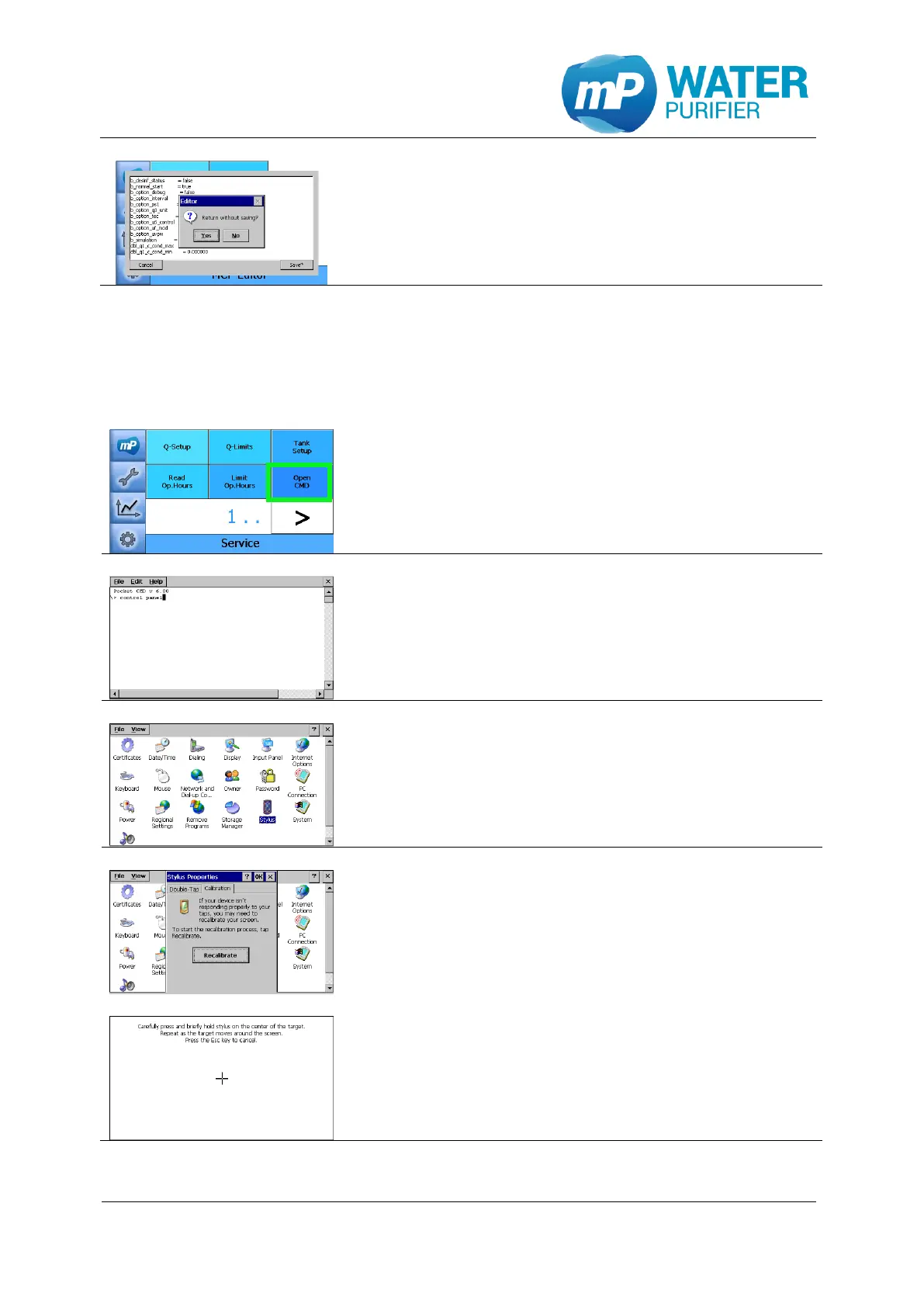
- This is the preview of calibration file (calib.mcf).
- If there was any change in the file, it should be saved
- By clicking “cancel”, the change could be discarded
9.1.14 Touchscreen calibration
In order to recalibrate the touchscreen, this can be done in the operating system setting for
the stylus.
- Press the button „Open CMD” (see chapter 9.1.6)
- Type “control panel” to open system settings
- Click the tab “Calibration”, then click the button
“Recalibrate”
- Follow the instruction to click five different targets.
Then click anywhere to close the calibration setting.
Then click “x” on the top-right side of the display to
go back to service setup


 To Next Page