EasyManua.ls Logo

MPI 40 Series - Troubleshooting; Trouble Symptoms

Default Icon
102 pages
Print Icon
To Next Page IconTo Next Page
To Previous Page IconTo Previous Page
Loading...
SECTION 5
TROUBLESHOOTING
5.1
INTRODUCTION
This
section
contains
general
troubleshooting
information.
It
is
assumed
that
the
user
has
read
and
understands
the
material
in
section
3,
Theory Of
Operation.
The
first
step
in
troubleshooting
should
be
to
verify
that
the
controlling
device
and
interface
to
the
disk
drive
are
functioning
properly.
Next,
isolate
the
trouble
to
the
electronic,
the
electro-mechanical,
or
the
mechanical
components
of
the
drive.
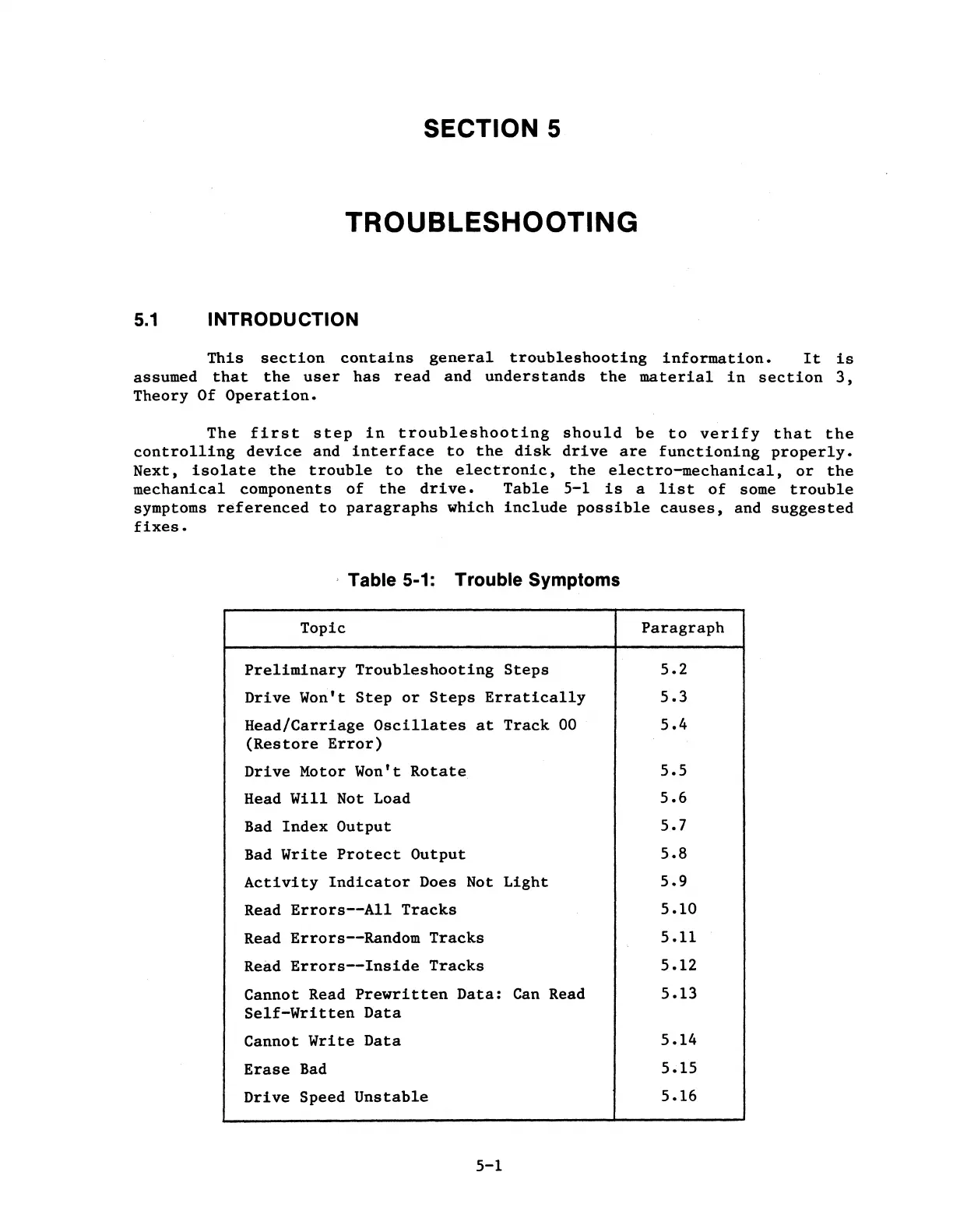
Table
5-1
is
a
list
of
some
trouble
symptoms
referenced
to
paragraphs
which
include
possible
causes,
and
suggested
fixes.
, Table 5-1: Trouble Symptoms
Topic
Paragraph
Preliminary
Troubleshooting
Steps
Drive
Won't
Step
or
Steps
Erratically
Head/Carriage
Oscillates
at
Track
00
(Restore
Error)
Drive
Motor Won't
Rotate
Head
Will
Not Load
Bad
Index
Output
Bad
Write
Protect
Output
Activity
Indicator
Does Not
Light
Read
Errors--All
Tracks
Read
Errors--Random
Tracks
Read
Errors--Inside
Tracks
Cannot Read
Prewritten
Data:
Can
Read
Self-Written
Data
Cannot
Write
Data
Erase
Bad
Drive
Speed
Unstable
5-1
5.2
5.3
5.4
5.5
5.6
5.7
5.8
5,9
5.10
5
.11
5,12
5.13
5.14
5.15
5.16

Table of Contents