Mounting
User manual 9000-41011-0200000_hdb_en_20 71 / 92
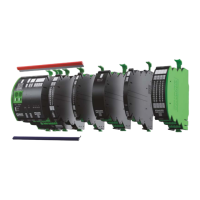
4. Mounting the plug-in link continuous jumpers
To mount the plug-in link:
Measure the length between cover plates 1 and 2
1 | Use side-cutting pliers to cut the plug-in link (continuous jumper) to the desired length
2 | Insert the plug-in link (continuous jumper) into position 3 between the cover plates and press it in as far as it will go
Dismounting
Disconnecting the wiring:
1 | Insert a slotted screwdriver into position 1 on the mod-
ule and pull the plug-in link (continuous jumper) out
2 | Remove any connected stranded wires from the part
to be dismounted
To dismount:
1 | Press the unlocking actuator on the top side of the
module or place the slotted screwdriver between the
housing and the lug on the bottom of the module and
pull downwards
2 | Pull out uniformly, parallel with the previous module


 To Next Page
 Loading...