Vector-LP Radio Beacon Transmitter Technical Instruction Manual Page 3-35
Section 3 Operating Instructions Issue 1.1
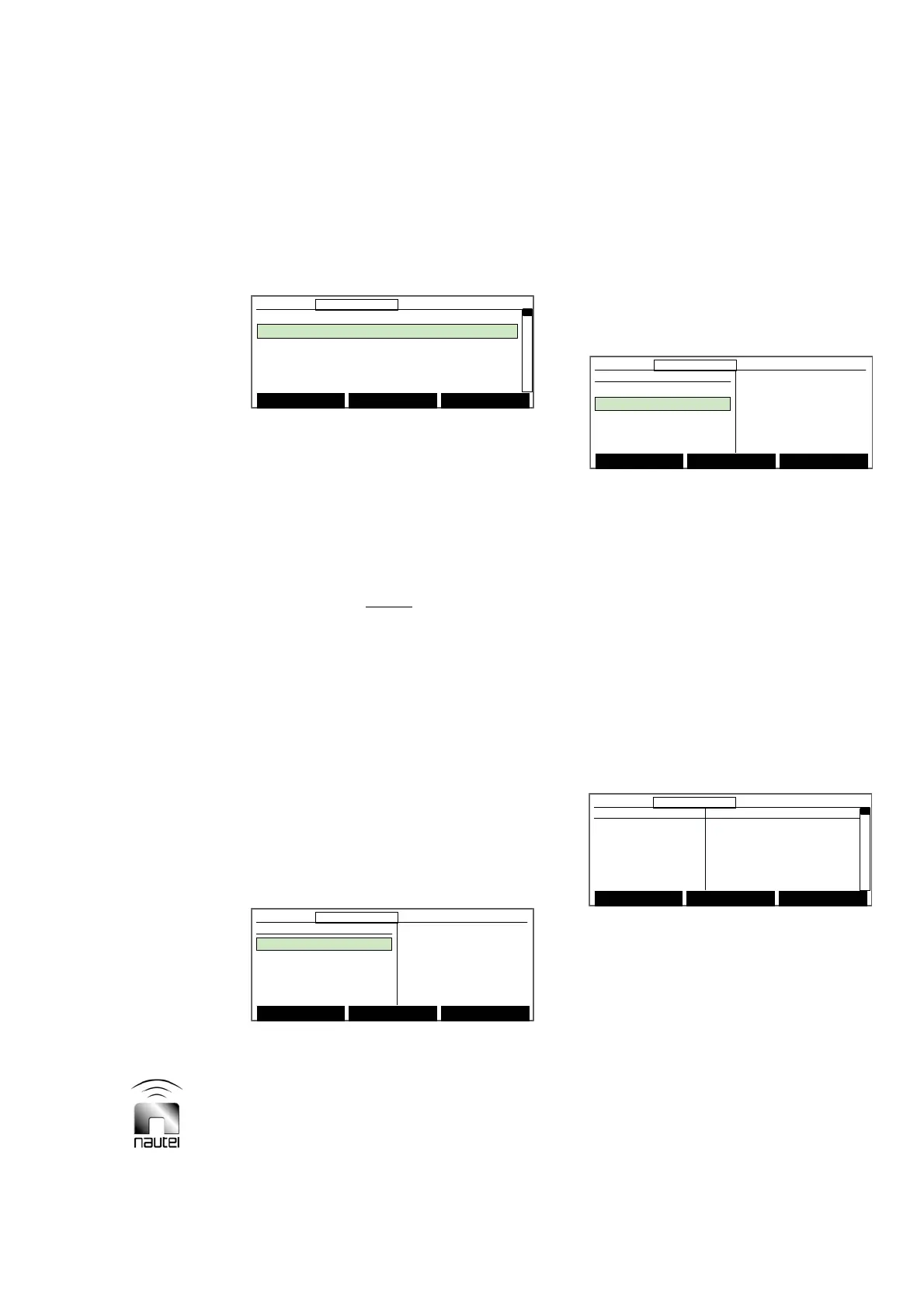
3.6.14.2 SETTING MONITOR POINTS
Set the site interface PWB’s monitor points
as follows:
(a) Use f and g to highlight the desired
monitor point (1 through 16). Press
Toggle to change the logic level (0 or
1) of the Default value. The logic level
determines the active (for status
outputs) or normal (for alarm outputs)
state for the monitor point’s remote
output.
NOTE
Monitor points 1 through 16 correspond to
outputs connected to MONITOR POINT 1
through 16 on TB1 and TB2 of the site
interface PWB.
(b) The values in the Current column
represent the existing state of the
monitor point. Press Set Current to
set the Current values to match the
Default values.
(c) Return to previous menu by pressing
Back.
3.6.14.3 SERIAL SETTINGS
Set up the serial connection as follows:
(a) Use f and g to highlight the desired
serial setting. Press Modify or Toggle
to change the setting. Press Next or
Done when complete.
x To modify Tx Address, use f and g.
x Press Toggle to set Connection Mode
to DIRECT or MODEM. When
MODEM is selected, the following
screen appears, which enables three
further settings:
x Press Toggle to set Modem Line to
DIAL UP or LEASED. The Dial-up
number option disappears when
LEASED is selected.
x Press f, g and Next to set the
Passkey and the Dial-up Number.
(b) Return to the previous menu by
pressing Back.
3.6.14.4 AUTOMATIC REPORTING
Configure the serial connection to
automatically report transmitter alarms
(without needing to poll the status) as
follows:
(a) A list of transmitter alarms and their
current Automatic Reporting status is
displayed.
x To configure an alarm for automatic
reporting, use f and g to select the
desired alarm and press Select to
change the status to ON.
Main Menu Modify Back
12:43:16 Power: 0W Side A Bypass
Serial Settings
Tx Address
Connection Mode
ABCD
[DIRECT ]
Main Menu Modify Back
12:43:16 Power: 0W Side A Bypass12:43:16 Power: 0W Side A Bypass
Serial Settings
Tx Address
Connection Mode
ABCD
[DIRECT ]
Main Menu Toggle Back
12:43:16 Power: 0W Side A Bypass
Serial Settings
Tx Address
Connection Mode
Modem Line
Passkey
Dial-up Number
ABCD
[MODEM ]
[DIAL UP]
0000
Main Menu Toggle Back
12:43:16 Power: 0W Side A Bypass12:43:16 Power: 0W Side A Bypass
Serial Settings
Tx Address
Connection Mode
Modem Line
Passkey
Dial-up Number
ABCD
[MODEM ]
[DIAL UP]
0000
Fault Automatic Reporting
PDM Latch B OFF
PDM Latch A OFF
High RF Current OFF
SWR Shutback OFF
Low AC Volts OFF
Main Menu Select Back
12:43:16 Power: 0W Side A Bypass
Fault Automatic Reporting
PDM Latch B OFF
PDM Latch A OFF
High RF Current OFF
SWR Shutback OFF
Low AC Volts OFF
Main Menu Select Back
12:43:16 Power: 0W Side A Bypass12:43:16 Power: 0W Side A Bypass
Monitor Points Default Current
Monitor Point 1 0 0
Monitor Point 2 0 0
Monitor Point 3 0 0
Monitor Point 4 0 0
Monitor Point 5 0 0
Set Current Toggle Back
12:43:16 Power: 0W Side A Bypass
Monitor Points Default Current
Monitor Point 1 0 0
Monitor Point 2 0 0
Monitor Point 3 0 0
Monitor Point 4 0 0
Monitor Point 5 0 0
Set Current Toggle Back
12:43:16 Power: 0W Side A Bypass12:43:16 Power: 0W Side A Bypass



 To Next Page