Page 3-28 Vector-LP Radio Beacon Transmitter Technical Instruction Manual
Issue 1.1 Section 3 Operating Instructions
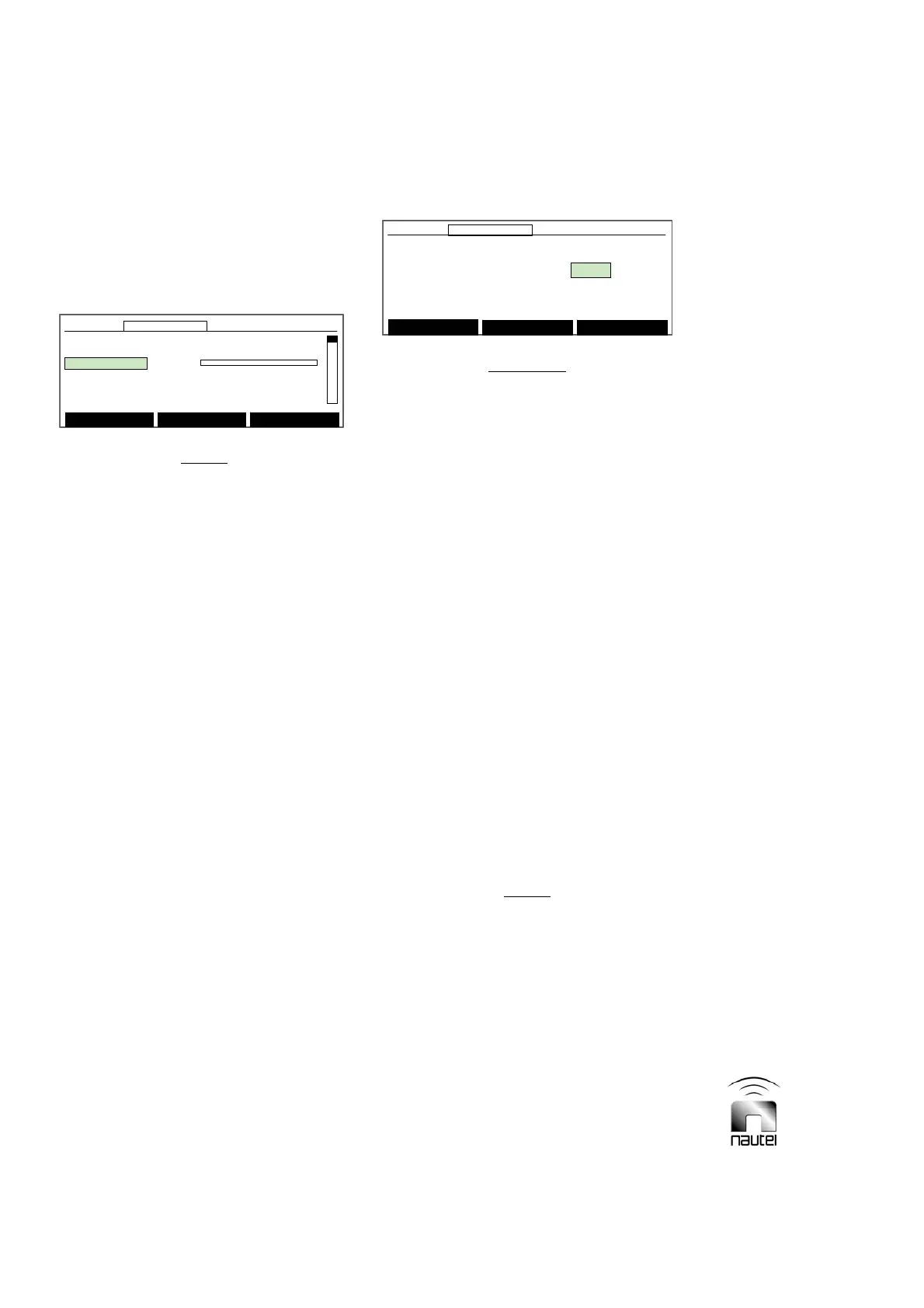
Set Thresholds
Refl. Power Shutback: 38
Main Menu
Modify Back
12:43:16 Power: 0W Side A Bypass
Set Thresholds
Refl. Power Shutback: 38
Main Menu
Modify Back
12:43:16 Power: 0W Side A Bypass12:43:16 Power: 0W Side A Bypass
3.6.12.1 CALIBRATING DIAGNOSTIC
DISPLAY METERS
Re-align an out-of-tolerance meter reading for
a displayed parameter as follows:
NOTE
All meter readings displayed on the meters
screen can be adjusted. It is imperative that
reliable, calibrated test equipment be used
to verify the actual value of the out-of-
tolerance parameter.
(a) Press f or g until the desired out-of-
tolerance parameter and its current
metered level is displayed.
(b) To calibrate a meter, press Modify and
then f or g to adjust the level of the out-
of-tolerance parameter. When complete,
press Done.
(c) Continue calibration of other metered
parameters or return to previous menu by
pressing Back. A message prompt
appears to confirm saving all
modifications to the EEPROM. Press Yes
or No.
3.6.12.2 SETTING PROTECTION
THRESHOLD LEVELS
Adjustments can be made to the critical
transmitter shutback thresholds, such as RF
current, low ac voltage, and high reflected
power cutback levels. Less critical settings,
such as diagnostic display contrast and
speaker volume (audio) can also be adjusted.
Set these thresholds as follows:
CAUTION
Protection threshold levels are factory set
and do not normally require adjustment.
Contact Nautel prior to attempting to alter
these settings. Failure to comply could result
in equipment damage.
(a) Press f or g until the desired threshold
and its current value is displayed. The
following thresholds may be displayed
and edited:
x Refl. Power Shutback
x Low AC Voltage
x RF Current Shutback
x Audio
x LCD Contrast
x Slowback Pwr (Per Block)
x Max. PS Temperature (°C)
x Max. ATU Temperature (°C)
x Minimum Logged Cutback
x Ac Meter Zero Offset
(b) To edit a threshold value, press Modify
and then f or g to adjust the value.
When complete, press Done. Press
Reset to restore the value to its pre-
modified setting.
NOTE
The Minimum Logged Cutback threshold
can be set between 1 (least severe) and 18
(most severe). Only cutback occurrences of
the set value and higher (more severe) will
be logged.
(c) When complete, return to previous menu
by pressing Back. A prompt appears to
confirm saving modifications to the
EEPROM. Press Yes or No.
Calibrate Meters
PDM B: 0.00
050100
Main Menu Modify Back
12:43:16 Power: 0W Side A Bypass
Calibrate Meters
PDM B: 0.00
050100
Main Menu Modify Back
12:43:16 Power: 0W Side A Bypass12:43:16 Power: 0W Side A Bypass



 To Next Page