First-time setup
Operator’s Manual V1.1 • EasyOne Air • EasyOne Connect
© ndd Medizintechnik AG • Technoparkstrasse 1, 8005 Zurich, Switzerland • www.ndd.ch 22/144
25
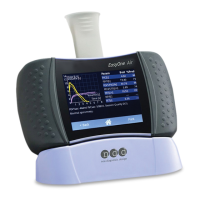
7 If you want to connect the cradle to a printer, do the following:
a) Connect the smaller plug of the USB cable micro to type B to the left USB
port of the cradle (marked with the printer/PC icon).
b) Connect the larger plug of the USB cable micro to type B to the
corresponding USB port of your printer.
8 If you want to connect the cradle to a PC, do the following:
a) Connect the smaller plug of the USB cable micro to type A to the left USB
port of the cradle (marked with the printer/PC icon).
b) Connect the larger plug of the USB cable micro to type A to a USB port of
your PC.
You can connect the cradle either to a PC or to a printer. If you connect
the cradle to a PC, you can use EasyOne Connect to print.


 To Next Page