User Manual MX Series Voice Gateway
18 New Rock Technologies, Inc.
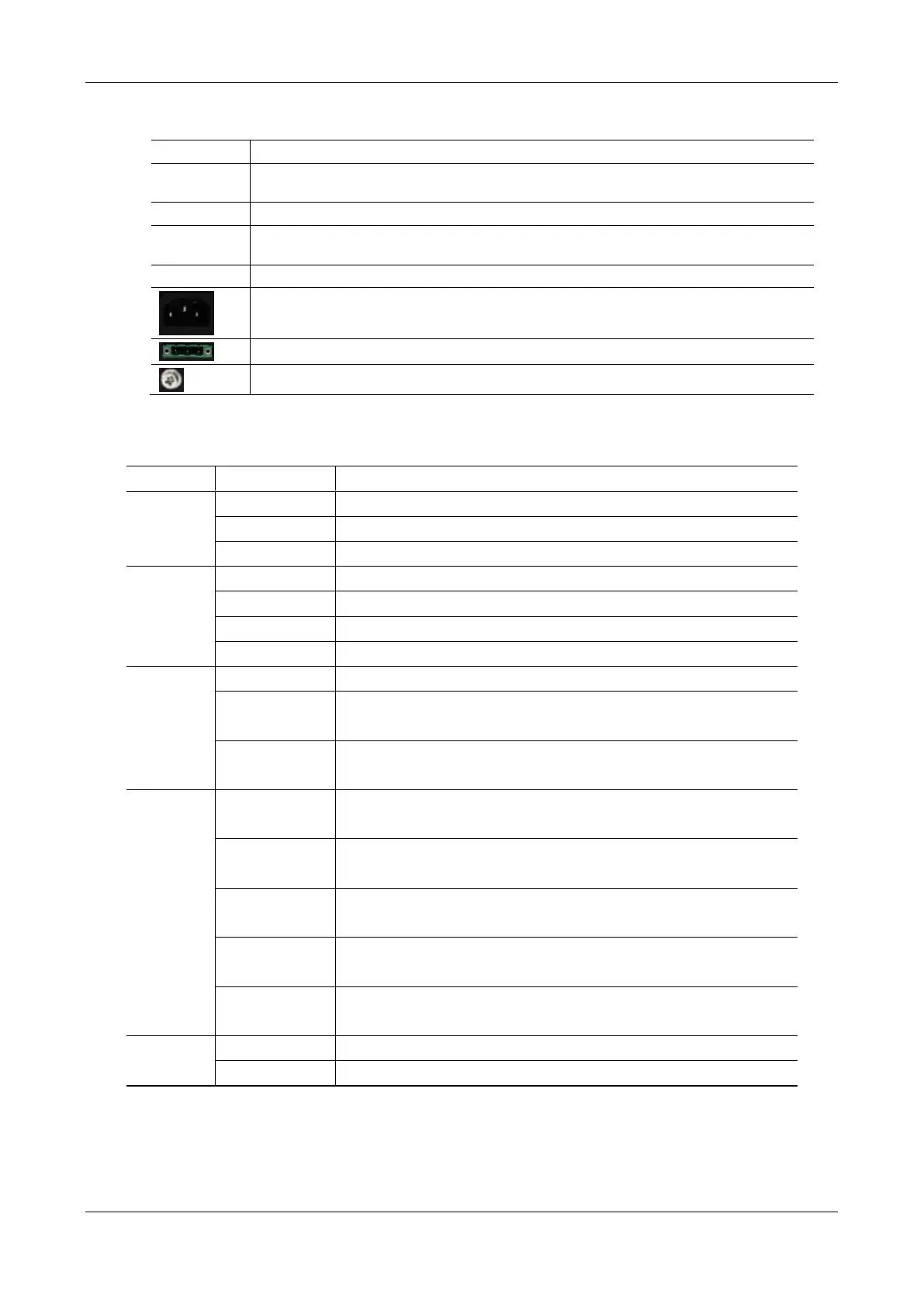
Table 1-29 MX120G Back Panel
To restore the device to factory default, press the RST for more than 3 seconds and release it
when the STU light starts blinking in red. This setting will be valid after rebooting the device.
Configuration interface (CON), used for local management and debugging.
Two 10/100 Mbps Ethernet ports (RJ45). They share one IP address, which by default is
192.168.2.240 and you can change it on Basic > Network page.
AC power socket, 100-240 VAC voltage input.
DC power socket, -48 VDC input.
Table 1-30 Meanings of MX120G Indicators
The power supply is working.
The power supply is abnormal.
The device is under diagnosis.
The alarms indicated by the blinking alphabetic messages C/E/T on LED dot-
matrix are generated.
The alarms indicated by the blinking alphabetic messages D on LED dot-
matrix are generated.
Steady green
(right side)
The transmission rate is 1000 Mbps.
The transmission rate is 10/100 Mbps.
A physical connection is established without any traffic.
Blinking green
(left side)
A physical connection is established with traffic.
No connection is established.
The USB device is detected.
The USB device is not detected.



 To Next Page