User Manual MX Series Voice Gateway
54 www.newrocktech.com
A calling starting with 0 is barred from dialing using the phone set at FXS1 port
A calling starting with 00 is barred from dialing using the phone set at FXS1 to
FXS2 port.
International call is not allowed.
The telephone whose calling number starts with 2 at an FXS port is not allowed
to make calls.
Trunk Group for Outbound Calls
An outbound trunk group consists of a set of trunks which are used for outbound calling following certain
rules. Here is an example of routing all outbound calls from FXS port to the trunk group consisting of
ports FXO1 to FXO4 in sequential fashion:
FXS x ROUTE FXO 1-4
Further, we set up the trunk group such that it is used only by calls to destinations with prefix 6120:
FXS 6120 ROUTE FXO 1-4
2.6.4 IP Table
The IP filtering function is used to ignore the VoIP messages from untrusted network.
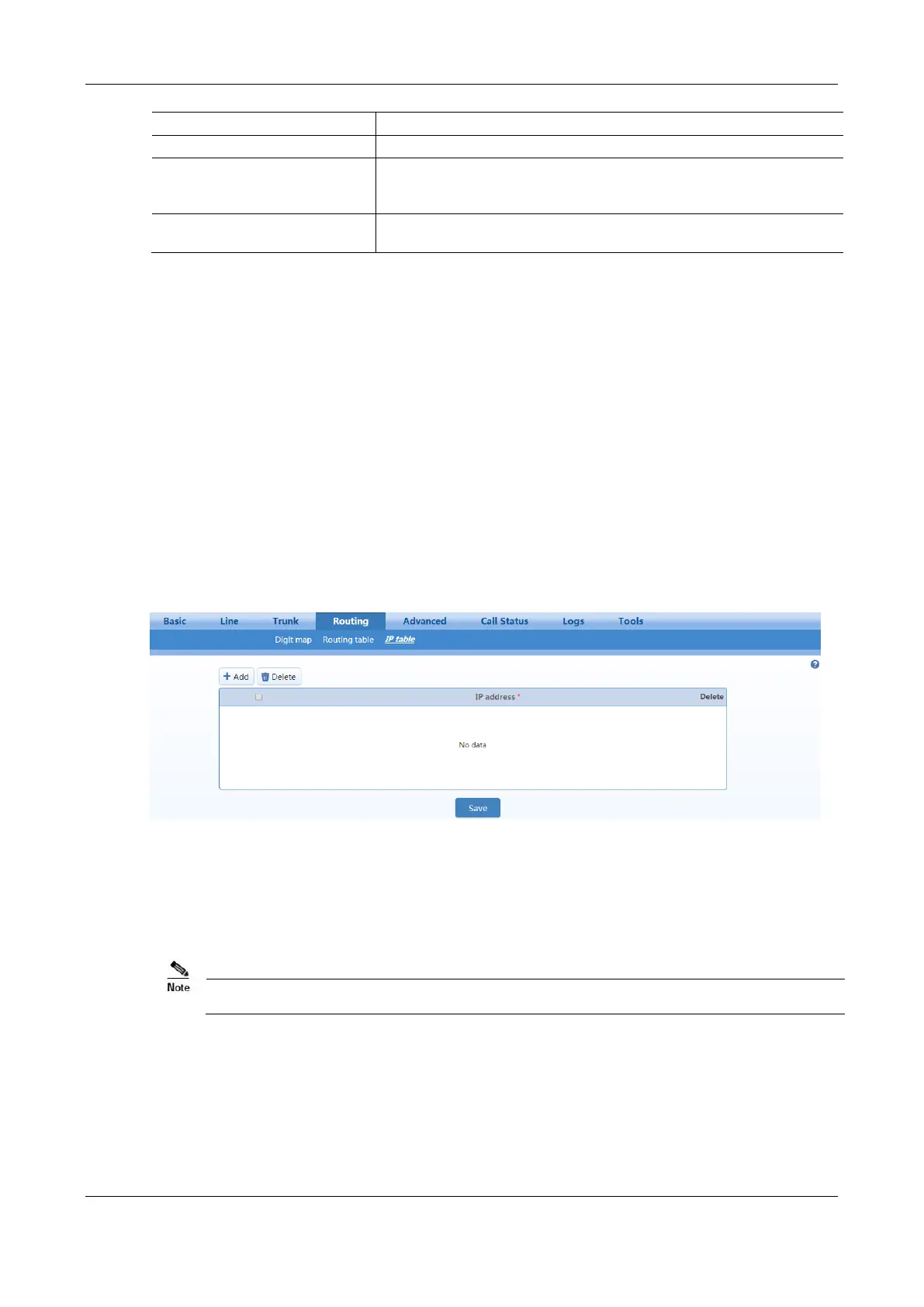
After login, click Routing > IP Table to open the configuration interface.
Figure 2-38 IP Table Configuration Interface
Add the authorized IP addresses to this table, the gateways will only process the VoIP signaling from
authorized IP addresses. If the IP table is empty, the gateways will not perform IP address-based message
filtering.
If the gateway is deployed in a public network, you are advised to set IP filtering to prevent call theft.
2.7 Advanced Configuration
2.7.1 System
After login, click Advanced > System to open this interface.



 To Next Page