MX Series Voice Gateway User Manual
New Rock Technologies, Inc. 69
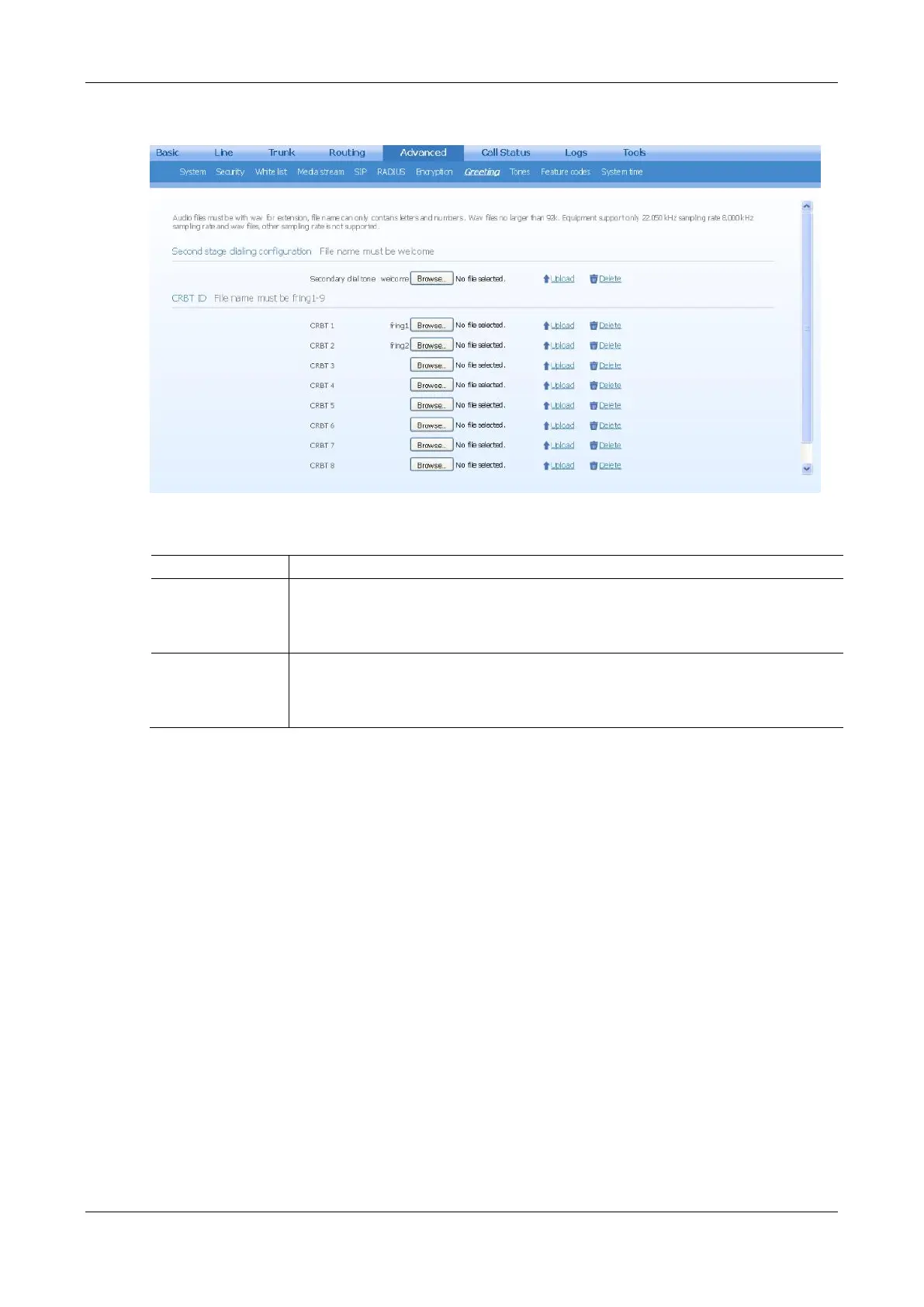
Figure 2-51 Greeting Interface
Table 2-31 Greeting Configuration Parameters
Second Stage
Dialing
Configuration
Click Browse, and then select the local audio file named welcome.wav. Click Upload. The
uploaded audio file overwrites the original one.
If you want to delete the current customized second stage dialing tone, click Delete. After the
gateway restarts, the default second stage dialing tone will be used.
Click Browse, and then select the local audio file named fring1/2/3/4/5/6/7/8/9.wav. Click
Upload. The uploaded audio file overwrites the original one.
If you want to delete the current color ringback tone, you can click Delete. After the gateway
restarts, the default color ringback tone will be used.
2.7.13 Call Progress Tone Plan
After login, click Advanced > Tones to open this interface.



 To Next Page