MX Series Voice Gateway User Manual
New Rock Technologies, Inc. 79
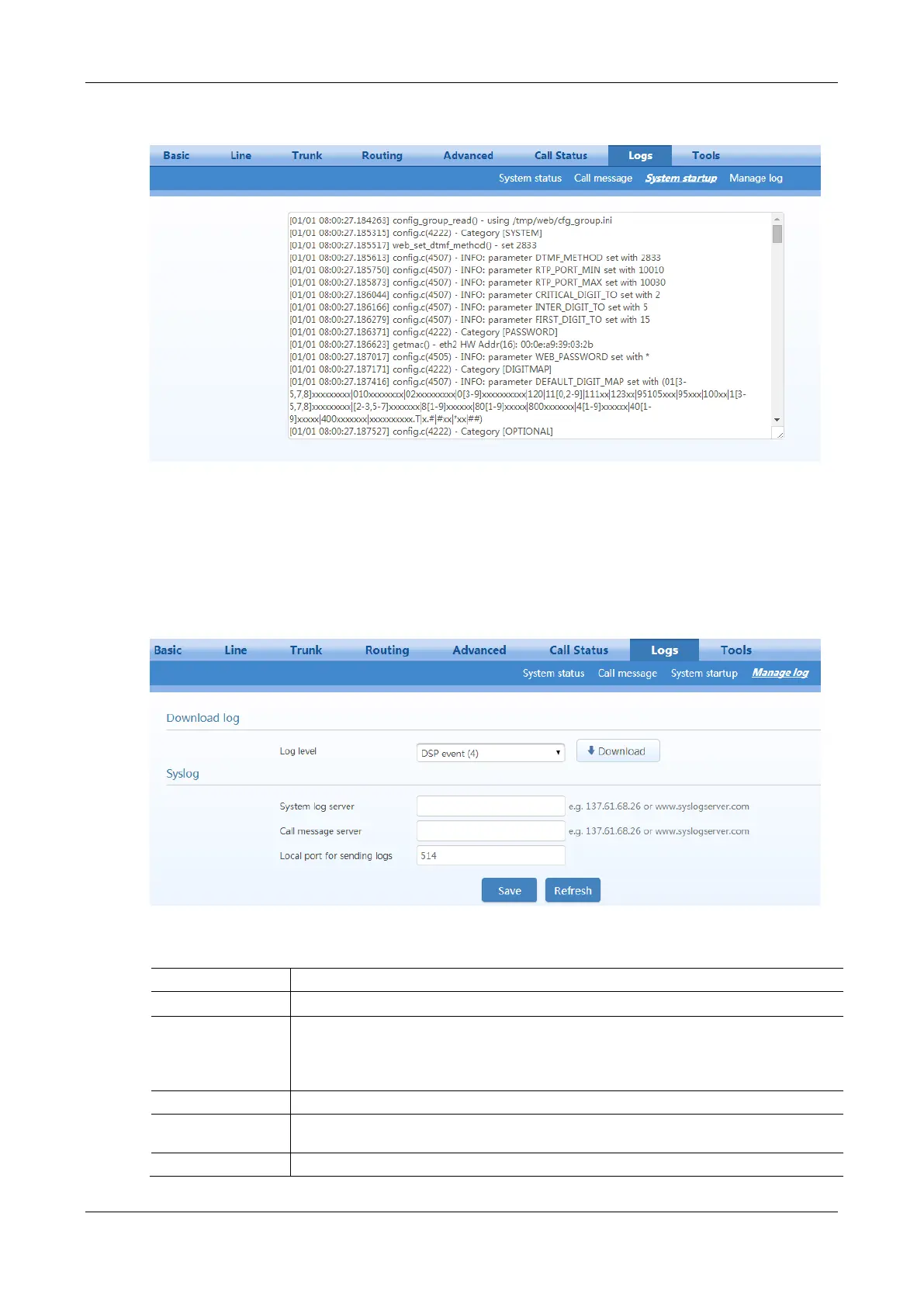
Figure 2-61 Interface of System Startup
2.9.4 Manage Log
After login, click Logs > Manage Log to open this interface. Log files can be downloaded through this
interface.
Figure 2-62 Manage Log Interface
Table 2-36 Log Management Configuration Parameters
Select the log file level of gateway, the default is 4. The higher the level the more details the
log file will be.
Note: To avoid reducing the system performance, log level should be set to 4 or lower when
gateway is used in normal operation.
The syslog server receives the logs that are otherwise recorded in debug.log, message.log and
boot.log.
The syslog server receives the logs that are otherwise recorded in message.log.



 To Next Page