MX Series Voice Gateway User Manual
New Rock Technologies, Inc. 81
2.10 Tools
2.10.1 Change Password
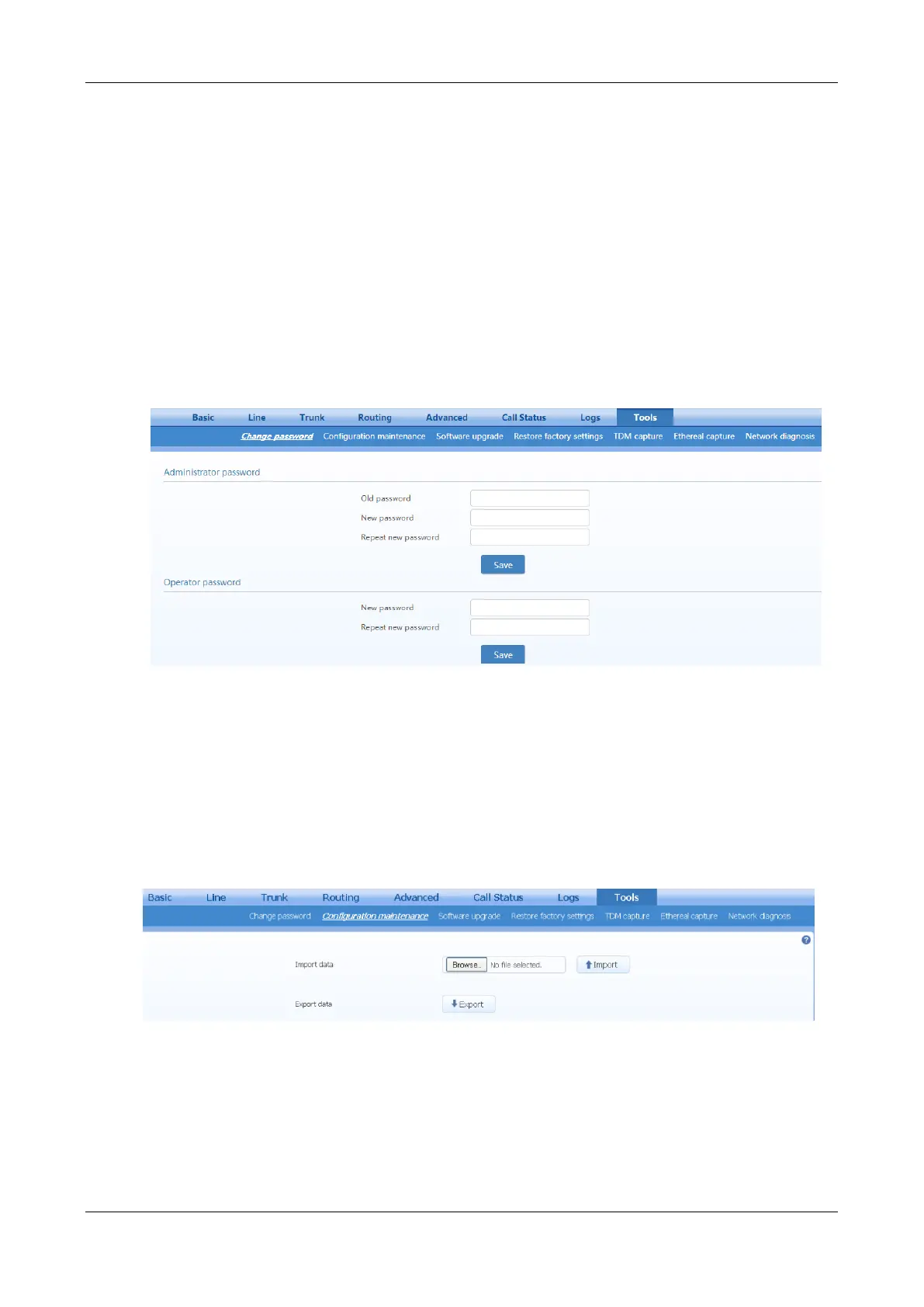
After login, click Tools to open this interface. Only the administrator is entitled to change the password of
login.
To change the administrator password, enter old password in the Old password field, then enter new
password in the New password field and the Repeat new password field, and then click Save.
The administrator can simply change the operator’s password by entering the new password into
Operator password > New password.
Figure 2-65 Password Change Interface
2.10.2 Configuration Management
After login, click Tools>Import data to open this interface.
The download procedure is similar to the download procedure of log files.
The steps for importing configuration files are the same as the Upgrade. The steps for exporting
configuration files are the same as the steps for Log Download.
Figure 2-66 Configuration Management Interface
2.10.3 Upgrade
The software upgrade procedure is presented as below:
Step 1 Obtain the upgrade files (tar.gz file), and save the file onto a local computer.
Step 2 Click
Tools
>
Software upgrade
to access to the page of software upgrade.



 To Next Page