User Manual MX Series Voice Gateway
82 www.newrocktech.com
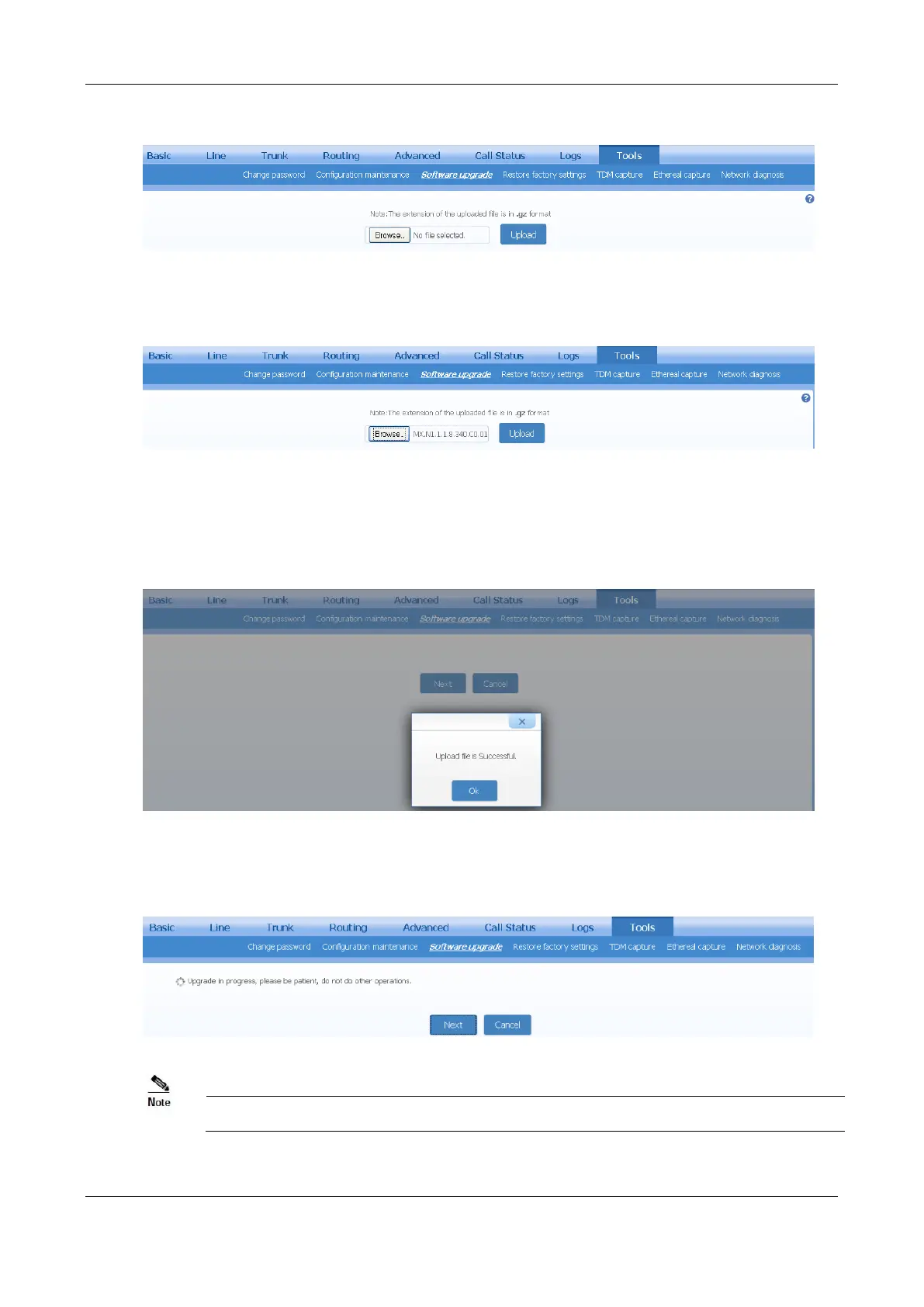
Figure 2-67 Upgrade Interface
Step 3 Click
Browse
to select the upgrade files.
Figure 2-68 File Upload Interface
Step 4 Click
Upload
.
Step 5 Uploading will be completed in about 30 seconds, then click
Next
.
Figure 2-69 Upgrade Interface
Step 6 The following prompt appears during the upgrade.
Figure 2-70 Upgrade Process Screen
A few minutes are needed to upgrade the gateway. Do not operate the gateway during this period.
Step 7 The device automatically restarts after upgrade is successful.



 To Next Page