MX Series Voice Gateway User Manual
New Rock Technologies, Inc. 61
2.7.7 White list for Accessing Web and Telnet
The white list is used to specify the IP addresses from which accessing the device through Web or
Telnet/SSH are allowed.
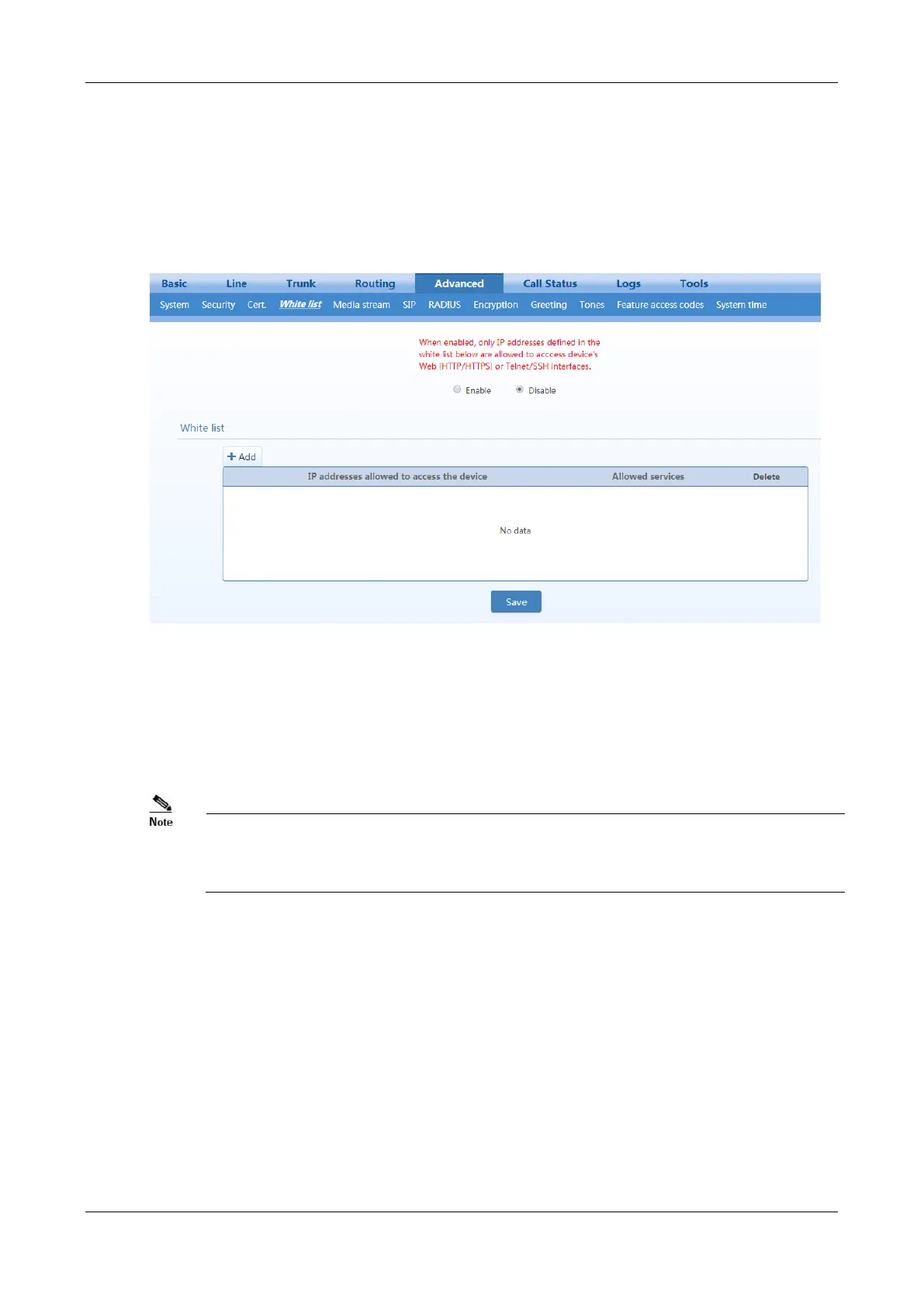
After login, click Advanced > White list to open the white list configuration interface.
Figure 2-46 White List Configuration Interface
Step 5 Click
Add
.
Step 6 In the input box, enter IP addresses and types of services and click
Save
.
Step 7 Select
Enable
.
Being accessible by using Telnet/SSH requires to enable Telnet/SSH on Advanced > Security
page.
The device allows a white list of 20 entries.
2.7.8 Media Stream
After login, click Advanced > Media Stream to open this interface.



 To Next Page