MX Series Voice Gateway User Manual
New Rock Technologies, Inc. 83
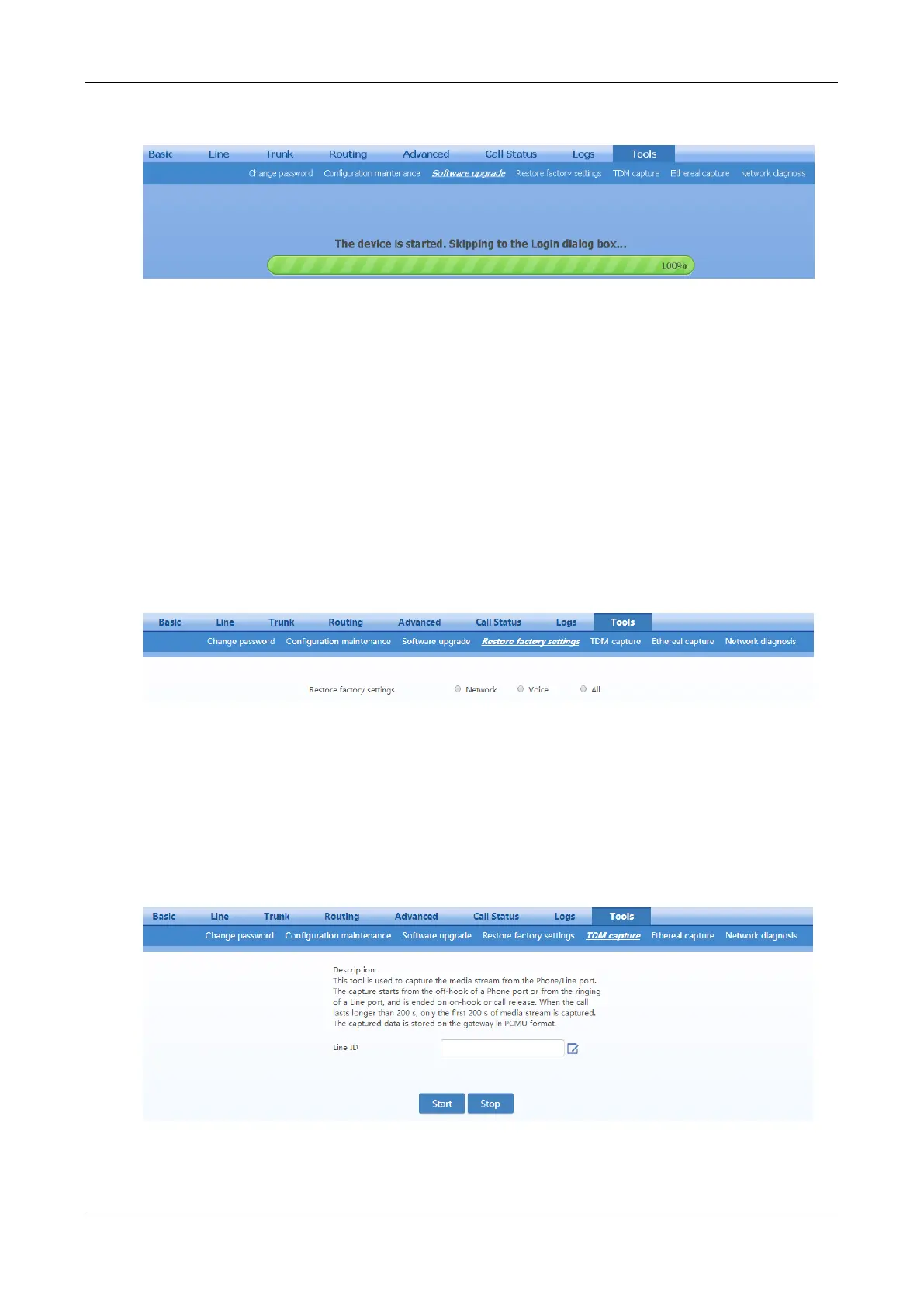
Figure 2-71 Interface for Completing Device Restart after Upgrade
Wait for about two minutes, and access the interface of gateway management system, click Info and
check the software version.
2.10.4 Restore Factory Settings
After login, click Tools > Restore factory settings.
The factory settings are designed based on common applications, and therefore, there is no need to
modify them in many deployment situations.
You can choose to restore network or telephony related factory settings, or both.
Restoration takes effect after the system is restarted.
Figure 2-72 Restore Factory Settings Interface
2.10.5 Capture Recordings on the Port
After login, click Tools > TDM capture to open this interface. This tool can be used to capture the voice
stream from the Phone or Line interface. When the call lasts longer than 200 seconds, only the first 200
seconds of voice stream will be captured. The voice file is stored on the gateway in PCMU format.
Figure 2-73 Interface for Capturing Port Recordings



 To Next Page