User Manual MX Series Voice Gateway
80 www.newrocktech.com
Local port for
sending logs
The port used to send logs.
Procedure for downloading the log:
Step 1 Click
Download
, the gateway begins to assemble the logs.
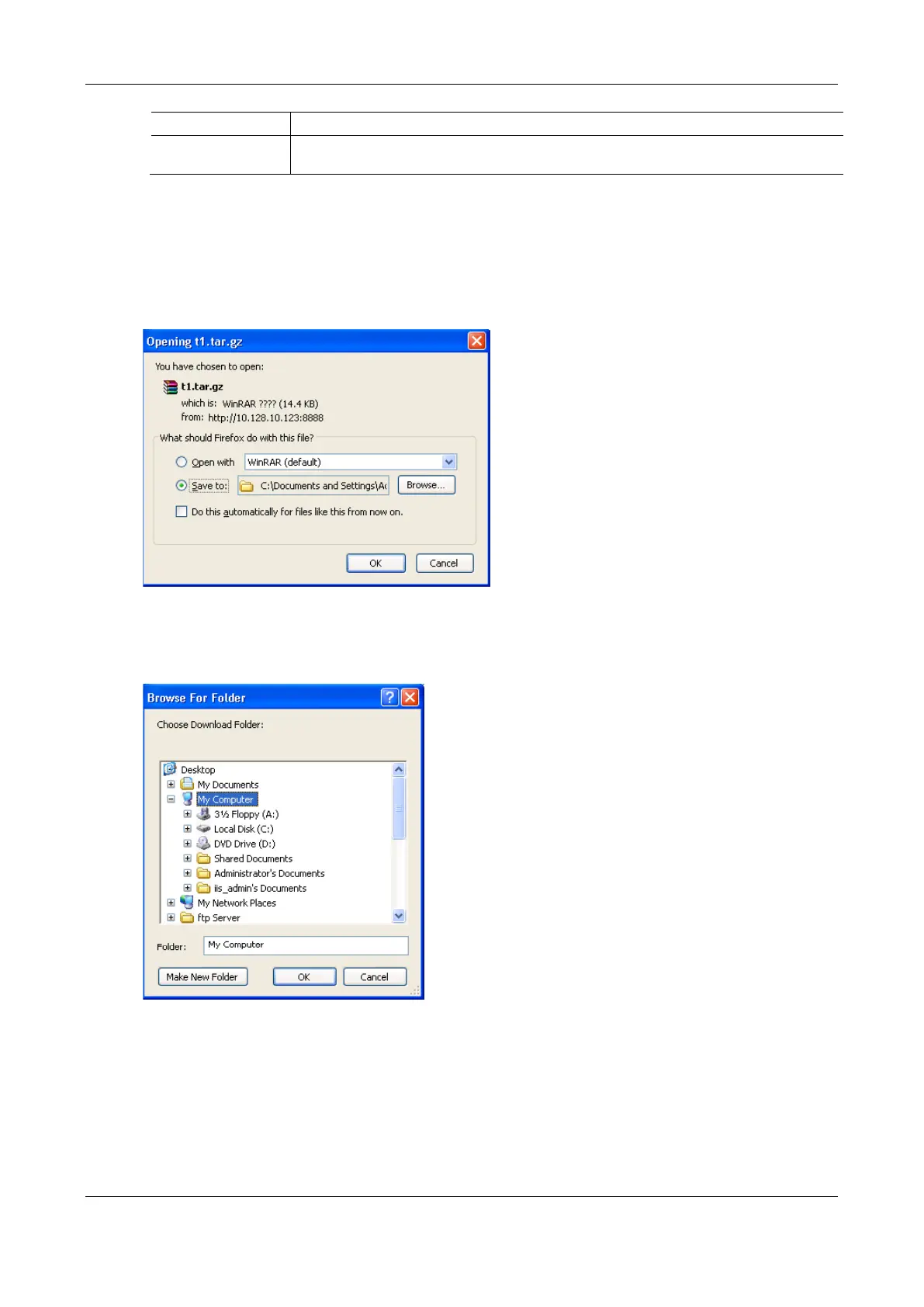
Step 2 After a few seconds, the interface of log saving will appear.
Figure 2-63 Log Saving Interface
Step 3 Click
Save
, and select path to save.
Figure 2-64 Path Saving Interface
Step 4 The user may review the log file from the server.



 To Next Page