NG-MB1/NG-MB2 User Manual
Page | 26 Copyright©2022 NGTeco. All rights reserved.
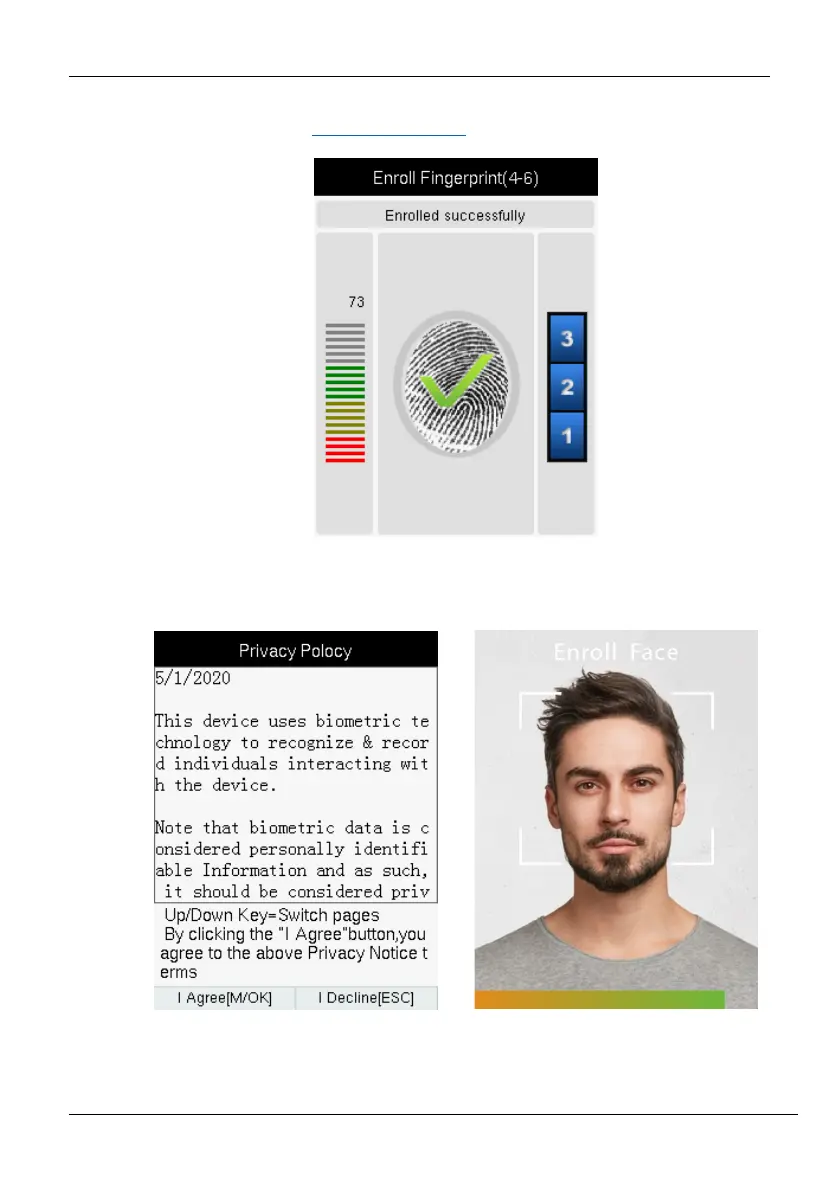
After successful enrollment, the success message will be displayed as shown below, for
further details, please refer to 2.4 Finger Enrollment
.
Face: To enroll the face, press <M/OK>. The interface to enroll the face will be
displayed as shown below:
Card Number★: To enroll the card, press <M/OK>. The interface to enroll the
card number will be displayed as shown below:



 To Next Page