125
Reference section 6 — Echo sounding
Setting the ECHO screen data
Reference Manual Revision D
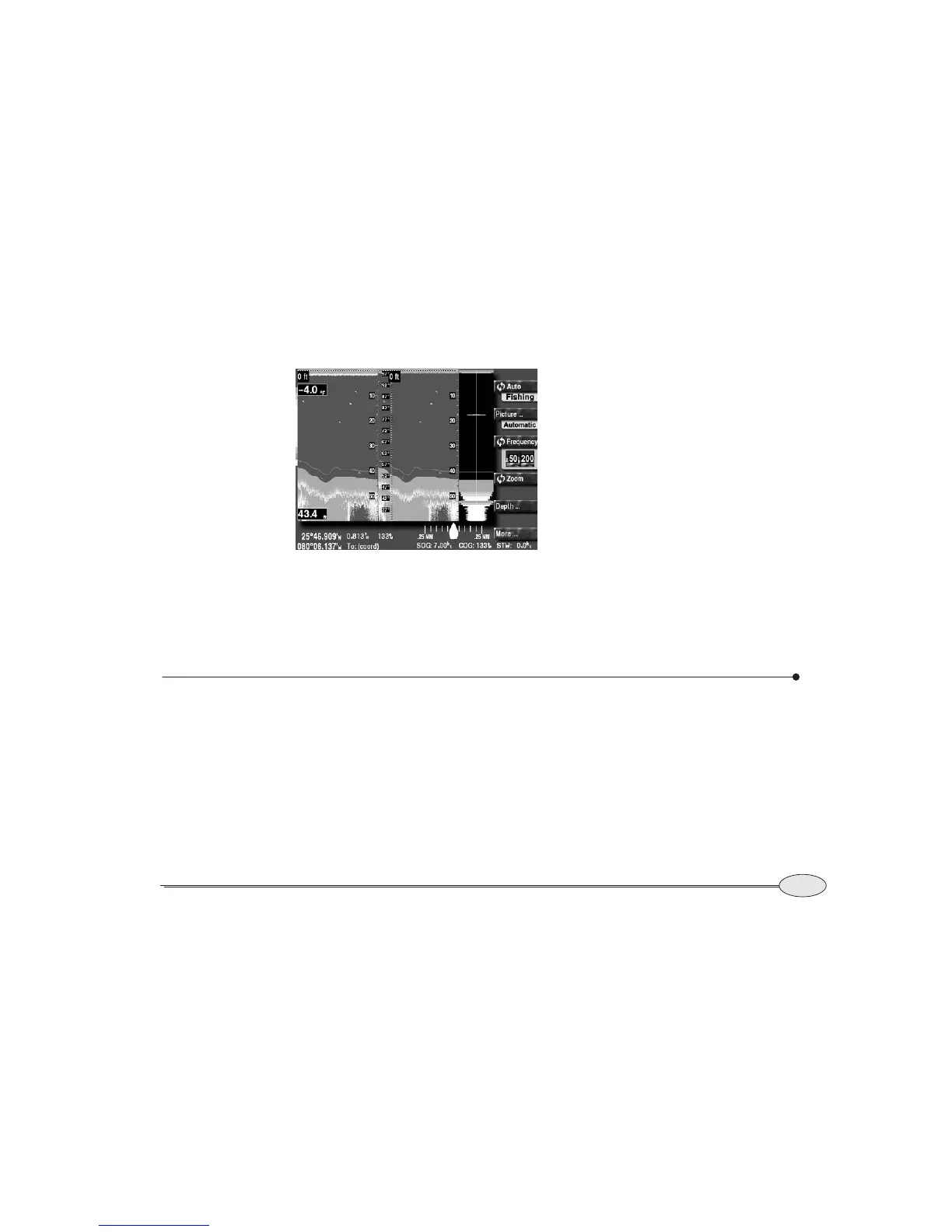
The A-scope appears on the far right-hand
side of the screen, magnifying one water
column.
The A-scope with dual frequencies
If you’re displaying both 50 and 200 kHz
echoes, the A-scope magnifies echoes from
the frequency shown on the right side of
the screen.
The A-scope with zoom mode
If you’re in zoom mode, the A-scope
magnifies the unzoomed echoes on the
right side of the screen.
The A-Scope with SoundTrac
If you have pressed the cursor pad to the
left to show the position marker, the
A-Scope magnifies the water column at the
position marker location.
Setting the ECHO screen data
Numeric and graphic information can be
displayed on top of the echoes, including
bottom depth, water temperature, and
speed through the water (STW).
To access these functions, press
More, and
then Data.
Note that the temperature and speed menu
keys don’t appear if the sensors are not
configured.
A-scope



 To Next Page