72
Reference section 4 — Creating waypoints and routes
Creating a route from the chart
Northstar 6000i
You can create a route in three different
ways:
• use the CHART screen to choose a
sequence of waypoints
• use a waypoint list to choose a
sequence of waypoints
• save a route’s waypoints as you travel
Route and waypoint capacity
A route can have up to 35 waypoints. You
can store as many as 500 routes in the
6000i, but the maximum number depends
on the number of stored waypoints. Each
route takes up space that otherwise could
be occupied by one or two waypoints.
Creating a route from the chart
To create a route graphically from the
CHART screen:
1. Press WAYPTS/ROUTES, and then press
Routes.
The names of any previously stored
routes are shown on the
routes list.
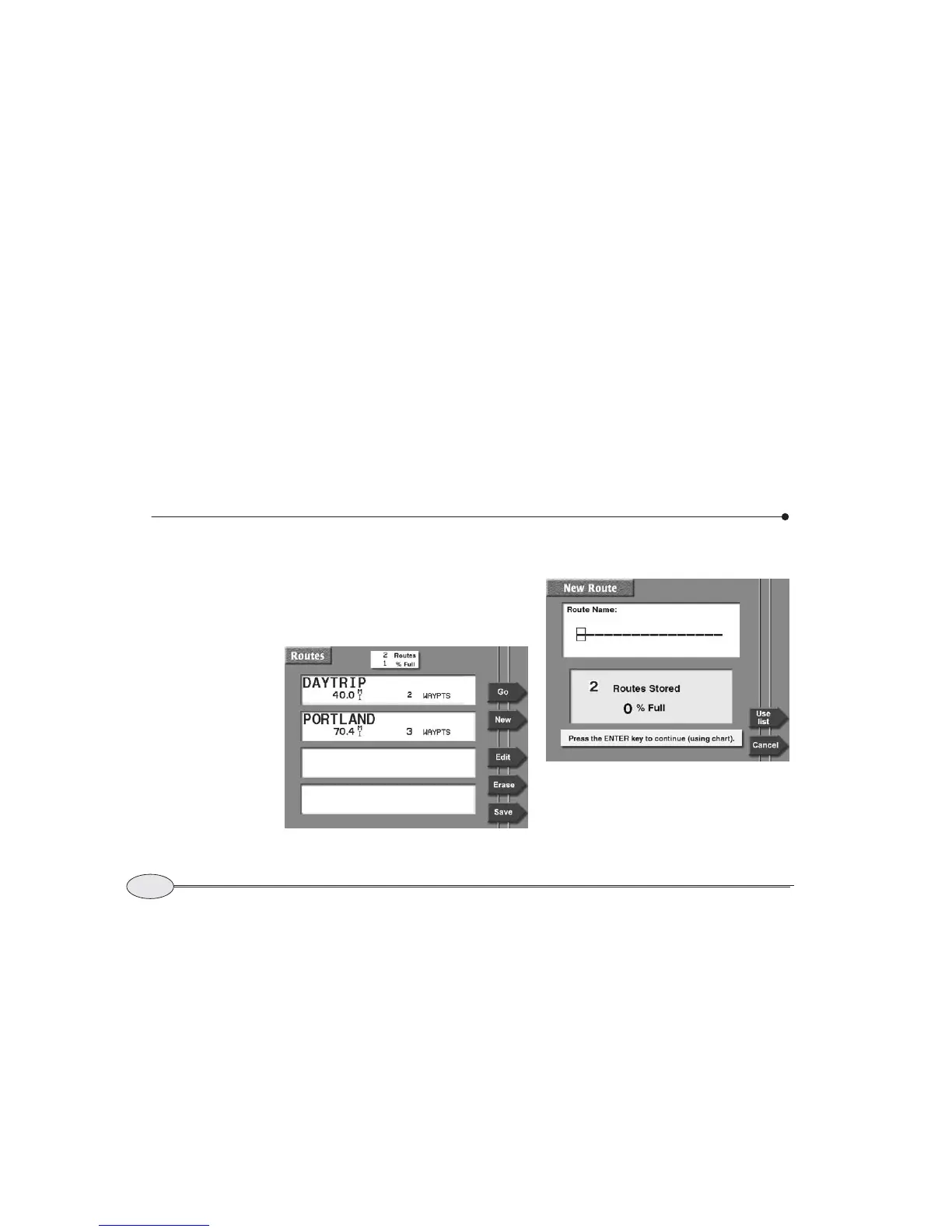
2. Press New to display the NEW ROUTE
screen.
3. Enter the name of the new route using the
keypad and cursor pad.
Routes list screen



 To Next Page