36
Reference section 1 — Using the Chart Screen
Using Gold charts
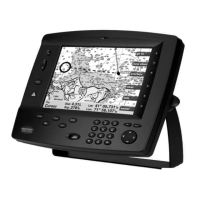
Northstar 6000i
Depth contour lines
Depth contour lines can be displayed in
shallow areas only, or not at all.
Press the cursor pad up or down to set the
depth you wish to be considered as
shallow.
Press Contour lines to choose whether or
not contour lines are displayed
Shaded areas
Navionics Gold Charts contain additional
depth information that can be used to
color shallow areas of water. You can
choose the depth where the coloring starts.
This feature can be useful when you want
to remain in water that is deeper than, for
example, 20 feet. The 6000i can color
water deeper than 20 feet in a very light
blue (nearly white), and water shallower
than 20 feet in dark blue.
Between these two areas, there will often
be another area of water shaded with a
brighter medium blue. Very often, the
special contour lines stored in your
cartridge for this purpose will not match
exactly the depth you chose to indicate.
Areas that straddle your chosen depth are
displayed this way. In some locations, these
areas may be quite large.
Drying areas are displayed in a medium
brown.
Press the cursor pad to the right to select
the
AREAS column, and press it up or down
to choose the minimum depth you want to
be notified of. Areas surveyed deeper than
this depth are displayed in very light blue.
Using Gold charts
Restrictions
There are a few important restrictions on
using Gold Charts.
The most important is that you can not use
Gold and Classic charts at the same time.
The 6000i configures itself for one or the
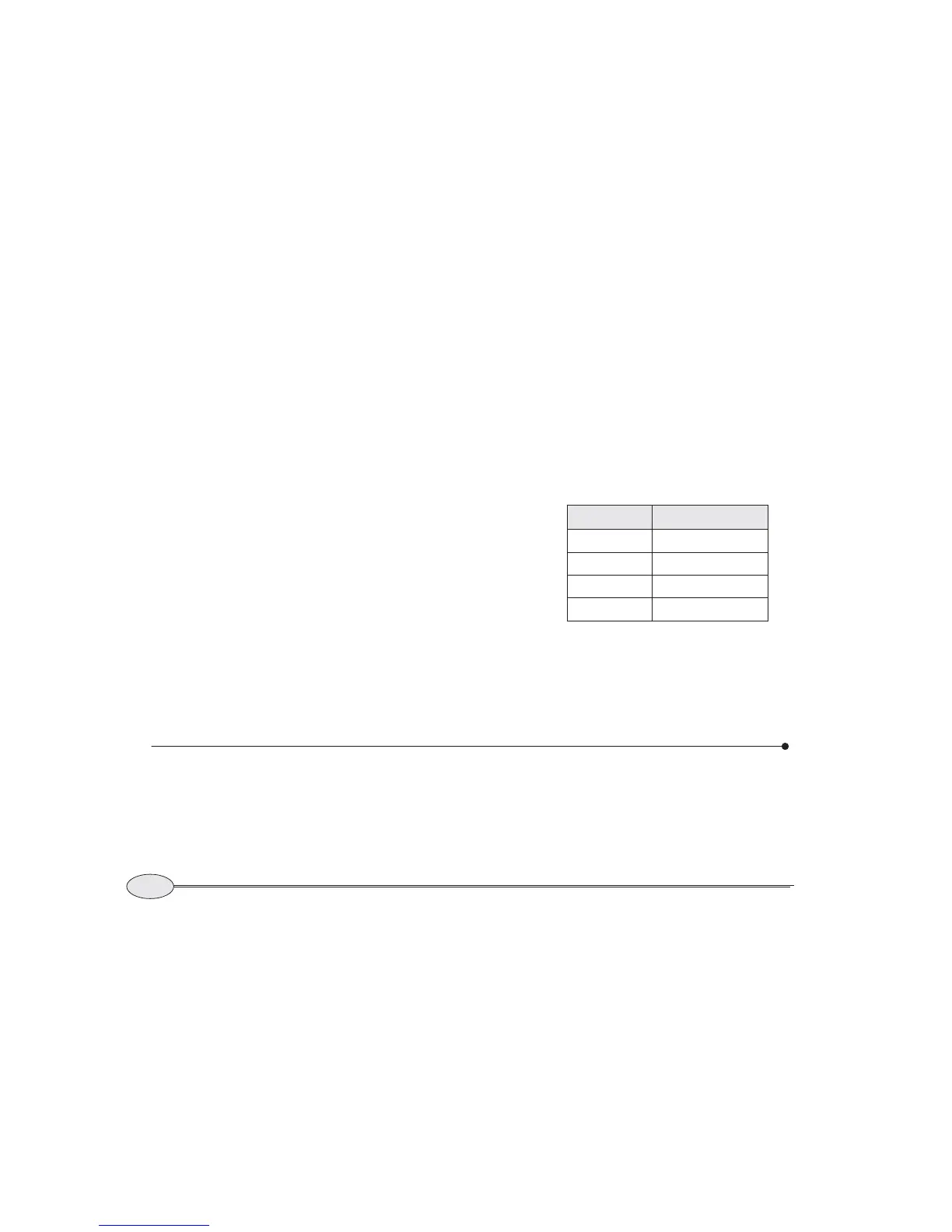
Color Meaning
Brown Drying area
Dark blue Shallow
Medium Blue Overlap or unknown
Very light blue Deep


 To Next Page