95
Reference section 5 — Radar
Using the radar adjustment keys
Reference Manual Revision D
2. If a numerical value appears, you can
change it by:
• pressing the cursor pad up and
down (changes affect the display
immediately after the cursor pad is
released), or
• using the numeric keys on the
keypad to enter the value, or
• in some cases, pressing the menu
key again
Radar adjustments on Page 2
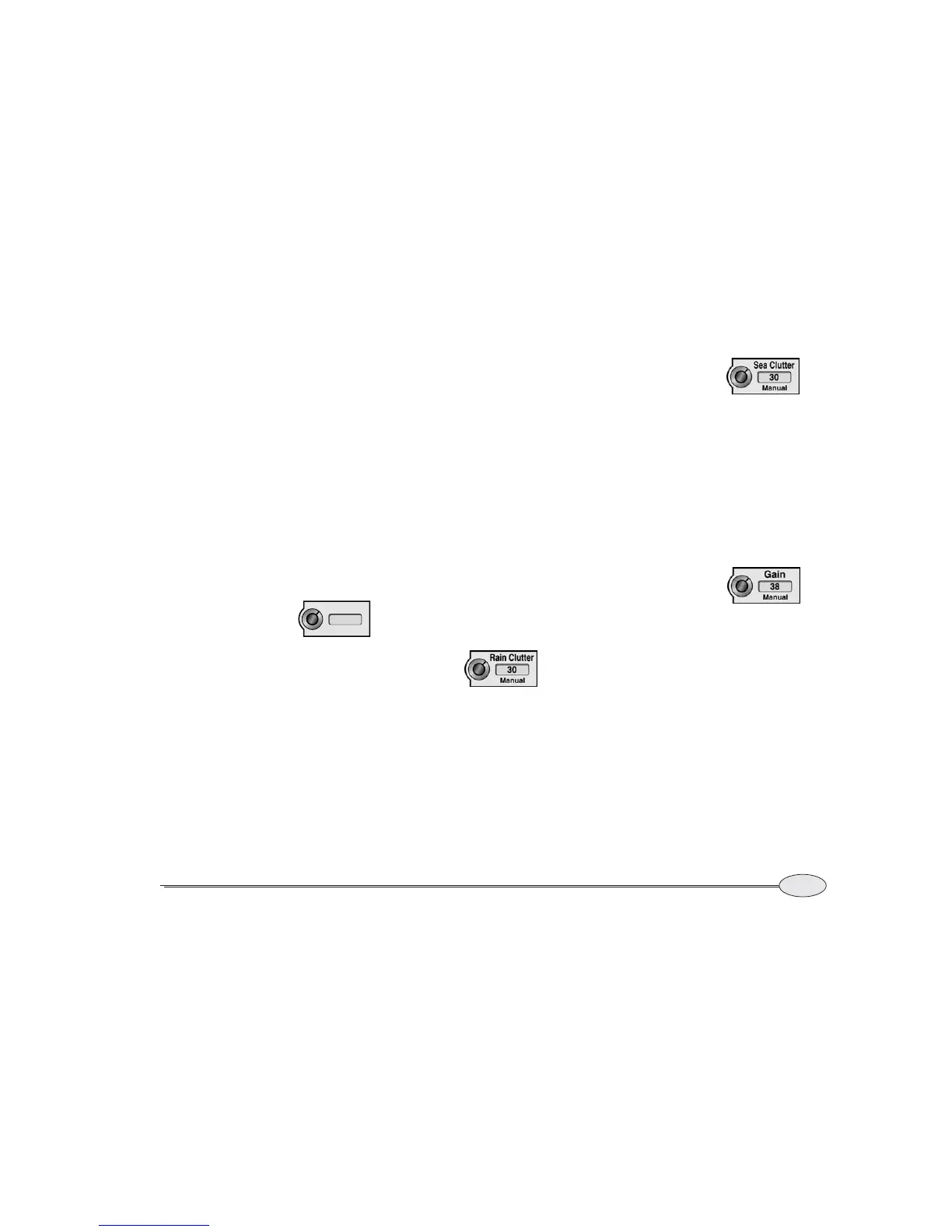
Press the keys to adjust the mode, rain
clutter, sea clutter, or gain.
Press the Mode key to
select the operating mode
as described on page 92.
Rain Clutter controls the
strength of the clutter
echoes returned from
rainfall or snow. Higher
values suppress more clutter. Rain Clutter
can be set to automatic or manual mode.
Press the activated Rain clutter key to
switch modes. The rain clutter setting can
be entered on the keypad or by using the
cursor pad. Manual settings range from 0
to 99 (0 to 8 on the 2kW unit). Higher
settings suppress more rain echoes.
Sea Clutter controls the
strength of the clutter
echoes returned from the
ocean surface. Higher
values suppress more clutter. Sea Clutter
can be set to automatic or manual mode.
Press the activated Sea clutter key to
switch modes. The sea clutter setting can
be entered on the keypad or by using the
cursor pad. Manual settings range from 0
to 214 (0 to 255 on the 2kW unit). Auto-
matic settings range from 0 to 50 (0 to 255
on the 2kW unit) and are unrelated to the
manual setting numbers.
Gain controls the strength
of all echoes, and should be
adjusted for a pleasing and
useful image. Higher values
display brighter echoes. Gain can be set to
automatic or manual mode. Press the acti-
vated Gain key to switch modes. The gain
setting can be entered on the keypad or by
using the cursor pad. Manual settings
range from 0 to 299. Automatic settings
range from 0 to 50 and are unrelated to
the manual setting numbers. (Settings for
the 2kW unit range from 0 to 255). Manual
gain adjustments will be different for each
range scale. Longer ranges generally
require more gain.
If speckling appears on the screen, you
may wish to decrease the gain a bit or
increase the sea clutter setting.
Mode
Auto 1



 To Next Page