89
Reference section 5 — Radar
Overlaying radar on the chart
Reference Manual Revision D
lines (EBLs), variable range markers (VRMs),
and guard zones. For more information
about using these keys, see Using the
Radar Markers keys, starting on page 98.
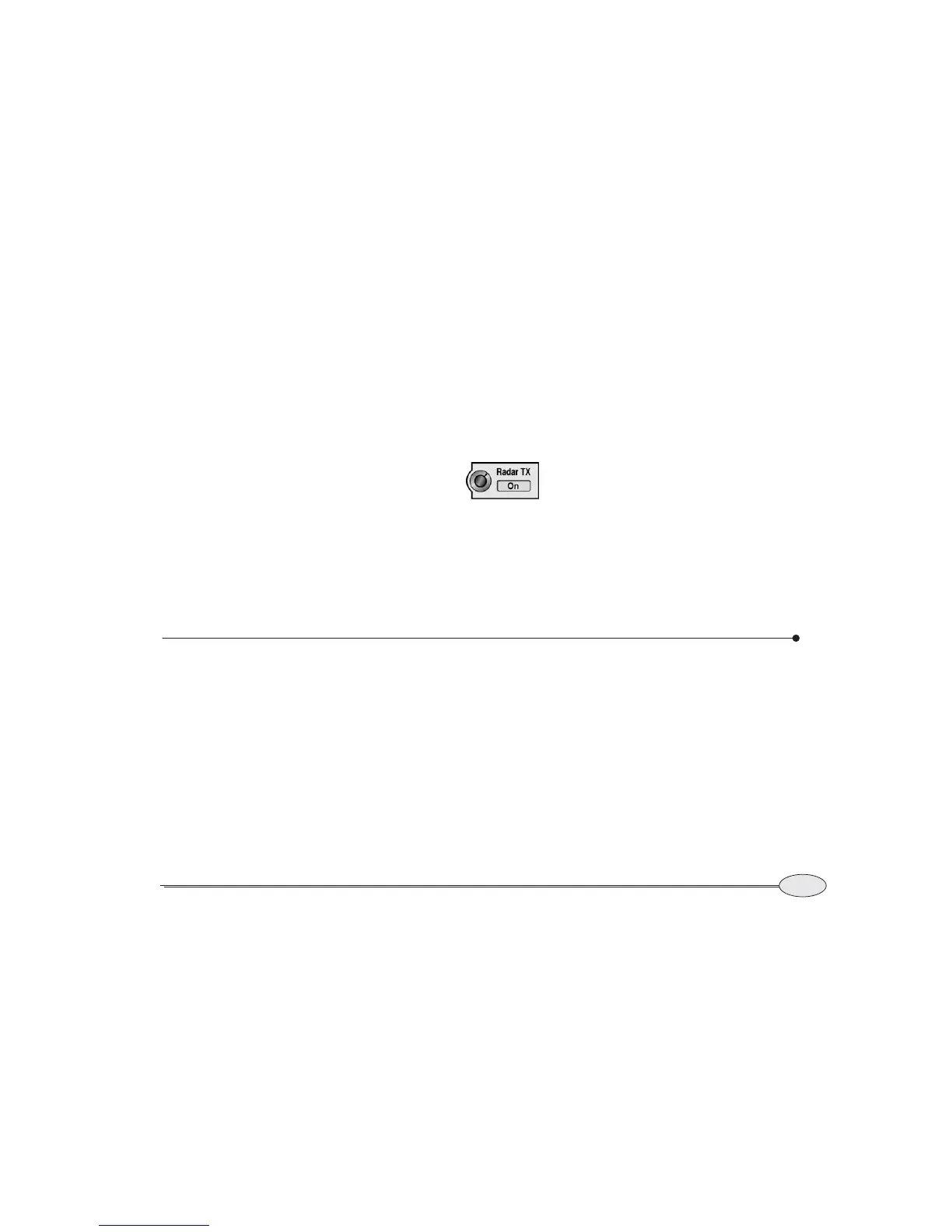
Transmitter control
When the radar image is
displayed full-screen by
pressing the RADAR key, a
menu key allows you to
turn the radar transmitter on or off.
Viewing more info
Press More info to display an “info bar” at
the bottom of the screen. Each additional
press of More info shows the following
information:
• your vessel’s present
Speed-Over-Ground (SOG),
Course-Over-Ground (COG), and
heading
• your vessel’s distance (dist) and bearing
(brg) to the current waypoint, if any,
along with a steering indicator
• your vessel’s position in lat/lon (or TDs,
if enabled)
• the water depth, water temperature,
and Speed Through Water (STW)
reading from the sounder (if interfaced)
Overlaying radar on the chart
To overlay radar onto the chart, press
CHART to switch to the chart screen, then
press Overlay to display Radar in the key’s
blue box.
Radar can be displayed on the main radar
screen, or as an overlay on the chart
screen, or as part of a split screen. All radar
functions are controlled in the same way,
regardless of how radar is displayed. Just
press the Control key so that it displays
Control Radar.
Setting radar transparency
When you overlay a radar image on a
chart, you can choose whether the radar
should be opaque (the chart doesn’t show
through) or transparent (the chart shows
through faintly):
1. Press Page 2, then Page 3, Page 4 and
Prefs...
.
2. Press Fade to select Off (no transpar-
ency), Medium, or High (maximum
transparency).



 To Next Page