80
Reference section 4 — Creating waypoints and routes
Transferring waypoints/routes to other units
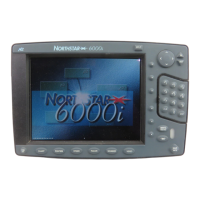
Northstar 6000i
Erasing an entire route
To erase a route:
1. On the ROUTES screen, press the cursor
pad to select the route you want to erase.
2. Press Erase.
3. Press ENTER.
Editing a route you’re navigating
along
When you follow a route, the route’s
waypoints are copied to the navplan for
safekeeping. The navplan is displayed on
most chart screens and on the NAVLOG
screen.
If you change a route you’re navigating
along, the 6000i stores the changes, but
they won’t appear in the navplan you’re
following. To activate these changes in
your current navigation, you must start
following the route again.
If you edit the coordinates of a waypoint
directly in the navplan, you’ll receive a
warning, as this might result in an unsafe
path. You cannot erase a waypoint that is
in a route or the navplan; it must be
removed from the route first.
Transferring waypoints/routes to other units
Networked 6000i’s automatically share
data. This section only applies to trans-
ferring data to or from the older Northstar
units.
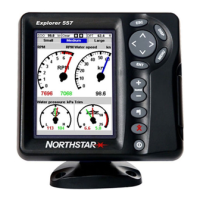
The 6000i’s import/export function lets
you transfer all waypoints and routes
between a 6000i and a Northstar 941, 951,
952, 957 or 958.
NOTE:
To import or export waypoints and routes
to and from older 900-series Northstar
units, these older units must contain soft-
ware version 3.12 or higher. To obtain any
necessary upgrades, please see your
authorized Northstar dealer.
You can perform the transfer from either
unit. The other unit can remain in
normal operation, including the
displaying of different screens, as long as
you do not edit any of its waypoints or
routes during the transfer. It is preferable
to stop navigating on the receiving unit by
pressing STEER, Navlog, and then Stop.
The unit you operate to perform the
transfer is called the “control unit.” The
instructions here apply to operating the


 To Next Page