87
Reference section 5 — Radar
Displaying radar
Reference Manual Revision D
You can also turn the transmitter on or off
using the menu keys:
1. Press RADAR to display the radar screen.
2. Press Radar TX so it indicates On or
Off, as desired.
Displaying radar
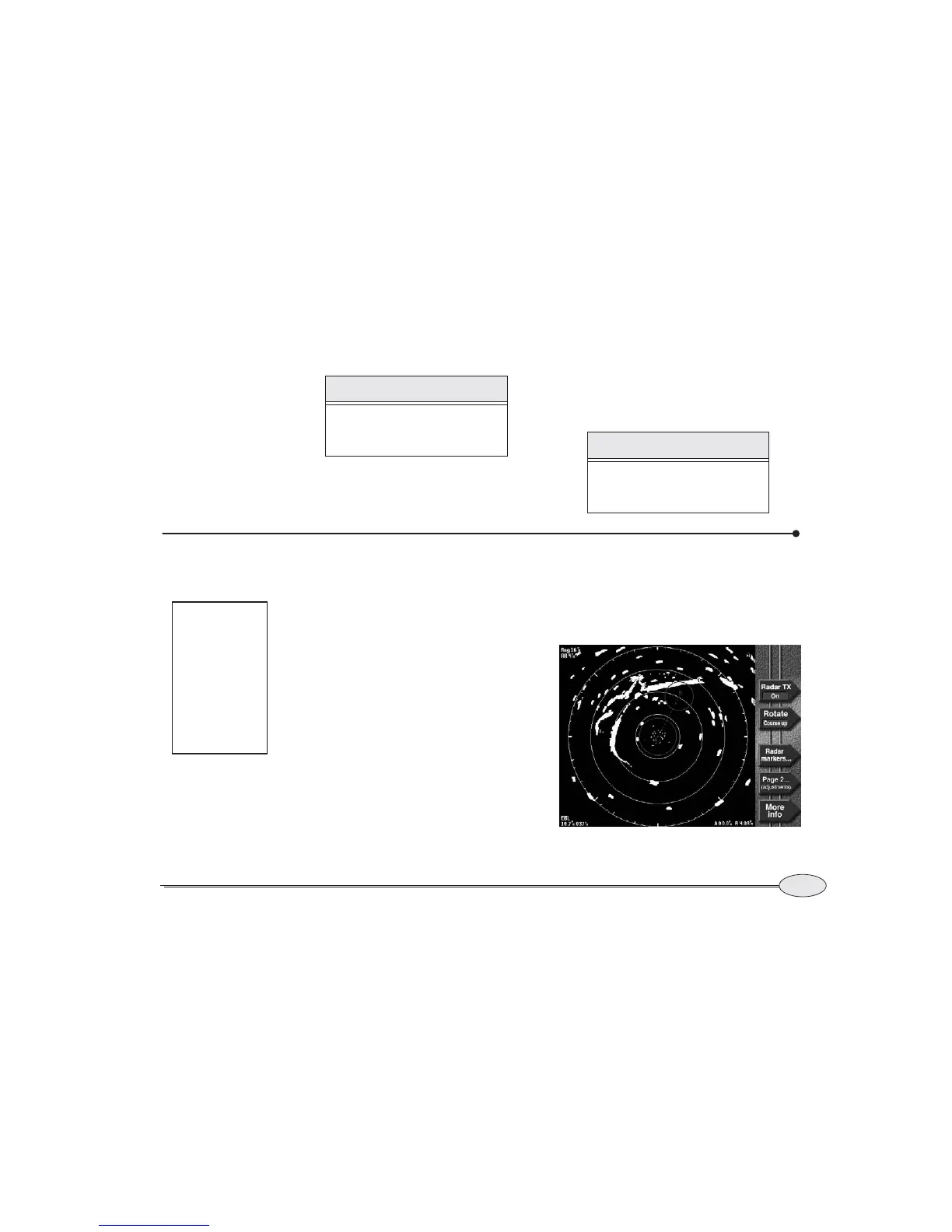
The radar image includes:
• A north indicator to show the direction
of true or magnetic north.
• The current radar scale, shown by the
numbers in the upper left corner of the
radar image. Rng is the distance from
the center to the largest range ring, and
RR is the spacing between the range
rings.
• A dashed white heading line. This line
indicates your heading, not
Course-Over-Ground, and can be used
to compare the radar presentation with
the view in front of the vessel.
• A gray course predictor line.
For information about rotating and scaling
the radar, see Changing radar scale and
rotation, starting on page 90.
A special demo mode for simulating radar
echoes based on the chart information is
available. Radar demo mode is activated
whenever the chart demo is turned on.
NOTE:
The radar remains in standby mode
for a minute and a half after power is
applied.
NOTE:
Even though the transmitter has
been turned off, the radar is still in
standby mode and draws power.
Note:
It’s important
that you do
not use Demo
Mode when a
radar is inter-
faced to the
Northstar
6000i.
Radar screen



 To Next Page