19
Radar
Quickstart Guide Revision D
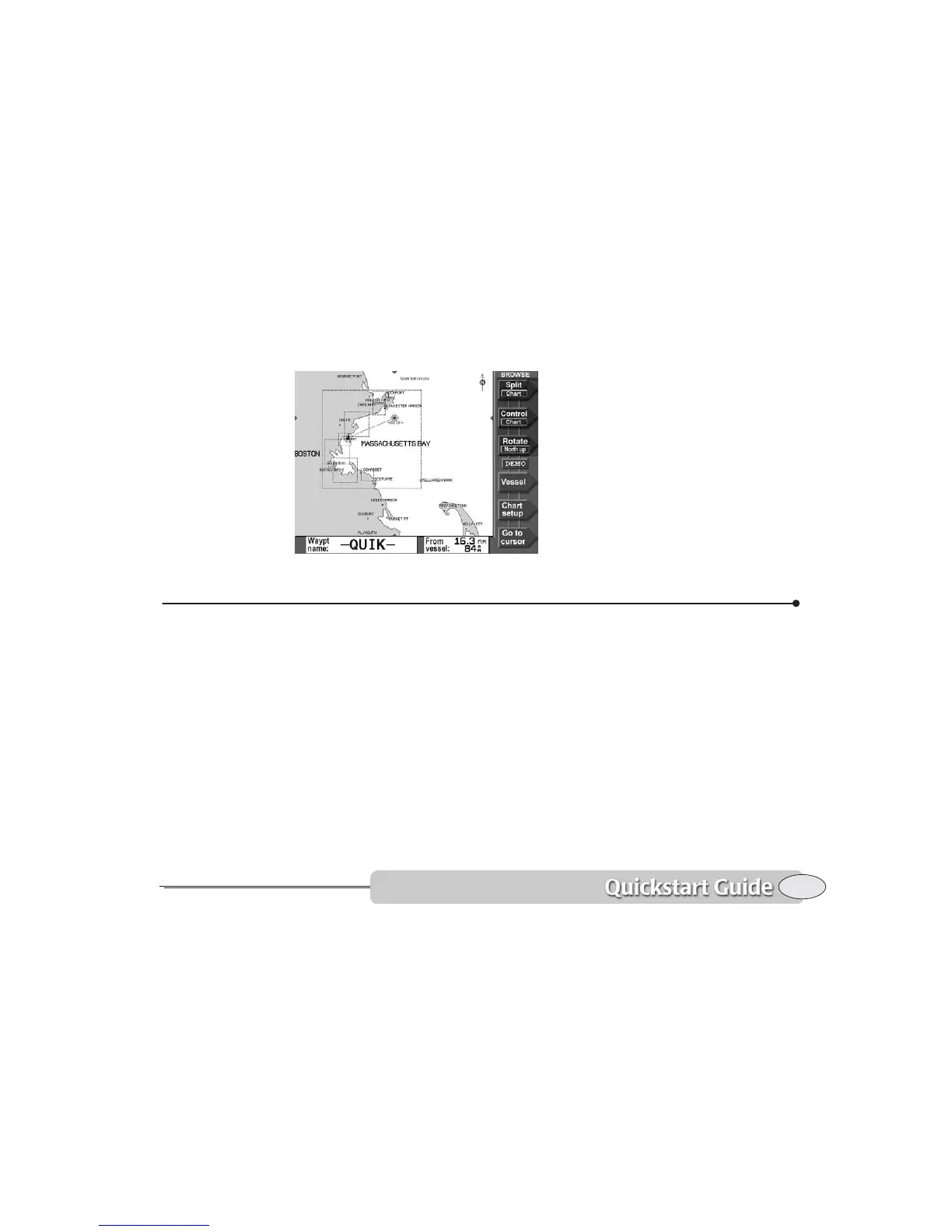
Watch your progress on the chart screen,
or press STEER to stay accurately on the
straight-line course to the waypoint (see
Steering to a waypoint, starting on page 54).
That’s all you have to do to use the 6000i
in its simplest form. To learn more about
navigating to waypoints, See Navigating to
Waypoints, starting on page 51.
Radar
Using the optional Northstar radar you can
determine where other boats or ships, navi-
gational markers, land masses, flocks of
birds, and other objects are located in
relation to your vessel, and you can track
their movements.
The radar won’t be operational until you
turn on the radar transmitter. See
Displaying radar, starting on page 87.
If a Northstar radar unit is interfaced to the
6000i, press RADAR to see the radar image.
If a radar unit is not operating or not
connected, you can simulate radar signals
for your area by using Demo Mode as
described on page 16.
Press Adjust Radar to make operating
adjustments to the radar system as
described in Using the radar adjustment
keys, starting on page 94.
Press Radar Markers to set the radar’s
Electronic Bearing Lines, Range Rings, etc.
as described in Using the Radar Markers
keys, starting on page 98.
On the CHART screen, you can press Radar
overlay
to superimpose the radar image on
Navigating


 To Next Page