139
Reference section 8 — Alarms and TideTrack
Alarms
Reference Manual Revision D
press of Clear alarm will show you the
most recent alarm message from each
category.
Clearing alarms
Clearing an alarm means removing the
flashing alarm icon as well as the word new
from the display of that alarm on the
ALARMS screen. To manually clear an alarm
(and to see other alarms that may need
clearing), press the Clear alarm key on the
ALARMS screen.
There are two types of alarms:
• Auto-clearing alarms automatically
clear after the alarm condition
disappears, or in some cases, after a
short time-out period (typically about
10 seconds). Most alarms are
auto-clearing; however, they can also
be manually cleared, if desired.
• Alarms that require manual clearing
stay on-screen until you clear them on
the alarms screen. Some serious alarms,
such as loss of position fixes, will repeat
at intervals.
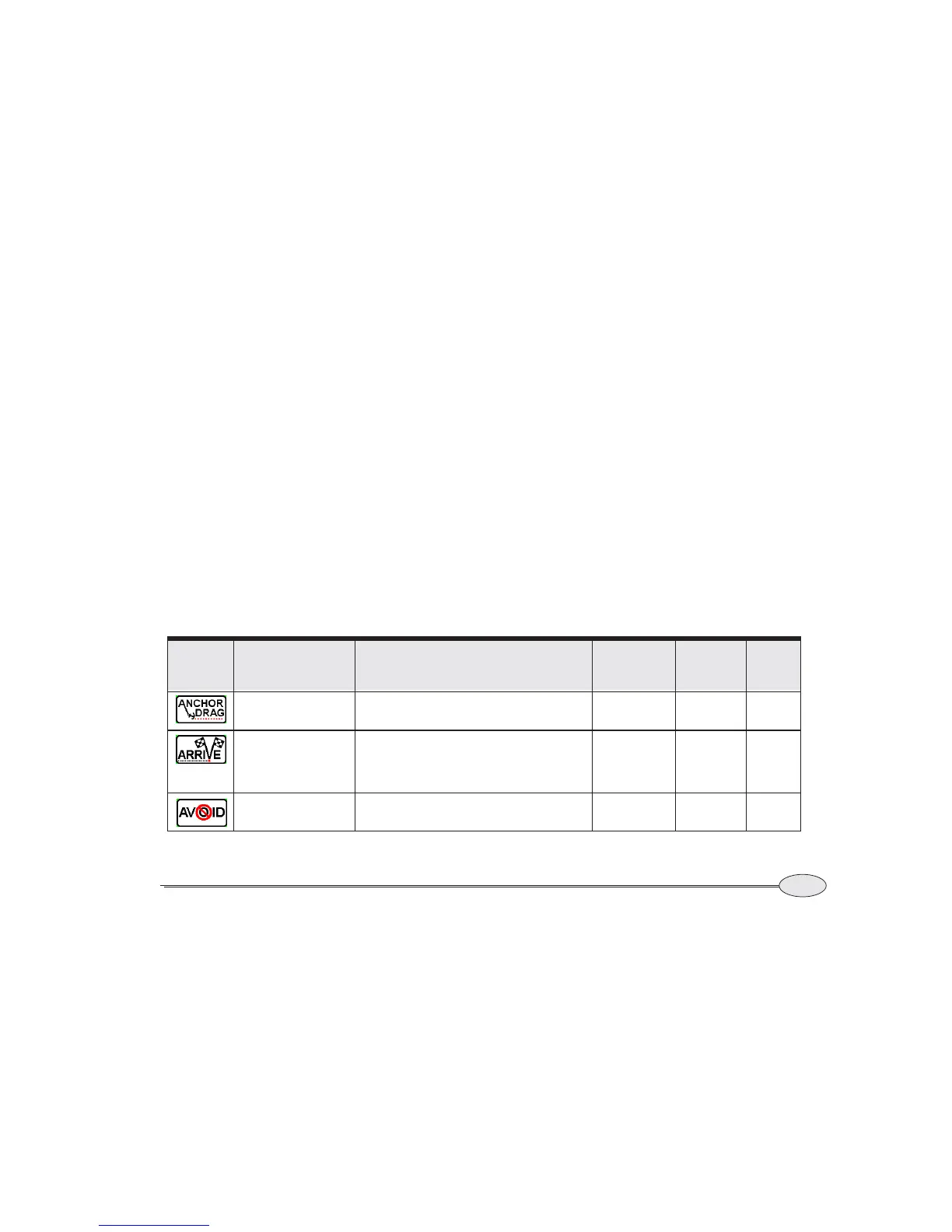
All of the 6000i’s alarms are described in
Table 4 below.
Table 4: 6000i alarms
ALARM
ICON
ALARM MESSAGE ACTIVATED WHEN . . .
CONTROLLED
ON ALARM
SCREEN?
CLEARS
AFTER
TIME–OUT?
CLEARS
WHEN
OK?
YOUR ANCHOR MAY
BE DRAGGING
Vessel has moved outside the radius limit set in
the
anchor alarm.
YES No No
YOU’VE ARRIVED AT
WAYPT: ‘NAME’
Vessel has entered the arrive radius of an active
waypoint. This alarm is shown only if you’re nav-
igating to a single waypoint, or if you’ve chosen
manual waypoint switching.
No 10 seconds YES
YOU’VE ENTERED
AVOID ZONE
Vessel has entered the warning radius of an
avoidance waypoint.
No No No



 To Next Page