41
Reference section 1 — Using the Chart Screen
Using the distance and bearing calculator
Reference Manual Revision D
The distance and bearing from your posi-
tion to the cursor is displayed in the info
bar.
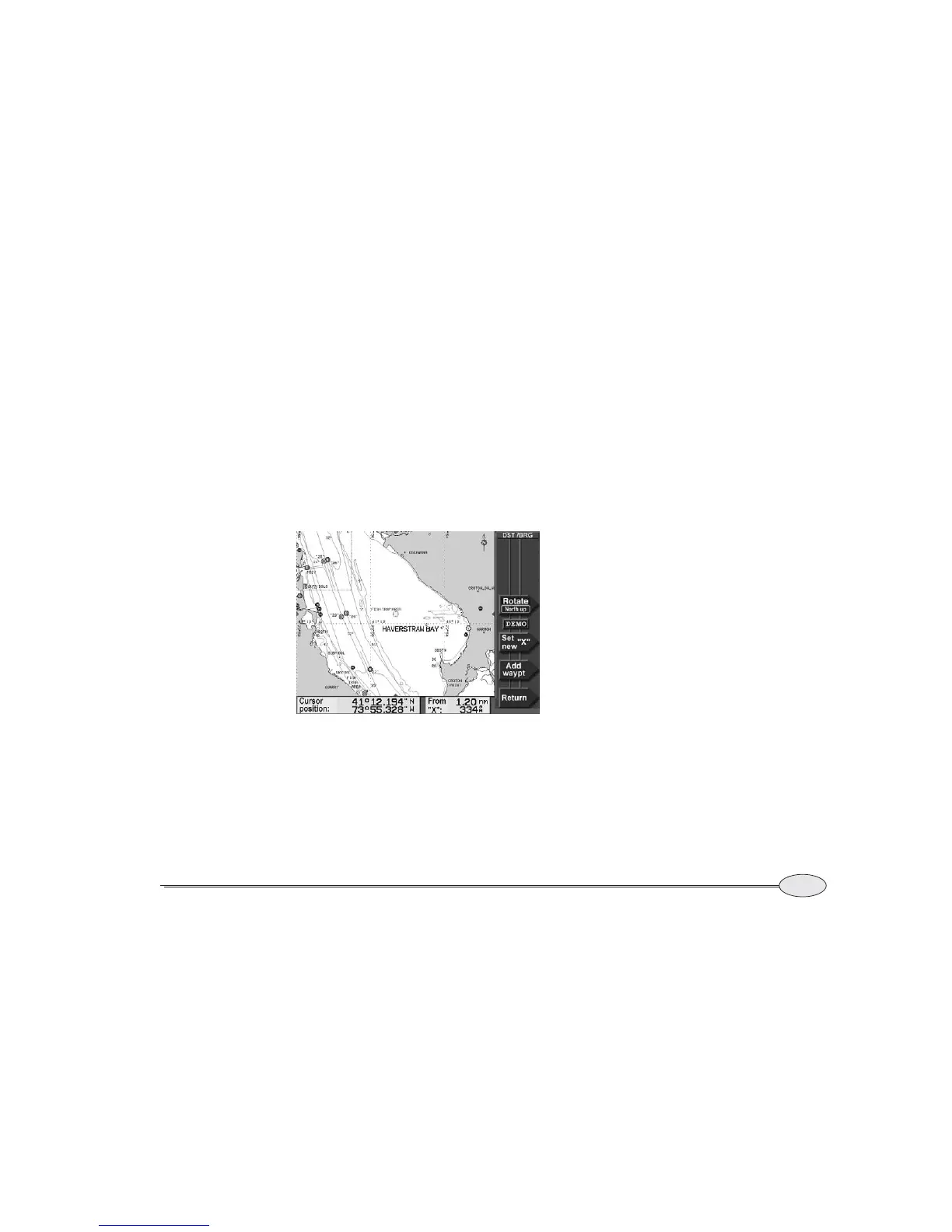
4. To measure the distance and bearing from
the cursor to another point, press Set
new “X.”
A new “X,” or starting point, is displayed at
that location. As you move the cursor, the
distance and bearing from the
“X” point to
the cursor’s position are displayed in the
info bar.
If you want to make a waypoint at the
cursor location, press Add waypt, then
enter its name, symbol, and any descrip-
tion on the NEW WAYPOINT screen. Press
ENTER to save it.
Distance and Bearing screen



 To Next Page