69
Reference section 4 — Creating waypoints and routes
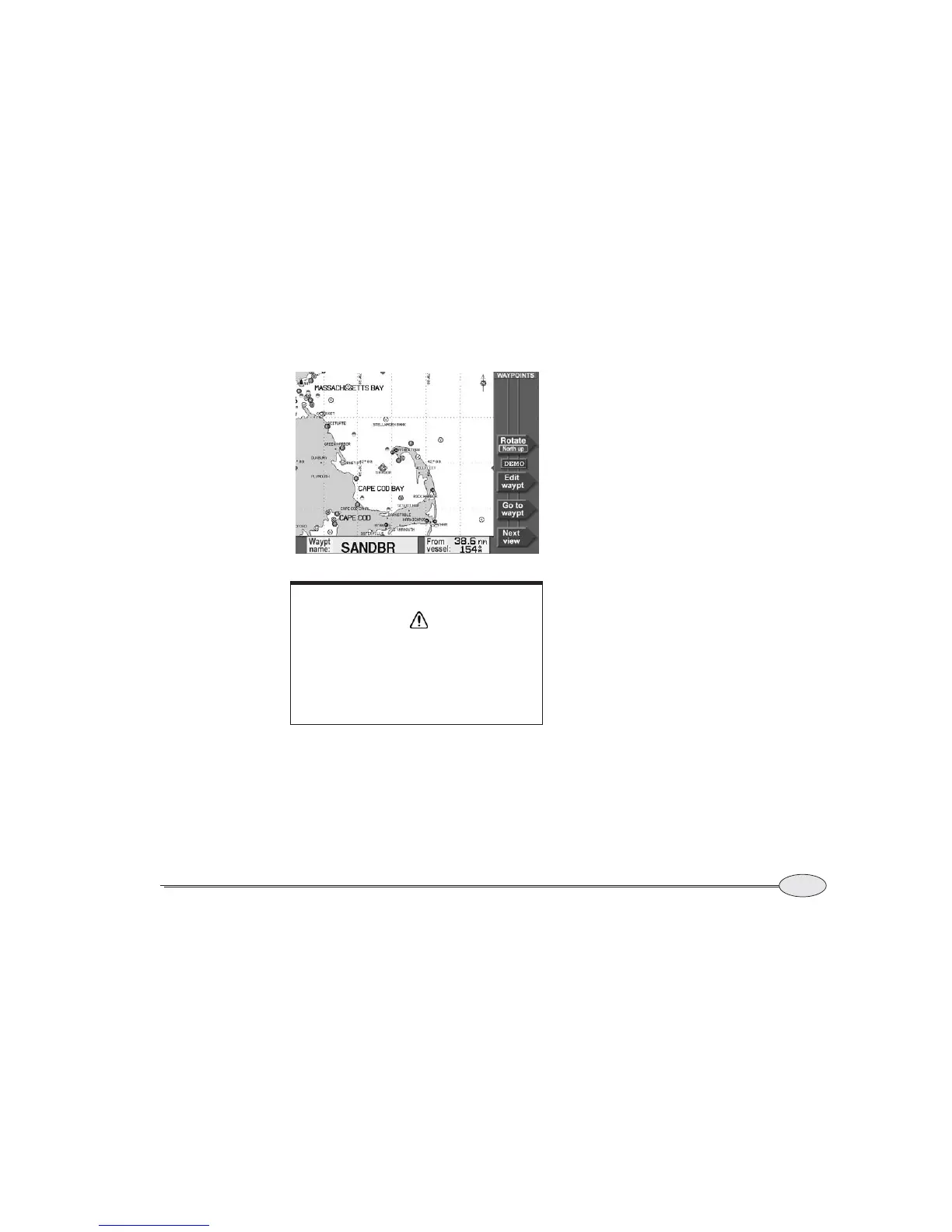
Creating avoidance-area waypoints
Reference Manual Revision D
To make any waypoint act as an avoidance
point, enter a number in the WARN RADIUS
box at the bottom of the NEW WAYPOINT OR
EDIT WAYPOINT screen. The warning radius
can be from 0.1nm to 4.99 nm.
Be sure to allow a little extra distance
around the hazard area so you’ll have time
to respond by turning or stopping after you
hear the alarm, and to allow for the typical
accuracy of the navigation source in use.
Setting the avoidance-area alarm
The 6000i will sound an audio alarm when
you enter an avoidance area, provided
you’ve turned on the audio alarm. (See
“Alarm audio” on page 142.)
CAUTION!
The avoidance alarm is only an extra safety
feature to help alert you to possible hazards.
It doesn’t replace local knowledge, proper
use of charts, the person on watch, or any
other aspects of good seamanship that are
required to safely navigate.


 To Next Page